New Participant
November 9, 2017
Answered

Tables: deleting/adding columns to existing

  • November 9, 2017
  • 2 replies
  • 6247 views

I inherited an indesign file with an extensive table/cells/columns/rows... I need to remove some columns and rows... I have searched and searched and watched several videos on indesign tables but none tell or show how to delete a specific column or row. When I highlight a row or column and go up and tell it to delete - it deletes the last column not the one that is highlighted - help is much appreciated.

This topic has been closed for replies.
Correct answer Barb Binder

Barb,

Here it is selected:

and this is after Distribute Columns Evenly

I'm not sure what it means tho?


That's what I was afraid of. This was set up with extra columns and spans—and that was't necessary.

If someone gave me this file to edit, I would strongly consider making a brand new table with the correct number of rows and columns and move the data over. You could try to clean up this one, but it won't be easy. If this table will be edited again in the future, then I'd say it is worth it to redesign it correctly. I'm sorry!

~Barb

2 replies

kphotopage
Brainiac
November 14, 2017

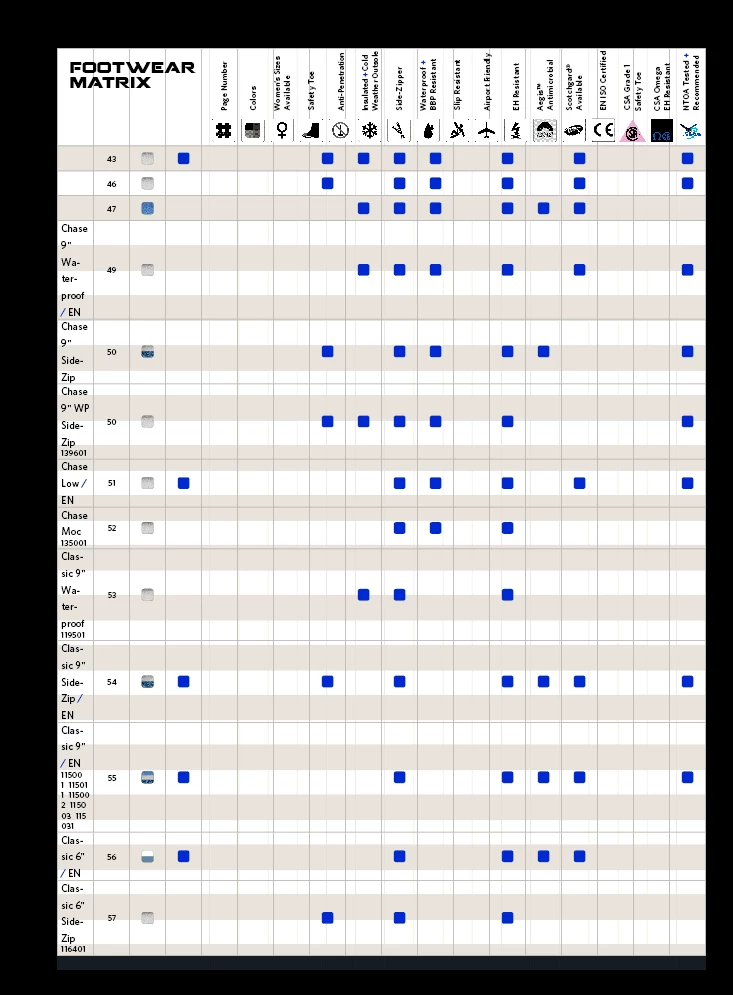
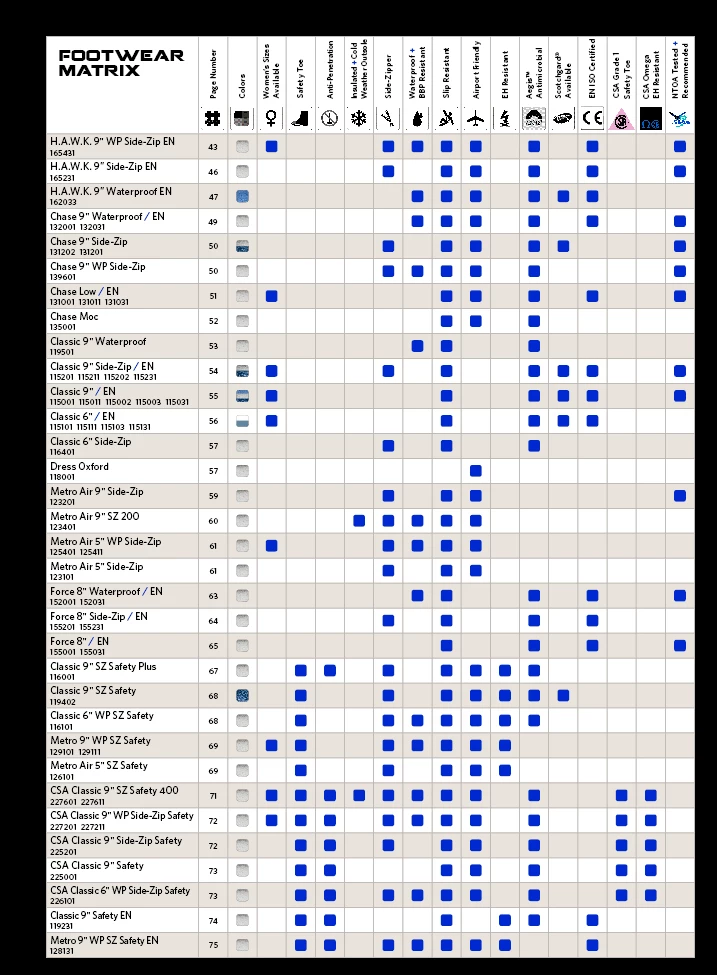
Leslie, Here was my take on this without seeing your file.

Just a prototype. Getting started. Color change.

One Table formatted, One text frame.

• Used Illustrator for all vector icons outlined. Some custom made.

All Anchored or Inline graphics for InD Table.

• Text, created and assigned Character Styles.

• Header is 2 rows.

EZ edits.

K

Barb Binder
Adobe Expert
November 9, 2017

That is how it works, so the question is why yours isn't working that way. Can you show the same series of screen shots for your table?

1. select a column

2. Table > Delete > Column

3. Column is gone.

New Participant
November 10, 2017

Sure thank you... this is what happens on my end:

but see, instead it removed the outline from the last row, leaving the highlighted column as-is

Barb Binder
Adobe Expert
November 10, 2017

I wonder if there are extra columns hidden in there. Working on a copy, what happens if you select the entire table and choose Table > Distribute Columns Evenly?

If that doesn't expose the answer, are you able to share the file? If so, you can put it on dropbox and post a link here (public) or via message (private). I'll be here about 40 more minutes, then can check back this afternoon.

~Barb