


gdwd
Known Participant
October 16, 2018
Answered

Text Tool, Selection, and Properties Panel Problems in InDesign CC2019

  • October 16, 2018
  • 11 replies
  • 7913 views

After upgrading to InDesign CC2019 and resetting my preferences, I've been having problems with the text tool and selecting objects in some of my .indd files.

One problem is that I am not able to select the text tool with a keyboard shortcut. Here is a gif of me simply pressing "T" a few times. The cursor changes for about one second, then changes back. The tool bar shows that nothing actually changes. Clicking the text tool on the tool bar will to change it, but only after InDesign freezes for a couple seconds.
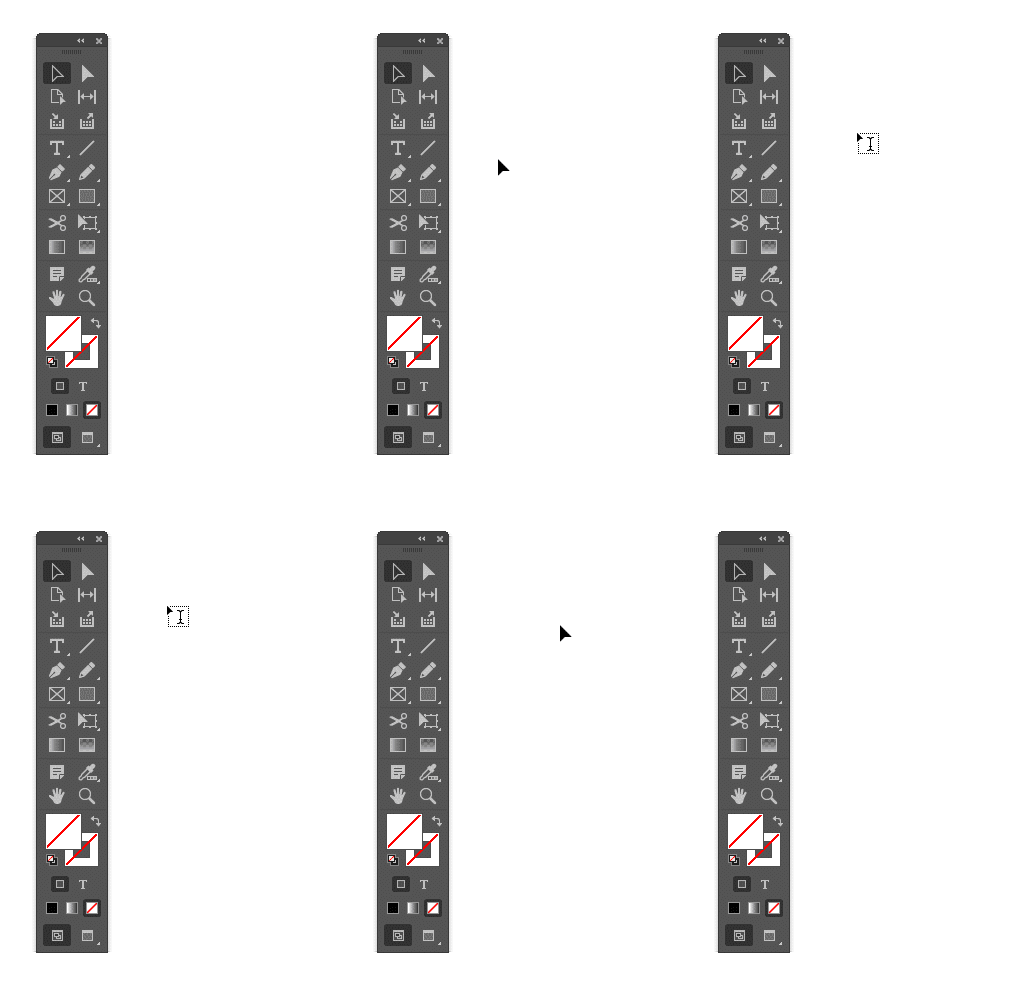
I am also having a similar problem with selecting objects. While the properties panel is open, sometimes InDesign just freezes for a couple seconds when I select different types of objects. Here's a gif of me alternating selecting text and a shape. InDesign freezes the first time I select text, and the second and third (and all subsequent) times I select the shape. I can reproduce this pattern every time.
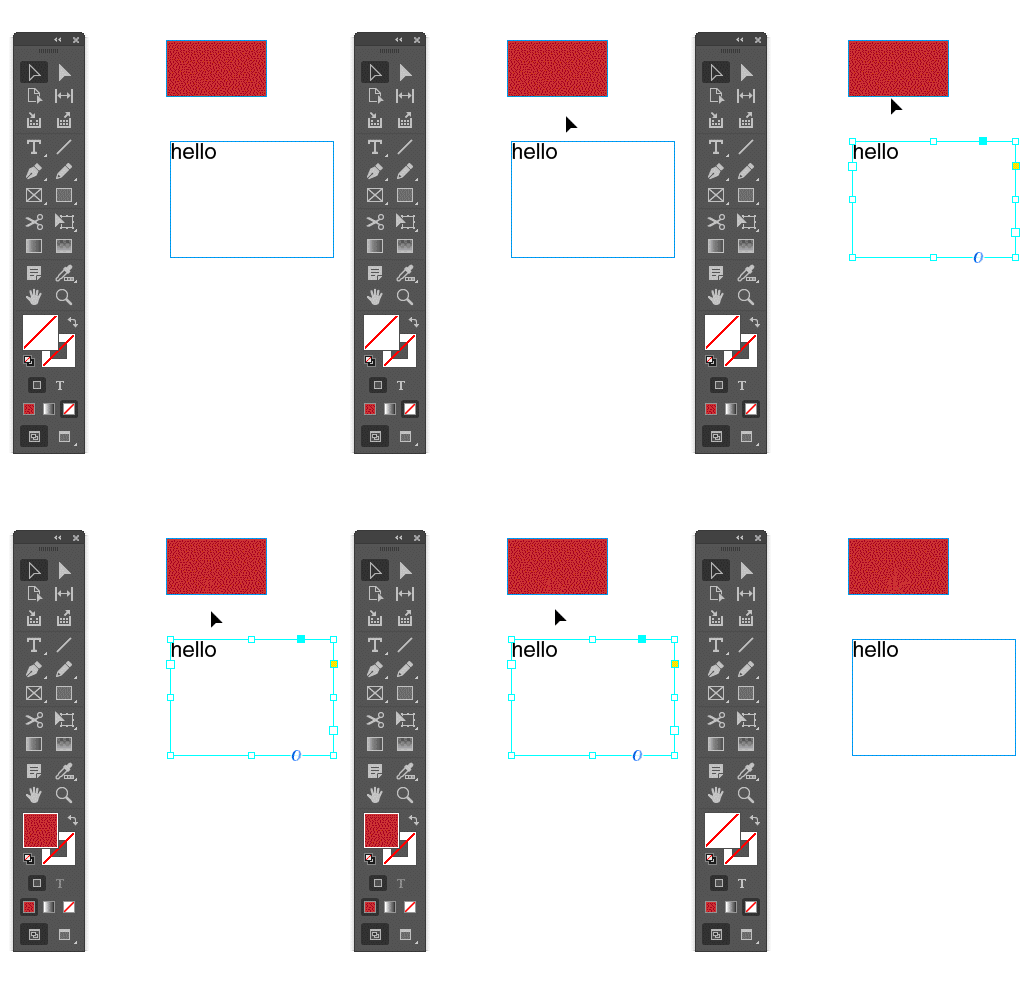
How can I resolve these issues? I am on Windows 10, if that helps.

    This topic has been closed for replies.
    Correct answer Srishti Bali

    Hi all,

    This issue is now fixed in the latest update (ID 14.0.1) of InDesign CC. Please use the Creative Cloud app to update InDesign. Please refer to this help article if you face any difficulty in updating. : https://helpx.adobe.com/in/creative-cloud/help/creative-cloud-updates.html

    Regards,

    Srishti

    11 replies

    Participating Frequently
    September 23, 2020

    I'm using 15.1.2 and been experiencing this weird text tool shortcut problem on and off for a while now. A co-worker has no problems at all with it.

    What appears to have fixed it for me is to go to Edit > Keyboard Shortcuts and then under Product Area: Tools > Type Tool reassign the letter T as the shortcut. It will tell you that it is already assigned to the Type Tool but just click Okay.

    New Participant
    July 12, 2020

    Hi,

    I'm having the same issue as gdwd but using 15.1.1 Is there a new fix? I'm also using a Wacom - but that shouldn't matter, right?


    Thanks in advance for any help.

    Geоrge
    Brainiac
    July 12, 2020

    Please report this to Adobe chat support. 

    Remember, never say you can't do something in InDesign, it's always just a question of finding the right workaround to get the job done. © David Blatner
    New Participant
    June 10, 2020

    I have the same problem intermittently. I recently upgraded to 15.0.3 (Mac) and have had the problems with previous versions as well. Re-setting my preferences doesn't help. Since upgrading 3 days ago, it is doing this constantly.

    Ashutosh_Mishra
    Inspiring
    June 10, 2020

    Hi there,


    Sorry to hear about your experience. Would you mind sharing version of OS? Also, I'd request checking out https://support.apple.com/en-in/guide/mac-help/mchlp2864/mac and see if it helps.


    Regards,

    Ashutosh

    Known Participant
    November 19, 2019

    This issue with an inability to select the text tool by pressing T as a shortcut was happening to me inconsistently a year ago and stopped with an update at some point. It started flaring back up again today. 

    Mac 10.14.6, InDesign 15.0 CC 2020

    New Participant
    December 20, 2019

    I can confirm, that this is still an issue. Pressing T as a shortcut WON'T activate the text tool if the control panel is open.

    Closing the control panel solves the problem. Unfortunately I depend on it being open 😞


    Windows 10 Pro

    Latest Creative Cloud

    New Participant
    March 5, 2020

    It happens to me as well on two German Windows 10 systems (one standard, one enterprise), both since the latest CC update to 15.0.2 x64.


    Srishti Bali
    Community Manager
    Srishti BaliCommunity ManagerCorrect answer
    Community Manager
    November 20, 2018

    Hi all,

    This issue is now fixed in the latest update (ID 14.0.1) of InDesign CC. Please use the Creative Cloud app to update InDesign. Please refer to this help article if you face any difficulty in updating. : https://helpx.adobe.com/in/creative-cloud/help/creative-cloud-updates.html

    Regards,

    Srishti

    New Participant
    December 26, 2018

    I am running version 14.0.1 and still have the same problem as the original poster.

    Srishti Bali
    Community Manager
    Community Manager
    January 3, 2019

    Hi there,

    Sorry to hear about the trouble. I would request if you can share a few more details like:

    • Operating System(Exact version of Windows/MAC)
    • A small video and description of the issue.
    • Did you try resetting preferences for Illustrator? If not, please try steps shared here: How to set preferences in Illustrator and let us know if this helps.

    Resetting preferences will remove all the custom settings and Indesign will launch with default settings.

    Regards,

    Srishti

    Inspiring
    November 7, 2018

    I'm experiencing the "freeze/lag" issue in my newly updated CC2019 installation as well. It renders this (and previous versions of InDesign) virtually unusable.

    Community Expert
    November 7, 2018

    ClaytonKing  wrote

    I'm experiencing the "freeze/lag" issue in my newly updated CC2019 installation as well. It renders this (and previous versions of InDesign) virtually unusable.

    Why do you think, that previous installed versions are affected?

    They will not be changed when installing InDesign CC 2019.


    Hm. That said, perhaps with one exception: If it happens to you during installation of InDesign CC 2019 that color management will be turned off you'll see this also in all other installed versions of InDesign. Be it CS6 or any of the CC versions…

    Regards,
    Uwe

    Inspiring
    November 7, 2018

    I have no idea how previous versions might be affected... That's part of why I posted this...

    Clayton

    vx6000
    New Participant
    October 25, 2018

    Having the same issue as the original poster with the text tool changing back to arrow, seems to only happen in previous version documents before they are resaved to new version for me. I'm also getting the spinning wheel of death when text tool is first selected first time. Discovered that if I turn the control panel off on top (which I like to have open), this seems to solve the problem.

    New Participant
    November 5, 2018

    That worked for me too. Seems that the problem is in the control bar (ctrl+alt+6 in windows). When switching between tools the control bar delays the properties os the tool selected.

    amaarora
    Community Manager
    Community Manager
    October 18, 2018

    Hi,

    Thanks for reporting the issue and sharing the file.

    We are able to reproduce the issue. Please verify if changing the workspace to anything from Essentials, improves the performance.

    -Aman

    gdwd
    gdwdAuthor
    Known Participant
    October 18, 2018

    amaarora  wrote

    Hi,

    Thanks for reporting the issue and sharing the file.

    We are able to reproduce the issue. Please verify if changing the workspace to anything from Essentials, improves the performance.

    -Aman

    For me, there is little to no lag if the Properties panel is NOT open.

    Inspiring
    October 17, 2018

    Reverting to v 13 seems prudent.  I spent 5 minutes in a new document trying to resize a text box while using the Type tool and Command, something that should work.

    Community Expert
    October 17, 2018

    Hi Lupineinc ,

    what's your operating system?

    Can you give some specs of your machine like processor, available memory or graphic card?

    Regards,
    Uwe

    Inspiring
    October 18, 2018

    Hi Uwe, I am using Mac 10.12.6. I put any non-v14 Preferences folders on the Desktop and that did solve the problem.

    Thanks, Tracy

    Inspiring
    October 17, 2018

    I am having this problem with v 14, which I downloaded today. I am on Mac OS 10.12.6.