



dublove
Brainiac
April 4, 2021
Answered

The inserted graph is converted by path. How to apply an object style directly?

  • April 4, 2021
  • 1 reply
  • 2272 views

Hi Sunil Yadav.

I'm sorry.

I missed you and didn't reply in time.

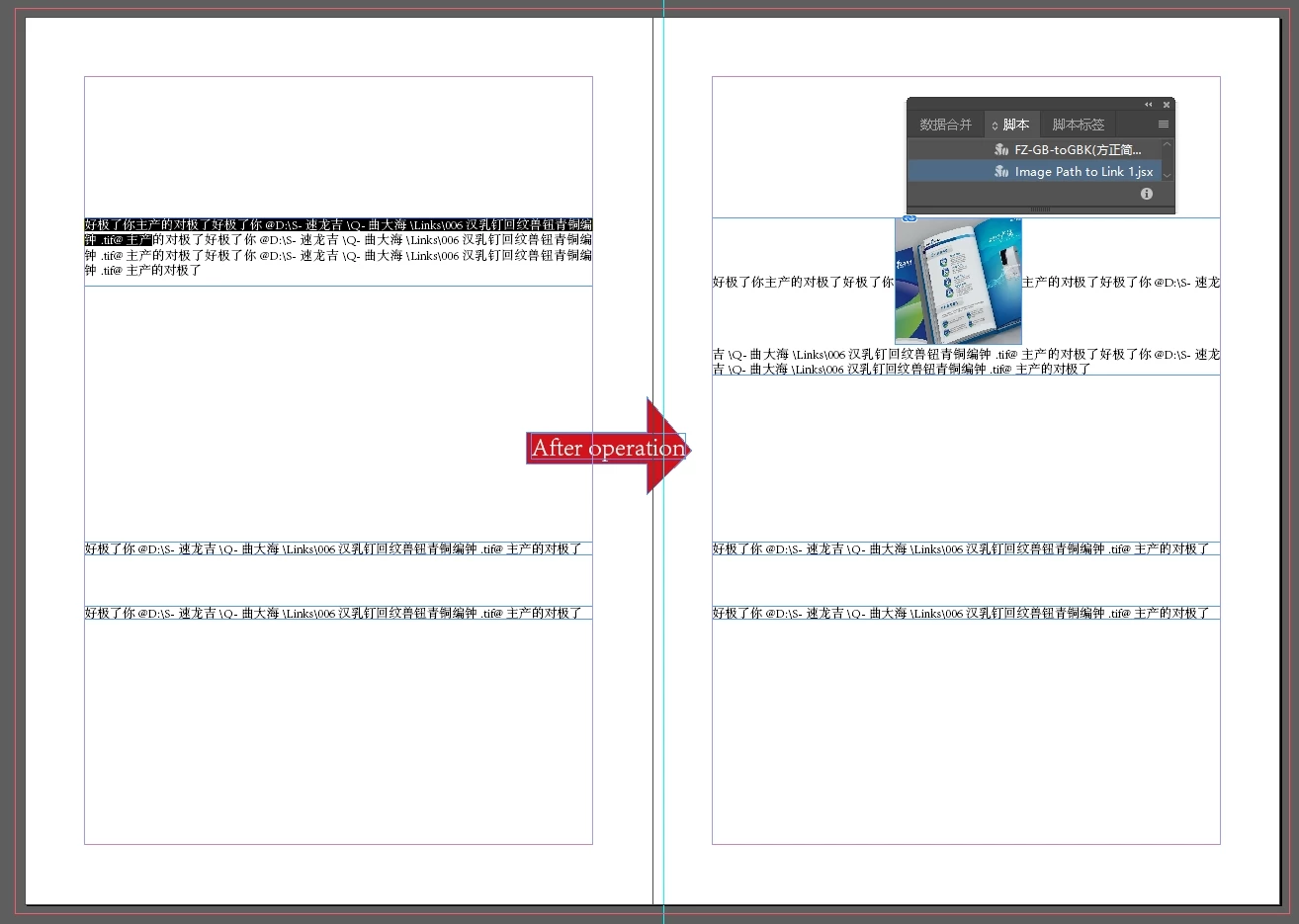
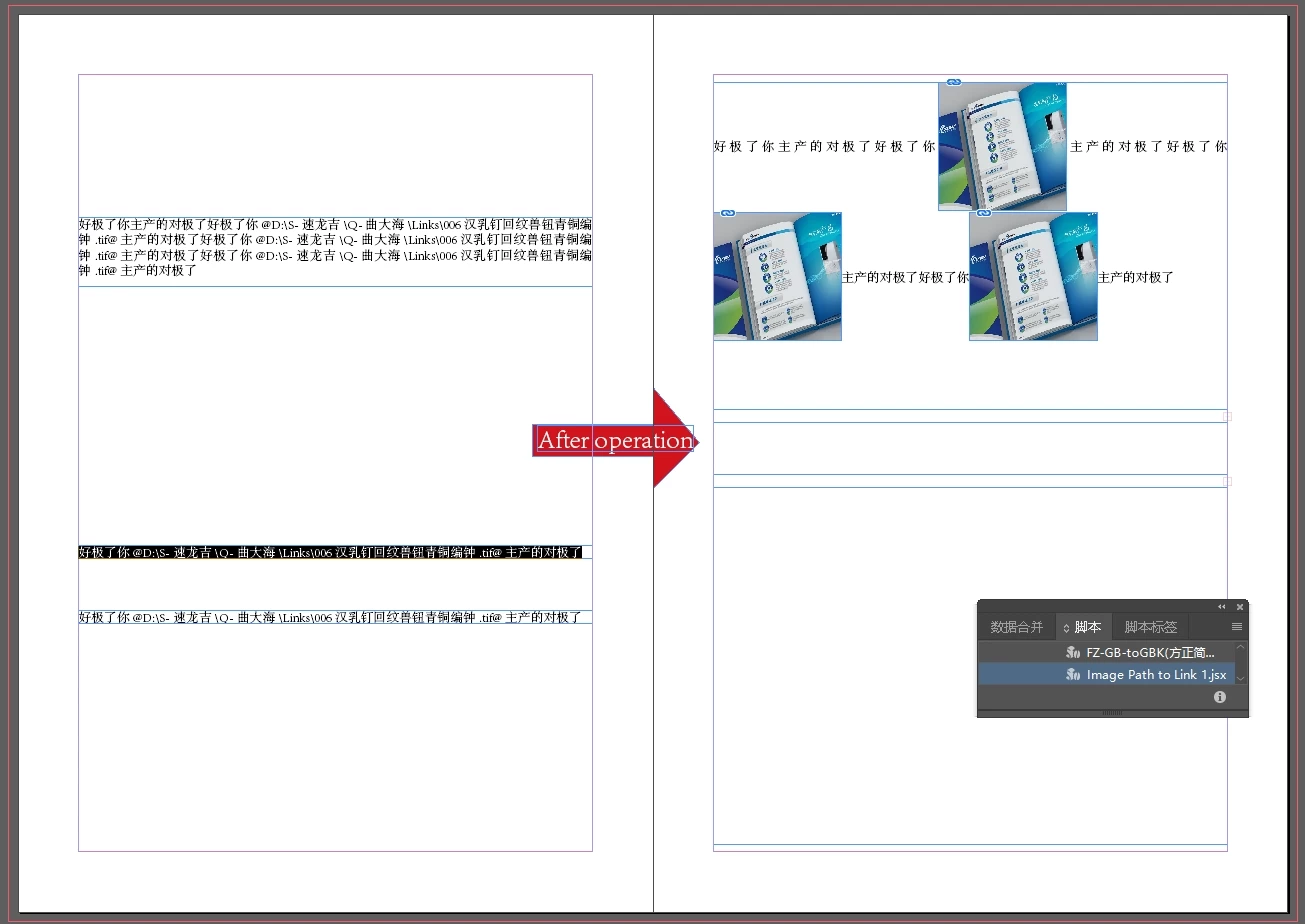
The script provided by you can insert the path in the text containing @d:\pic\a.jpg@ directly into the image.

But when the picture is too large, the text box will be too wide to display.

How to apply an object style to an imported graph directly? For example, "mypic" object style.

So I can use mypic to control the position and size of the image.


Thank you very much.

---------------------------------------------------------------

Here's the script you provided


app.findGrepPreferences = NothingEnum.nothing;
app.changeGrepPreferences = NothingEnum.nothing;
app.findGrepPreferences.findWhat = "(?<=@)([^@]+)(?=@)";
var allFound = app.documents[0].findGrep();
for(var i = 0; i < allFound.length; i){
    var allContent = allFound[i].texts[0].contents;
    var filePath = File(allContent.toString().replace(/[\s]+/g,'').replace(/\\/g,'/'));
    if(filePath.exists){
        if(allFound[i].insertionPoints[0].parent.characters[allFound[i].texts[0].characters[-1].index+1].contents == "@"){
            allFound[i].insertionPoints[0].parent.characters[allFound[i].texts[0].characters[-1].index+1].contents = "";
            app.documents[0].recompose();
            }
        allFound[i].texts[0].contents = "";
        allFound[i].texts[0].insertionPoints[0].place(filePath);
        if(allFound[i].insertionPoints[0].parent.characters[allFound[i].texts[0].characters[0].index-1].contents == "@"){
            allFound[i].insertionPoints[0].parent.characters[allFound[i].texts[0].characters[0].index-1].contents = "";
            app.documents[0].recompose();
            }
        }
    else{
        i++;
        }
    app.documents[0].recompose();
    var allFound = app.documents[0].findGrep();
    }
 

This topic has been closed for replies.
Correct answer Sunil Yadav

It's already very good, but I don't understand:

There will be only one selection in this box.

If you select only one of the other text boxes, all will be converted.

It should convert only the selected.


Try this one : 


//======================
app.findGrepPreferences = NothingEnum.nothing;
app.changeGrepPreferences = NothingEnum.nothing;
app.findGrepPreferences.findWhat = "(?<=@)([^@]+)(?=@)";
var allFound = getAll();
for(var i = 0; i < allFound.length; i){
    var allContent = allFound[i].texts[0].contents;
    var filePath = File(allContent.toString().replace(/\\/g,'/'));
    if(filePath.exists){
        var parentFrame = allFound[i].insertionPoints[0].parentTextFrames[0];
        var oldGB = parentFrame.geometricBounds;
        var startIndex = allFound[i].texts[0].characters[0].index-1;
        var parentStory = allFound[i].insertionPoints[0].parent;
        var object = allFound[i].insertionPoints[0].parent.characters.itemByRange(allFound[i].texts[0].characters[0].index-1, allFound[i].texts[0].characters[-1].index+1).place(filePath);
        app.documents[0].recompose();
        if(parentFrame.overflows) parentFrame.fit(FitOptions.FRAME_TO_CONTENT);
        var myObj = parentStory.characters[startIndex].rectangles[0];
        try{
            myObj.appliedObjectStyle = app.documents[0].objectStyles.item("mypic");
            }
        catch(e){}
        }
    else i++;
    app.documents[0].recompose();
    allFound = getAll();
    }
//======================
function getAll(){
    try{
        if(app.selection != null){
            for(var s = 0; s < app.selection.length; s++){
                if(app.selection[s] instanceof TextFrame){
                    if(app.selection[s].findGrep().length > 0) return app.selection[s].findGrep();
                    }
                else if(app.selection[s].hasOwnProperty("characters")) return app.selection[s].findGrep();
                else return app.documents[0].findGrep();
                }
            return [];
            }
        else return app.documents[0].findGrep();
        }
    catch(e){return [];}
    }
//======================


Best

Sunil

1 reply

Sunil Yadav
Brainiac
April 6, 2021

Hi,

You just need to add one line while placing the object. Try this snippet:

app.findGrepPreferences = NothingEnum.nothing;
app.changeGrepPreferences = NothingEnum.nothing;
app.findGrepPreferences.findWhat = "(?<=@)([^@]+)(?=@)";
var allFound = app.documents[0].findGrep();
for(var i = 0; i < allFound.length; i){
    var allContent = allFound[i].texts[0].contents;
    var filePath = File(allContent.toString().replace(/[\s]+/g,'').replace(/\\/g,'/'));
    if(filePath.exists){
        if(allFound[i].insertionPoints[0].parent.characters[allFound[i].texts[0].characters[-1].index+1].contents == "@"){
            allFound[i].insertionPoints[0].parent.characters[allFound[i].texts[0].characters[-1].index+1].contents = "";
            app.documents[0].recompose();
            }
        allFound[i].texts[0].contents = "";
        var object = allFound[i].texts[0].insertionPoints[0].place(filePath);
        //=================apply Object Style
        object[0].parent.appliedObjectStyle = app.documents[0].objectStyles.item("mypic");
        //======================
        if(allFound[i].insertionPoints[0].parent.characters[allFound[i].texts[0].characters[0].index-1].contents == "@"){
            allFound[i].insertionPoints[0].parent.characters[allFound[i].texts[0].characters[0].index-1].contents = "";
            app.documents[0].recompose();
            }
        }
    else{
        i++;
        }
    app.documents[0].recompose();
    var allFound = app.documents[0].findGrep();
    }

Best

Sunil

dublove
dubloveAuthor
Brainiac
April 6, 2021
Hello Sunil Yadav~
The script runs, but the path is too long or contains too many Chinese characters, there will be no response.

For example, the long path below is invalid for the script, but it can be used in Indesign

E:\G-工作up\S-新排版\G-乐高年鉴-2020\彩\好达年鉴 彩页\4领导调研\006-10月30日,国家民政部党组成员、副部长李文,国家民政部政策法规司司长刘行等一行深入区开展民政工作专题调研1参观社区党建工作2019.10.30 (1).tif


Sometimes,

The path behind @ was deleted, but the picture did not come out.

and prompts:


I can't guess why, but it feels good the first time, there will be errors afterwards, even if it is the same picture, it will go wrong after multiple executions.


Also, the script should only target the selection, not all.
Otherwise, there are too many changes and it may not be safe to control.


Sunil Yadav
Brainiac
April 7, 2021

Can you share your IDML.

So that I can be able to test it.

Check Path of your folder whether it contains any special characters, if there is any remove it. And again you try it.

It will place.


Best

Sunil