

Answered
Trying to make the stroke around text more blurry, Can anyone help ?
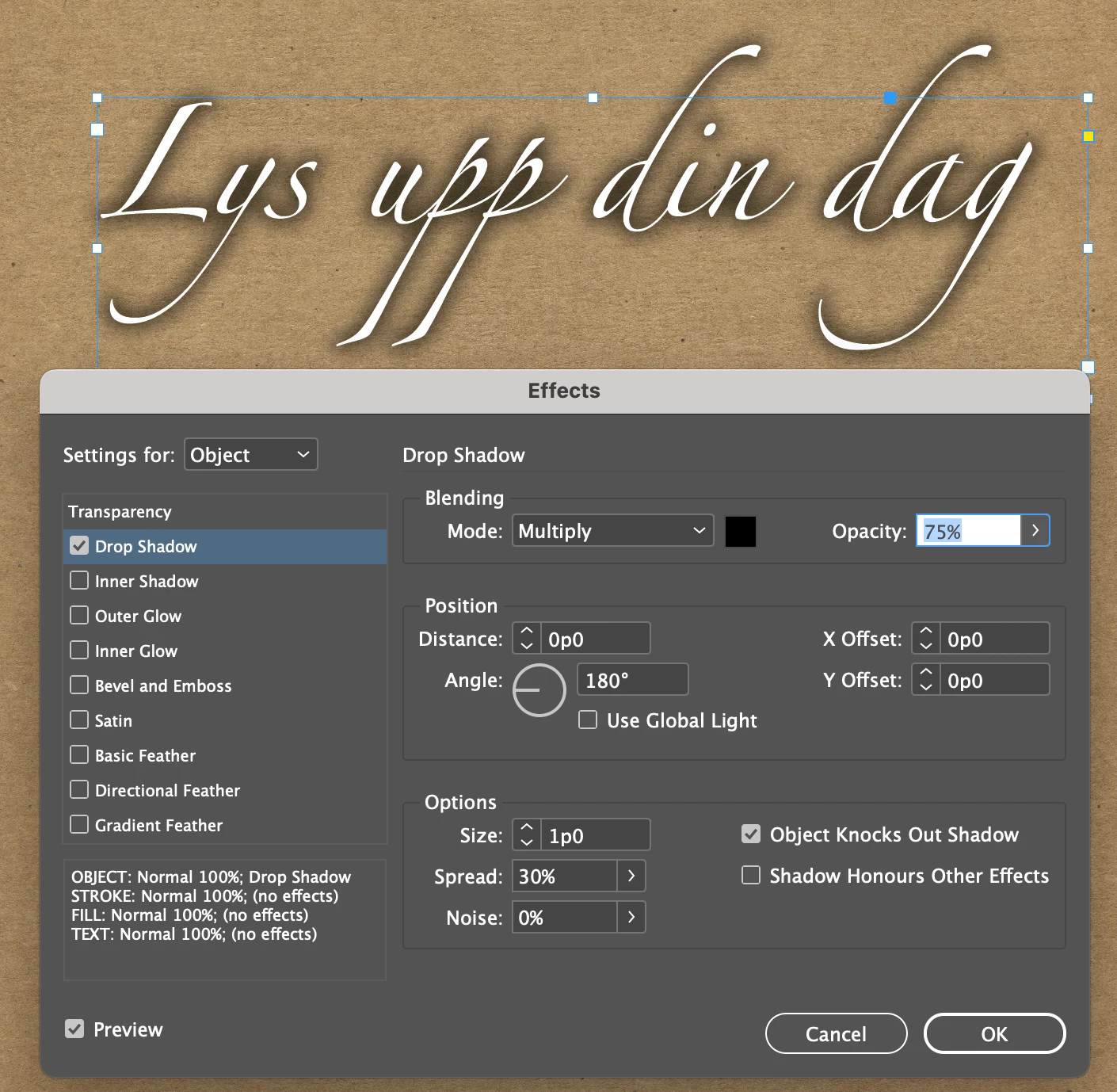
Hey, need some advice on a school asigment im working on, and i was wondering how i do a blurry stroke around text? Shown in the example below. Thanks!


Hey, need some advice on a school asigment im working on, and i was wondering how i do a blurry stroke around text? Shown in the example below. Thanks!
Try a Drop Shadow effect (Object > Effects > Drop Shadow) with no offset and some spread.
Already have an account? Login
Enter your E-mail address. We'll send you an e-mail with instructions to reset your password.
 AdChoices