Known Participant
April 1, 2019
Answered

Use line tool or underline??

  • April 1, 2019
  • 3 replies
  • 5786 views

Hello all!

I have always been under the impression that it is always better to draw

lines with the line tool (in a form for example) instead of using the

underline key either manually or as a tab leader. Is that the truth? In some

cases I have seen gaps in the lines when the underline key is used. Do you

all have any thoughts or input for me? Why or why not is it better to use

the line tool as opposed to the underline option?

Thanks!
    This topic has been closed for replies.
    Correct answer Barb Binder

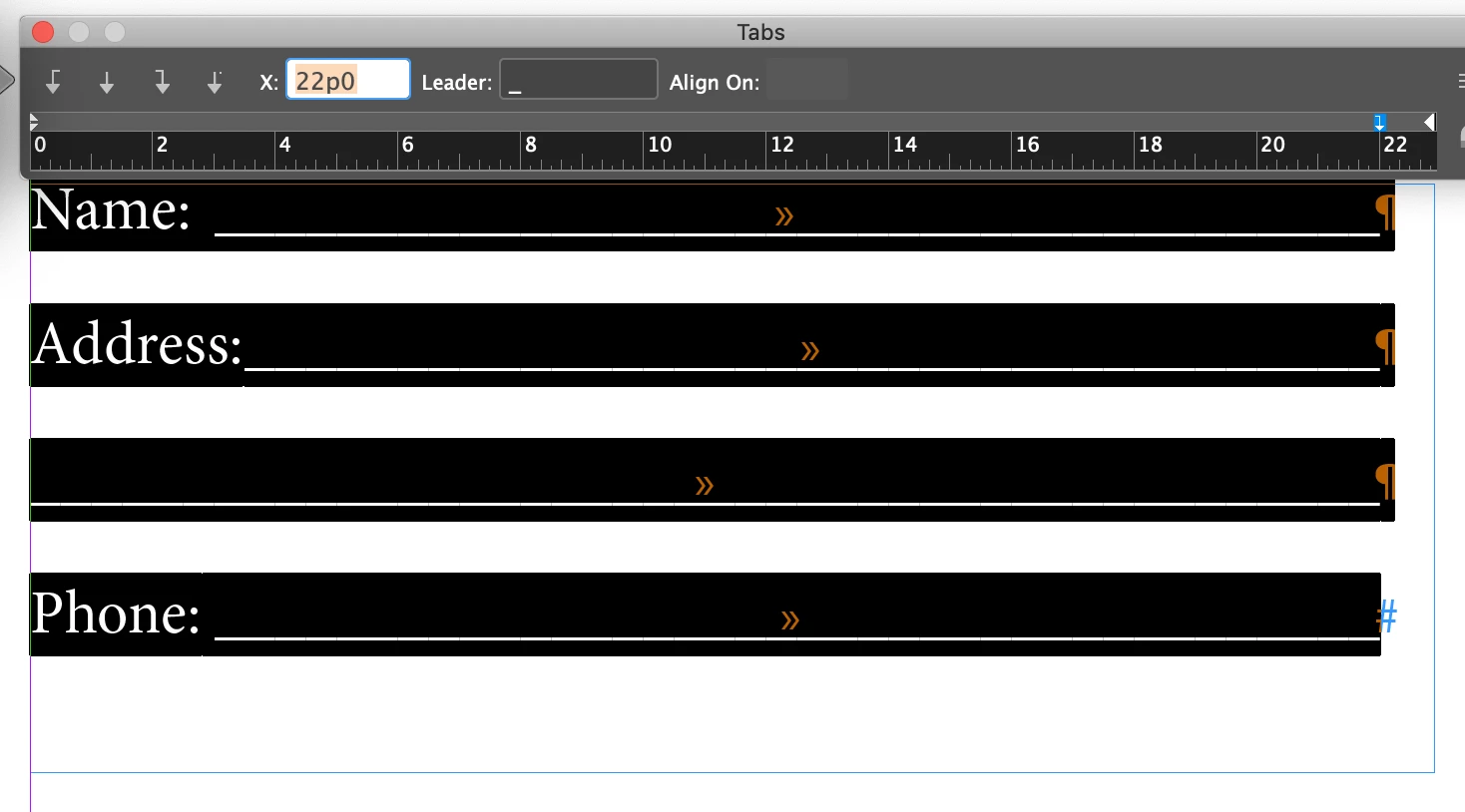
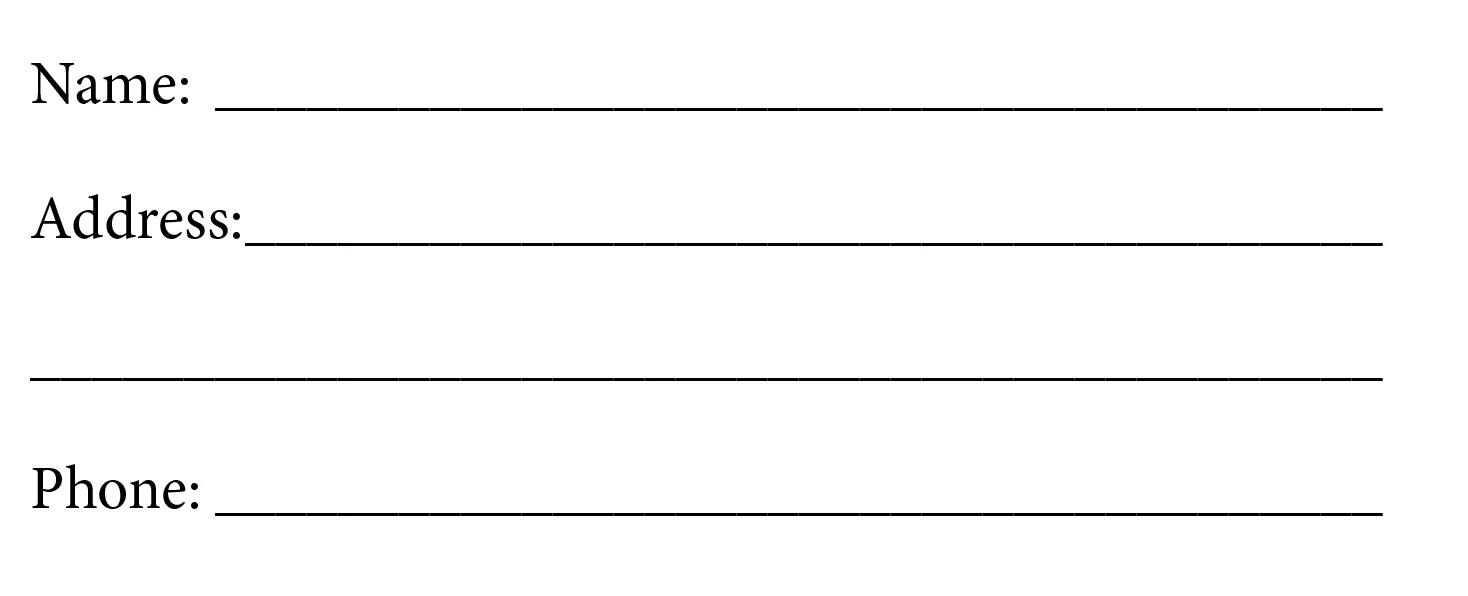
    I prefer to define an underline as a leader character with a right-align tab. Sometimes it appears that there are spaces between the lines in InDesign, but they don't print that way.

    ~Barb

    3 replies

    Barb Binder
    Barb BinderCorrect answer
    Adobe Expert
    April 1, 2019

    I prefer to define an underline as a leader character with a right-align tab. Sometimes it appears that there are spaces between the lines in InDesign, but they don't print that way.

    ~Barb

    AwitmerAuthor
    Known Participant
    April 1, 2019

    Has anybody every seen the spaces between lines in the final printed output? I have already.

    Brainiac
    April 2, 2019

    Awitmer  wrote

    Has anybody every seen the spaces between lines in the final printed output? I have already.

    If you are using the underscore glyph as a fill character in a tab, you could get spaces between if you have applied tracking or kerning. The bottom image has a tracking setting of 10, while the top one has none.

    Maybe not the cause of your issue, but a possibility.

    Derek Cross
    Adobe Expert
    April 1, 2019

    And just one reason for using Styles, say you've got a 500 page book with certain words underlined throughout. The customer decides s/he doesn't like them as 1pt underlines and wants them as 2 pt underlines and in a color. How long would that take to change? With a Character Style it would take seconds to change the whole book!

    davburk96
    New Participant
    April 1, 2019

    What you are saying makes sense, but I'm sorry I am not wanting to underline letters. I am just wanting to make blanks to fill in information on. See my screenshot. Does that make sense?

    Adobe Expert
    April 1, 2019

    In this case, create the underline style and apply it to the tab, or set the tab leader to underline.

    Derek Cross
    Adobe Expert
    April 1, 2019

    Create a Paragraph or Character Style (as appropriate) and use the underline feature.