

timw42792389
Participant
August 9, 2018
Answered

Visible Bleed line required by printer

  • August 9, 2018
  • 3 replies
  • 5181 views

My printer wants the bleed line to physically appear on the pages

of my PDF file... Any hints as to how I can do this???

    This topic has been closed for replies.
    Correct answer Bill Silbert

    File>Export... will bring up the Export dialog window. At the bottom of that choose Adobe PDF (Print). After you choose your save to destination and click on "Save" the Export Adobe PDF dialog will appear.


    The way that I suggested to do this in my first post will look like this:
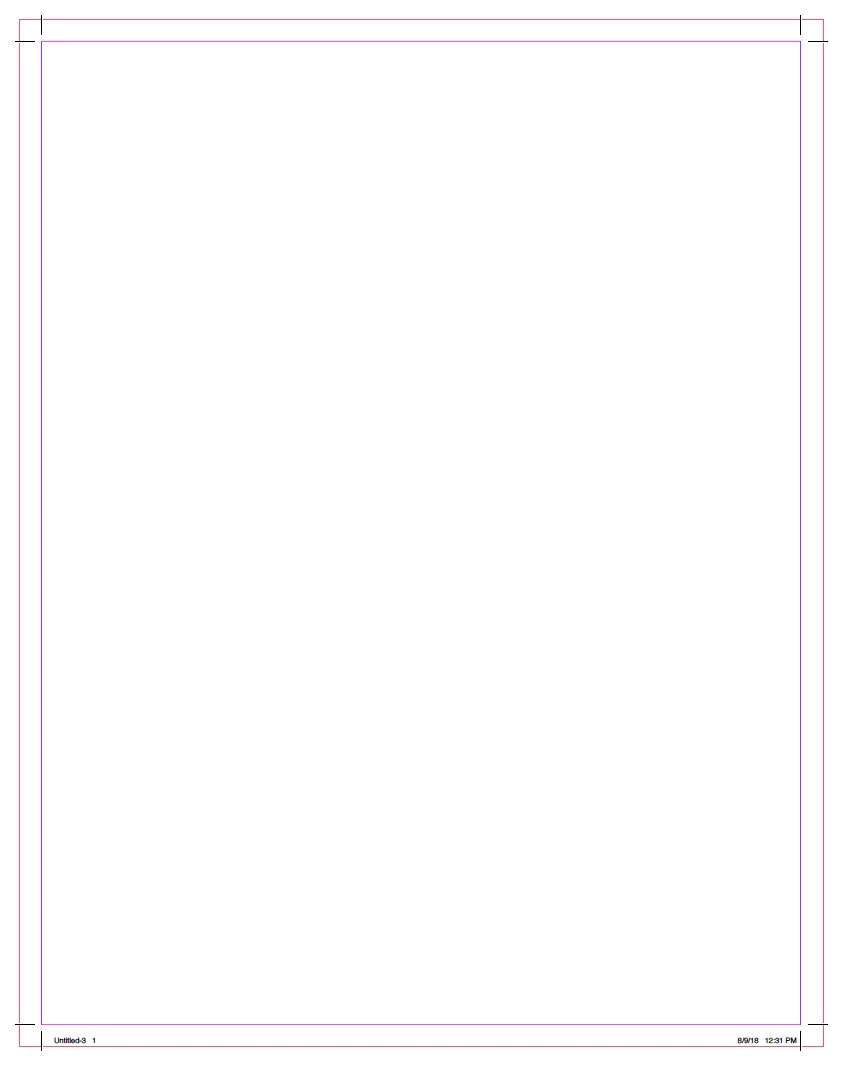
    The outer red line is the bleed.

    3 replies

    Luke Jennings
    Inspiring
    August 13, 2018

    May I pick a few nits here?

    Every screen shot here is showing the trim marks intruding into the bleed, this is not good, the trim marks should be offset beyond the bleed size, as shown here.

    In my opinion the original printer's request to show the bleed line could be the result of a submitted pdf that is larger than the desired page size, possibly created by someone who knows that bleed is needed, but does not know how to set it up in the document properties and export settings.

    There is an Acrobat & Reader preference to show or hide the art, trim & bleed boxes under Page Display, and also a check box on the Output Preview panel in Acrobat.

    Occasionally the trim, bleed & safety are indicated by a spot color line or layer that can be turned off for printing, but this is uncommon, unless there is diecutting needed.

    Bill Silbert
    Community Expert
    Community Expert
    August 9, 2018

    Actually, Derek, I think that the printer may actually want the bleed lines (I've had this request). See screen shot:

    Make sure that the Document Bleed has been set in the Document Setup dialog window (first picture) and "Use Document Bleed Settings" is checked in the Marks and Bleeds section of the Export Adobe PDF window (not shown here) and that "Visible Guides and Grids is checked in the General section of the Export Adobe PDF window (second picture).

    Derek Cross
    Community Expert
    Community Expert
    August 9, 2018

    I thought they might, but I didn't want to encourage it!

    Derek Cross
    Community Expert
    Community Expert
    August 9, 2018

    I think the printer means Crop Marks which you can add under the Bleeds and Marks tab in the Export Adobe PDF dialogue box. Also tick "Use Document Bleed Settings".