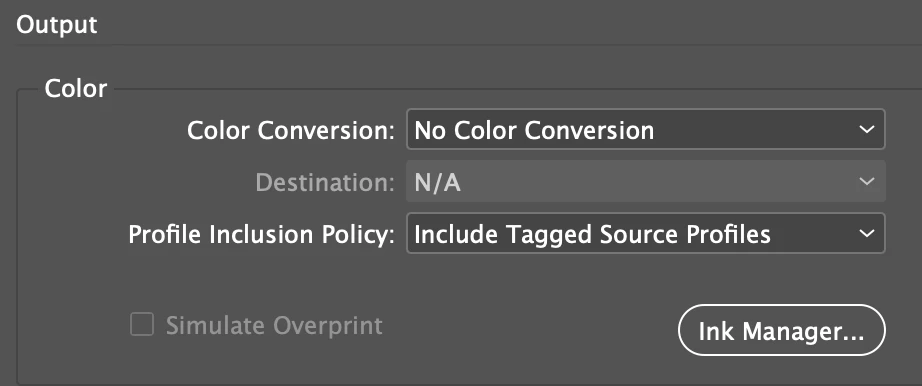
It's greyed out because it's only applicable in situations where you are creating an old-school flattened PDF. They are automatically included in more modern PDF workflows that retain transparency settings hence it's greyed out, so your settings ARE in the PDF already anyway and just need to have Overprint Simulation toggled on/off accordingly in Acrobat under Print Production > Output Preview.
That being said, if someone is using a different viewer than Acrobat, you will have issues.
You might consider using Multiply on your illustrator objects rather than simply selecting overprint.



 AdChoices