

Answered

This topic has been closed for replies.
I meant that the blue line is incorrectly aligning on the inside of the stroke line
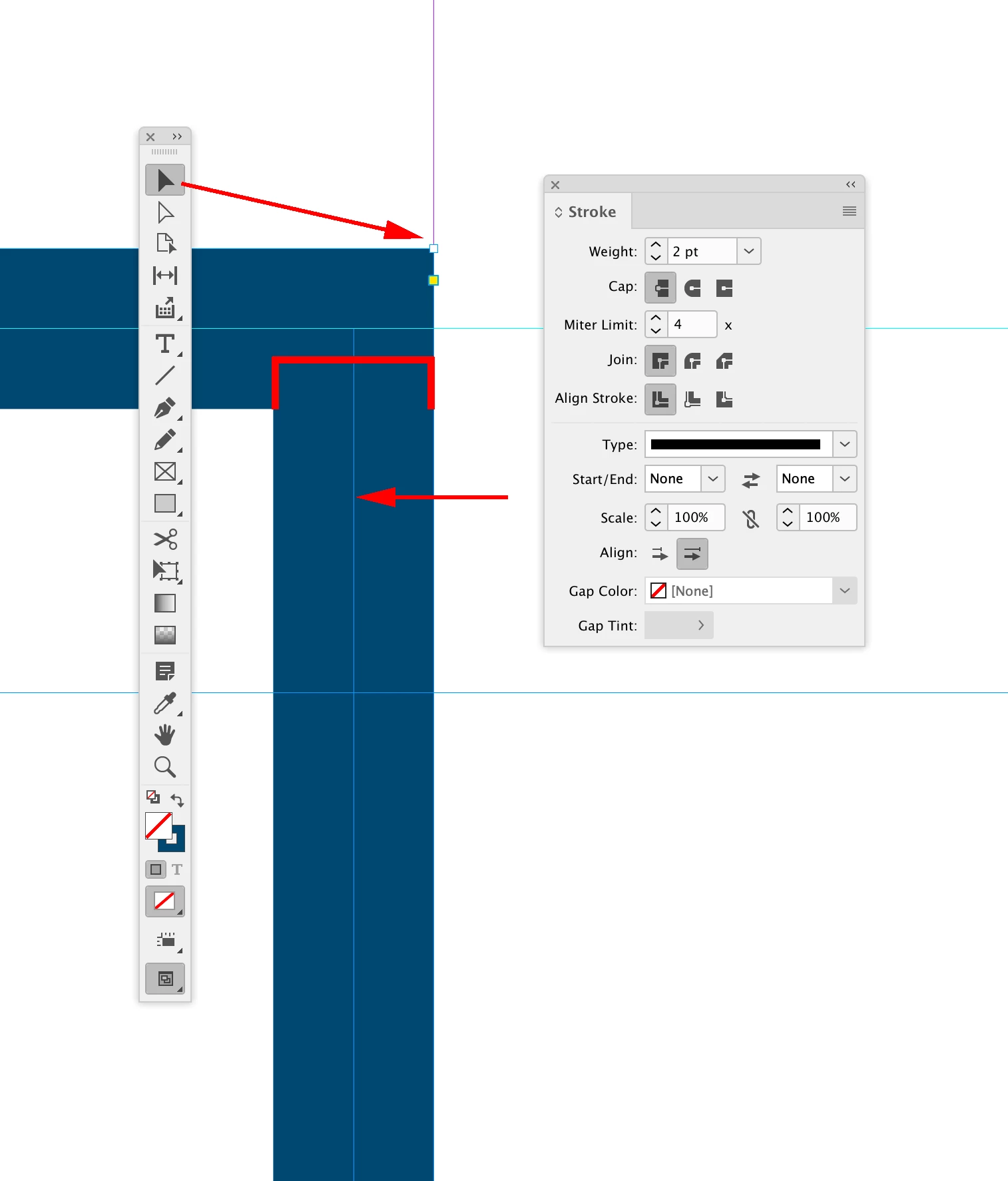
I think you are misinterpreting the selection as the text frame edge—when you use the black Selection tool, the selection includes the stroke. If you zoom in you can see the light blue frame edge is centered:
If you Direct Select the frame, the selection will be the frame without the stroke:
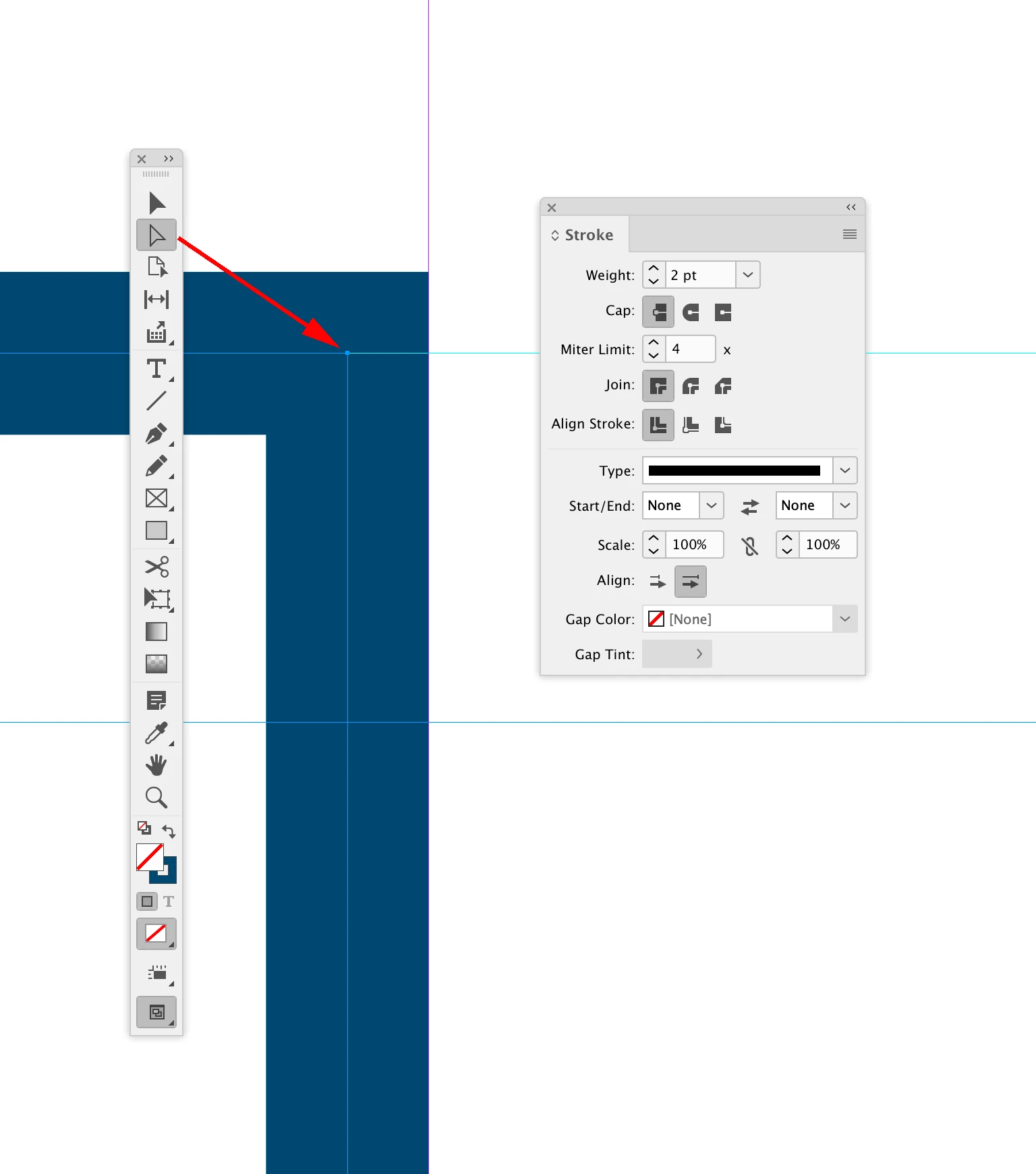
So, if you are using Align to Baseline Grid, the frame’s Y coordinate affects the first baseline.
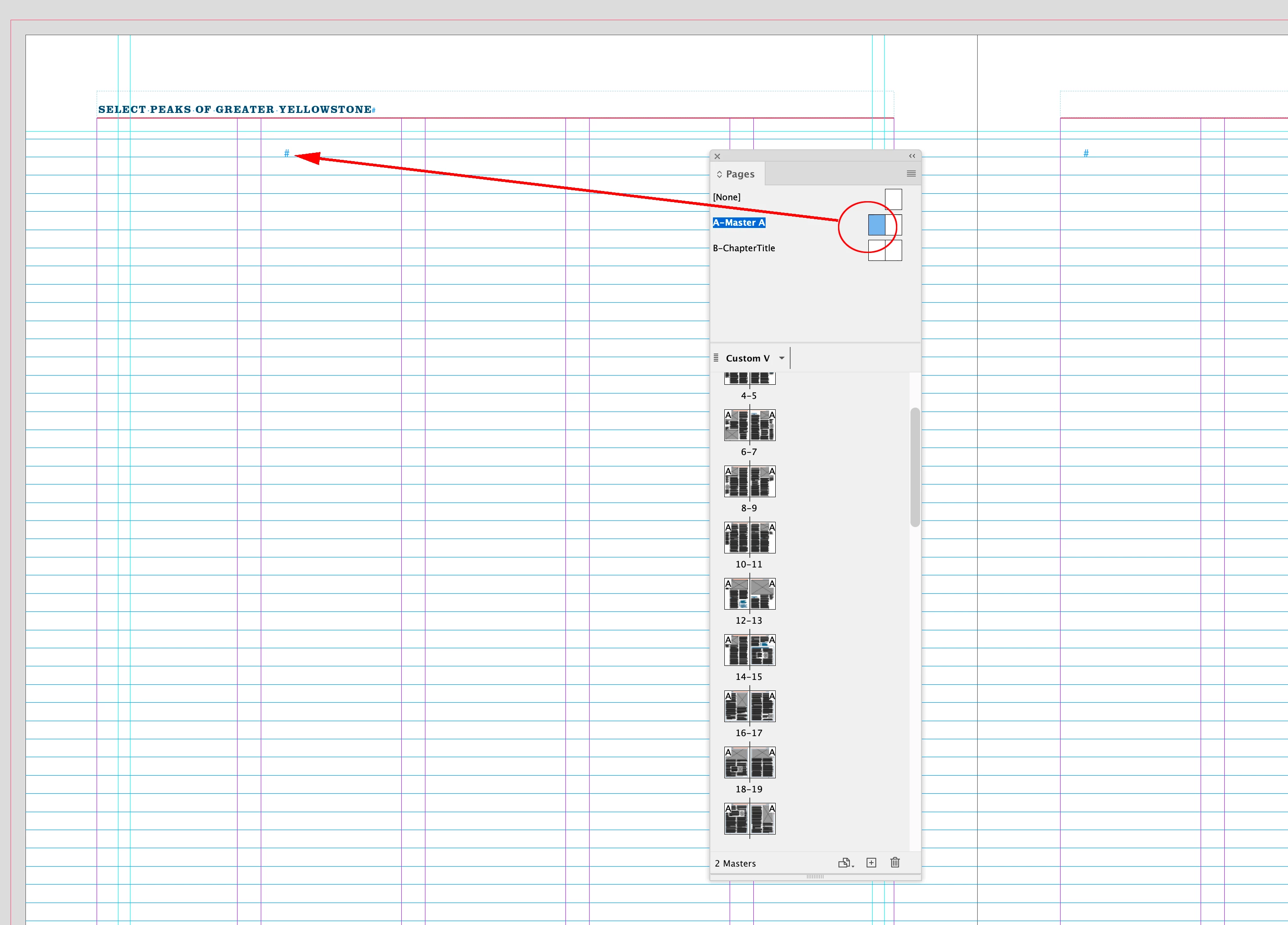
The frame with the story marker is on the A-Master/Parent—you are not using the text frames on the parent pages:
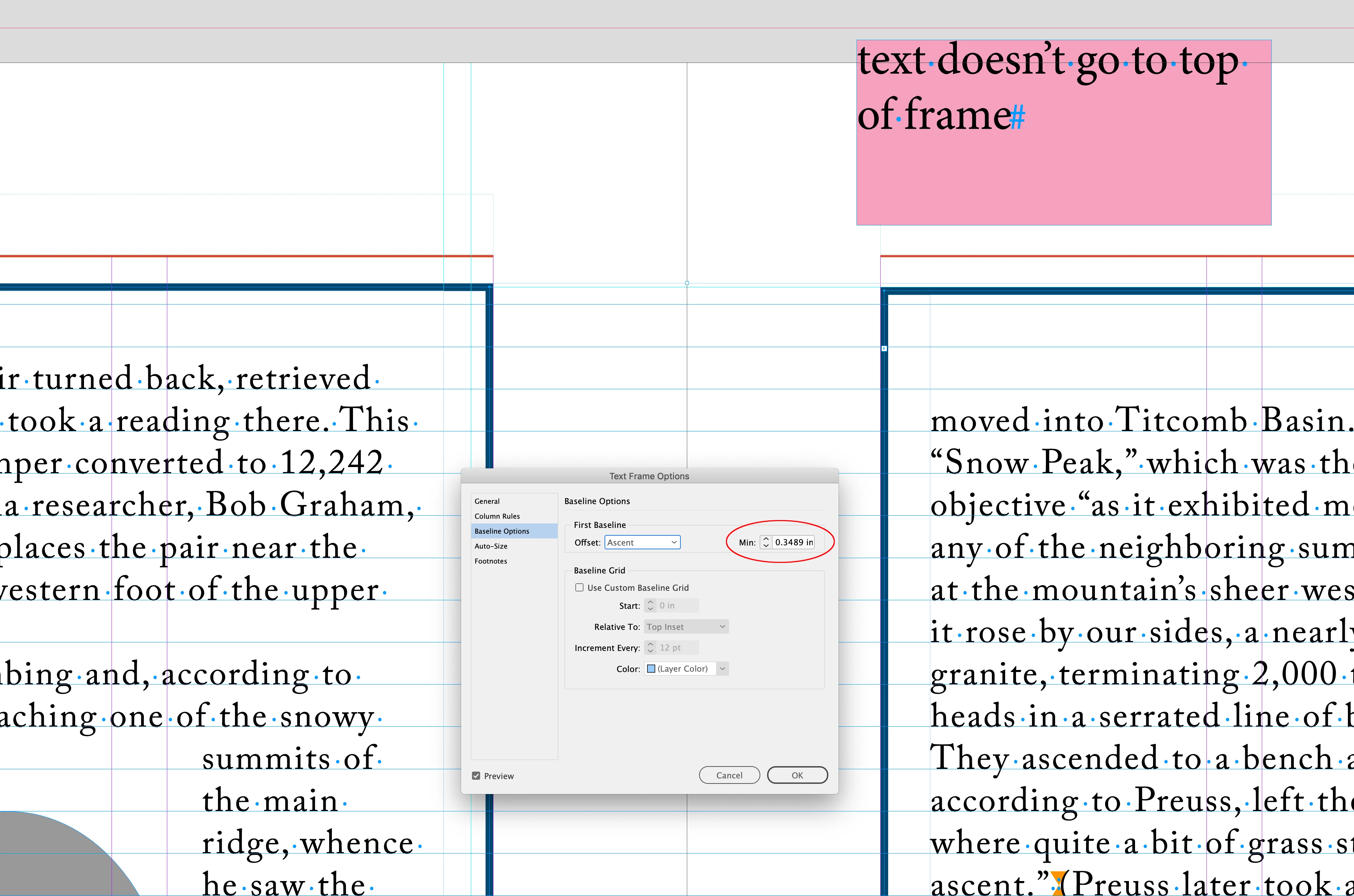
Also, look at the First Baseline Min you have set in Text Frame Options. That’s the reason such a slight change in the frame’s Y coordinate is pushing the first baseline down. If I turn off Align to Baseline Grid you can see the minimum setting is pushing the firstline just over the baseline grid line on the right side frame, so with Align to Baseline Grid turned on the line has to go to the next baseline:
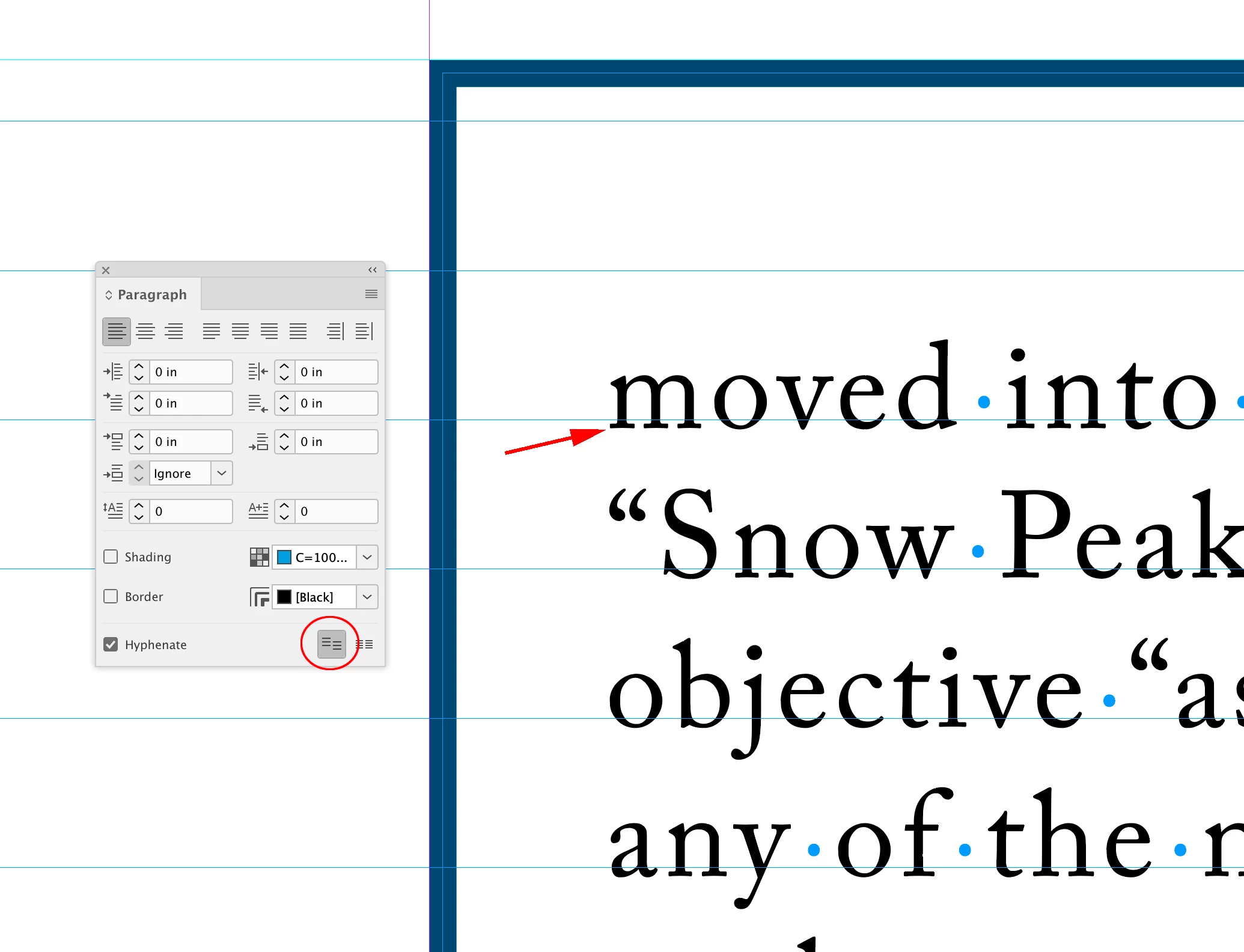
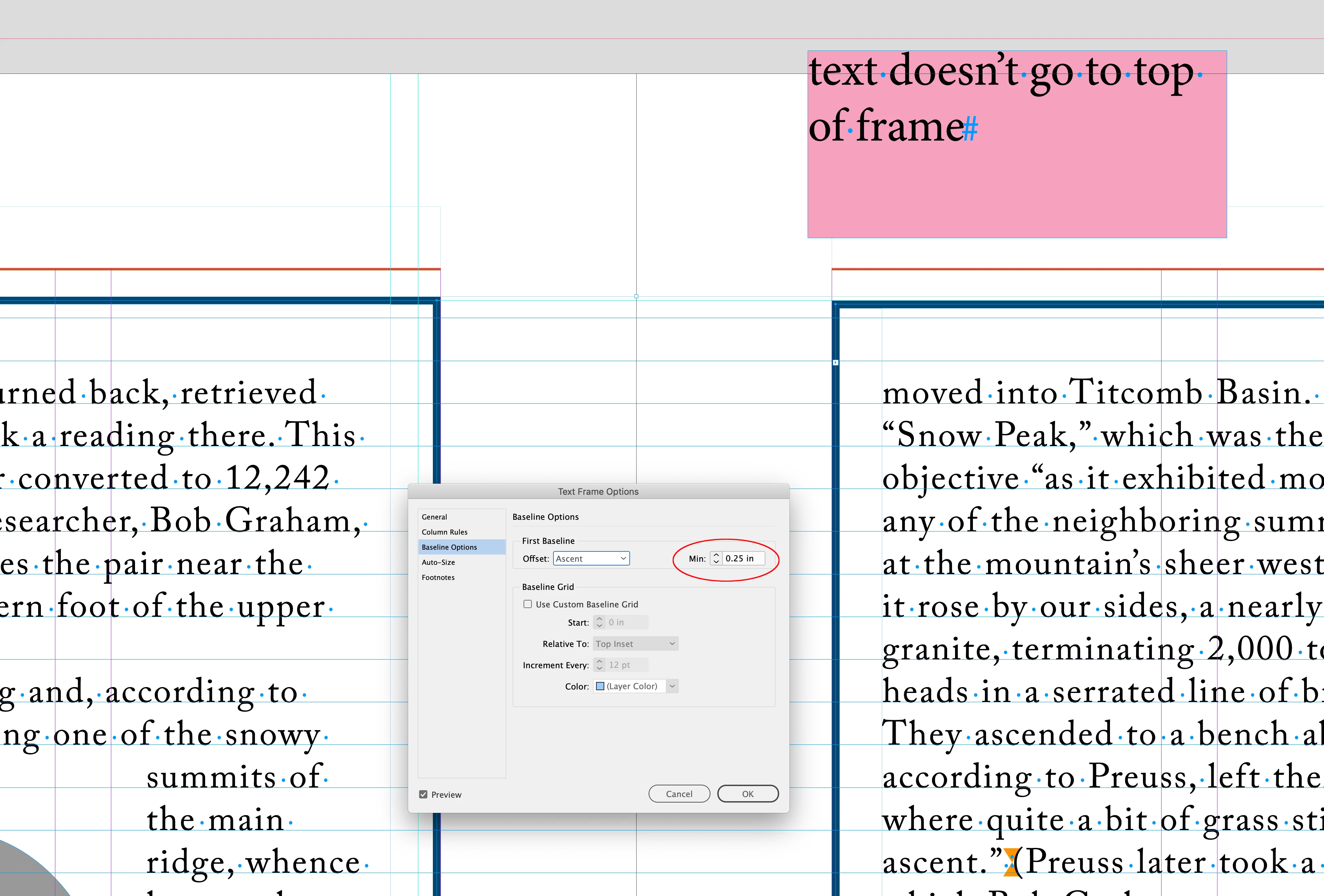
If I set the Min to something like .25", which allows for more Y difference in the text frames, the alignment problem is fixed:
Sign up
Already have an account? Login
To post, reply, or follow discussions, please sign in with your Adobe ID.
Sign inSign in to Adobe Community
To post, reply, or follow discussions, please sign in with your Adobe ID.
Sign inEnter your E-mail address. We'll send you an e-mail with instructions to reset your password.
 AdChoices