


New Participant
June 26, 2023
Answered

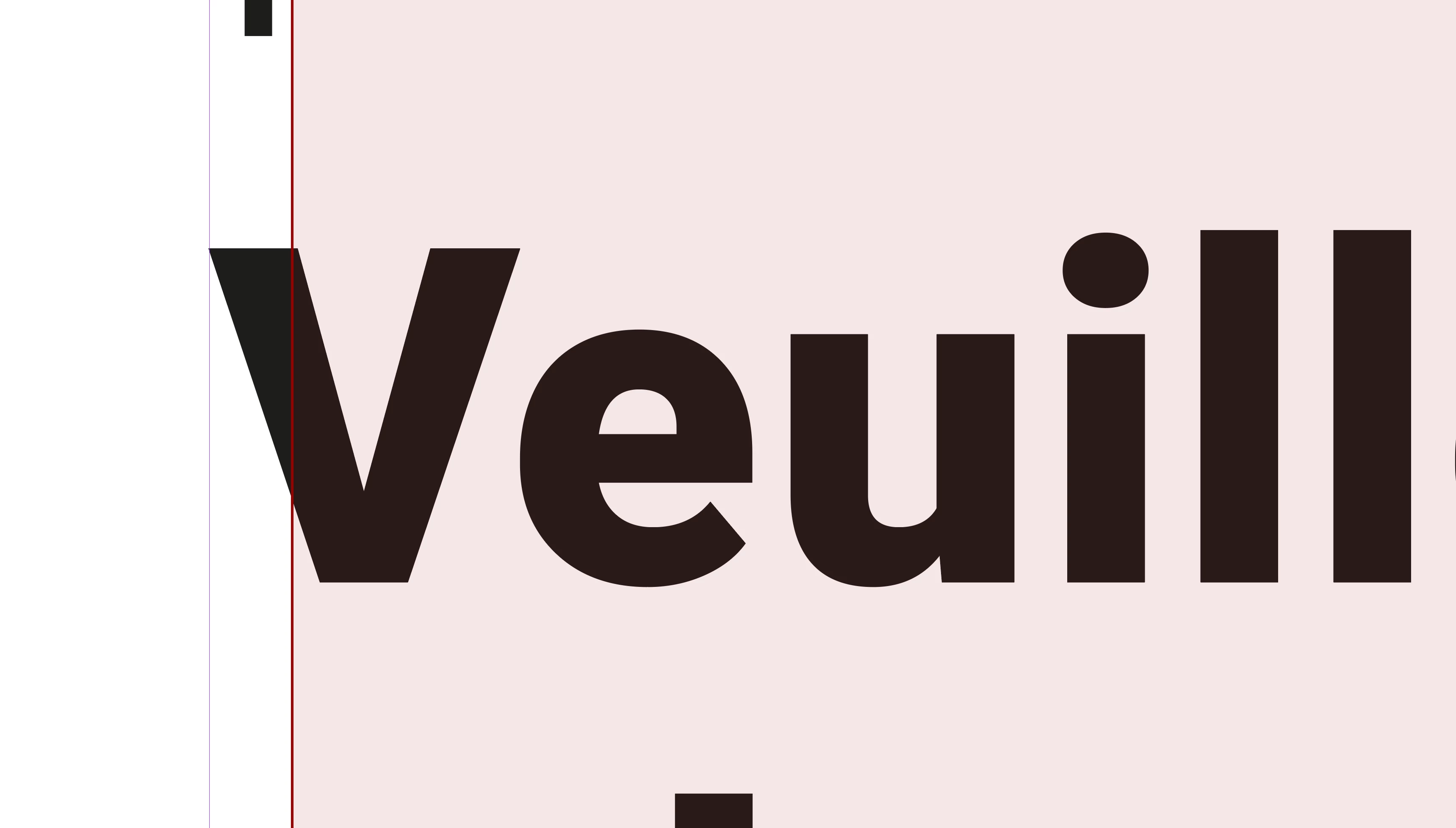
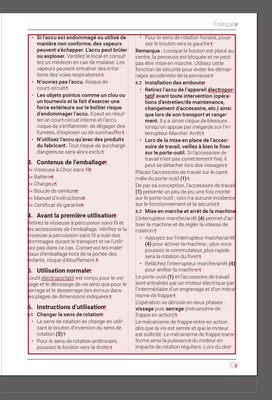
What is this red border and background on text box

  • June 26, 2023
  • 2 replies
  • 4179 views

Hi,

I am using InDesign 18.4. After updating. from macOS 11 to macOS 13 this week I get this red border and background on text boxes in some existing documents. It is only visible in "normal" mode. When I switch to preview mode or when I export to pdf it is not visible. The weird thing is that some documents are affected, and others are not, even if they are in the same book document. Is this a feature or a bug? And how can I switch it off or on?
  

Correct answer Barb Binder

Hi @royr88613215:


Try View > Structure > Hide Tagged Frames.

https://helpx.adobe.com/indesign/using/tagging-content-xml.html


~Barb

2 replies

Barb Binder
Barb BinderCorrect answer
Community Expert
June 26, 2023

Hi @royr88613215:


Try View > Structure > Hide Tagged Frames.

https://helpx.adobe.com/indesign/using/tagging-content-xml.html


~Barb

~Barb at Rocky Mountain Training
New Participant
June 27, 2023

Hi Barb,


Thank you! This is indeed the correct answer.

Willi Adelberger
Community Expert
June 26, 2023

If you select more than one frame and clicke once more on a frame it becomes highlighted in the layer's color. If you use the alignment commands or the alignment panel the alignment will take place in orientation of the highlighted frame.

New Participant
June 26, 2023

Hi Willi,

Thank you for your quick reply. In this case, this is not the cause. As you can see in the screenshot below, where the two frames are selected and one is highlighted in the layer's color (blue).