Inspiring
March 28, 2017
Answered

Why is Export Showing all hidden layer in PDF?

  • March 28, 2017
  • 2 replies
  • 3088 views

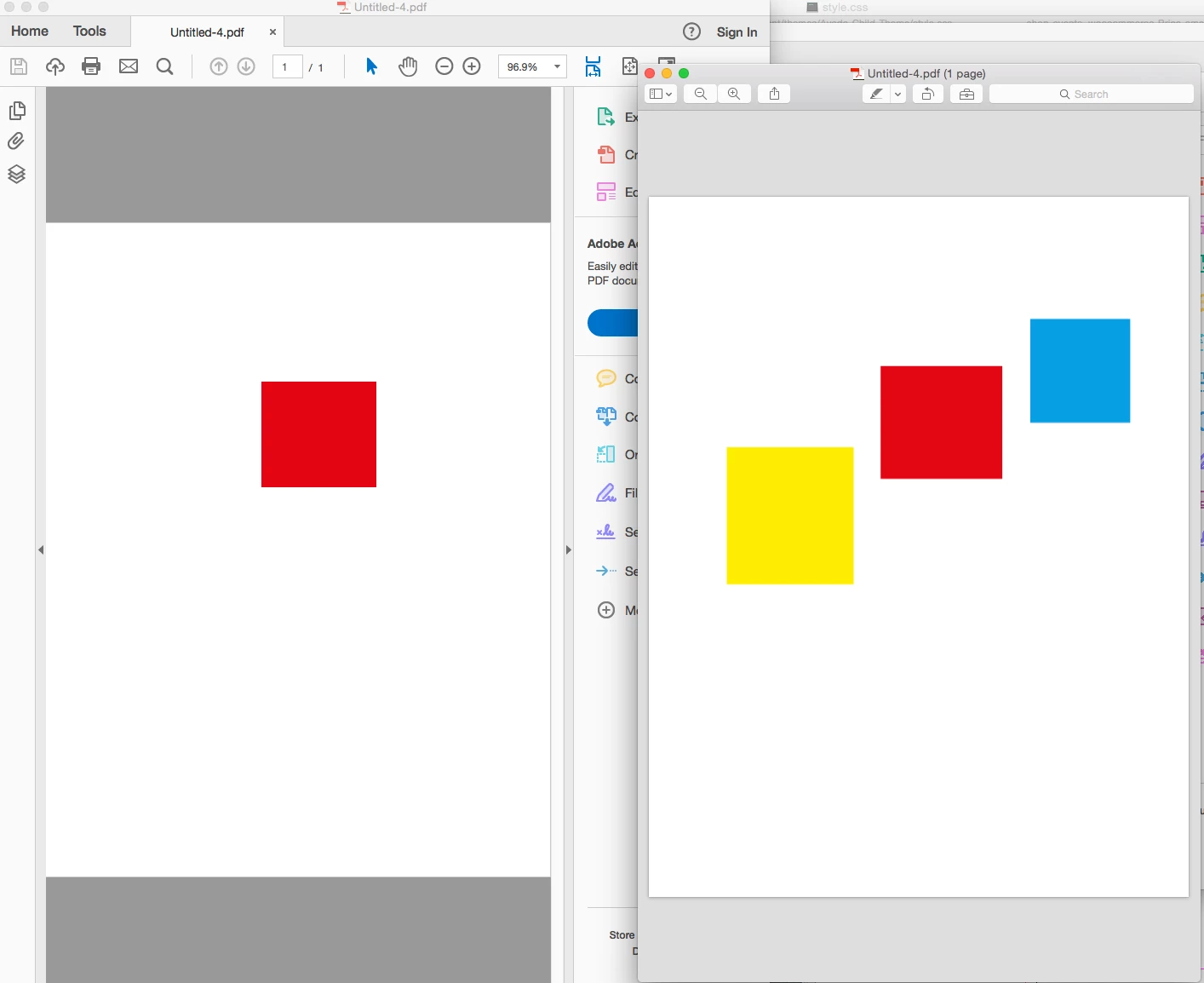
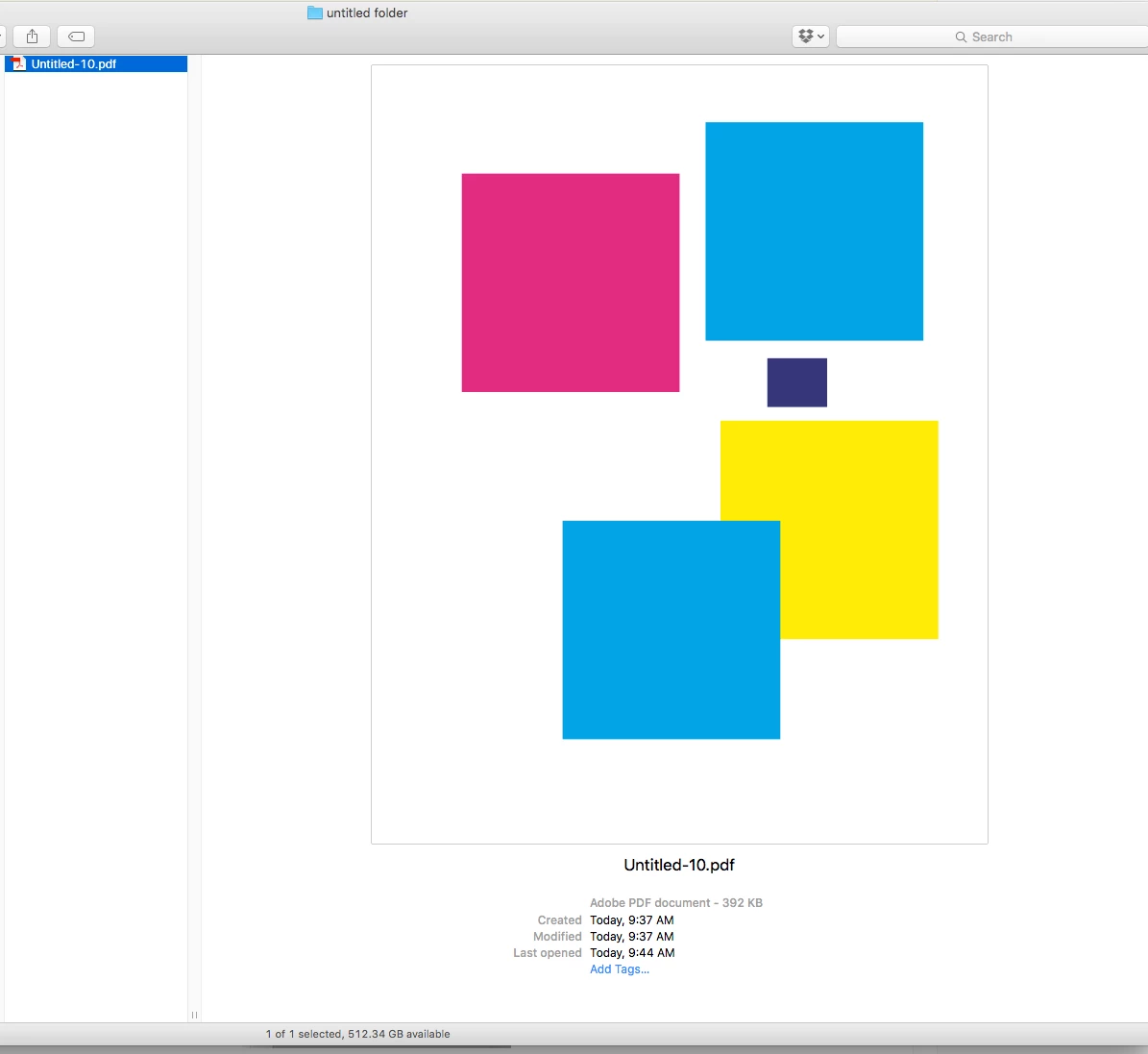
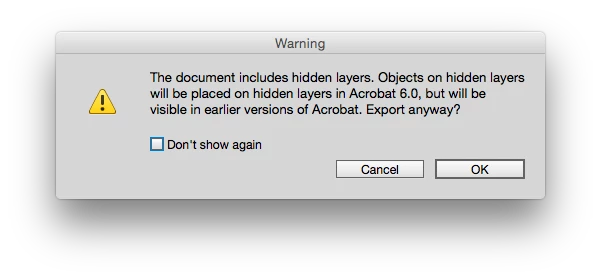
Hello all my question is just as stated in the Description.  Hows come all the hidden layers display when previewing it?  If i open the PDF it is only shows up with just the Cyan up in the top right but if i preview it shows everything.  This worries a few of my clients they think stuff that is hidden will show up.  HOw can i stop this from displaying (WITH CREATE ACROBAT LAYERS ON)? 
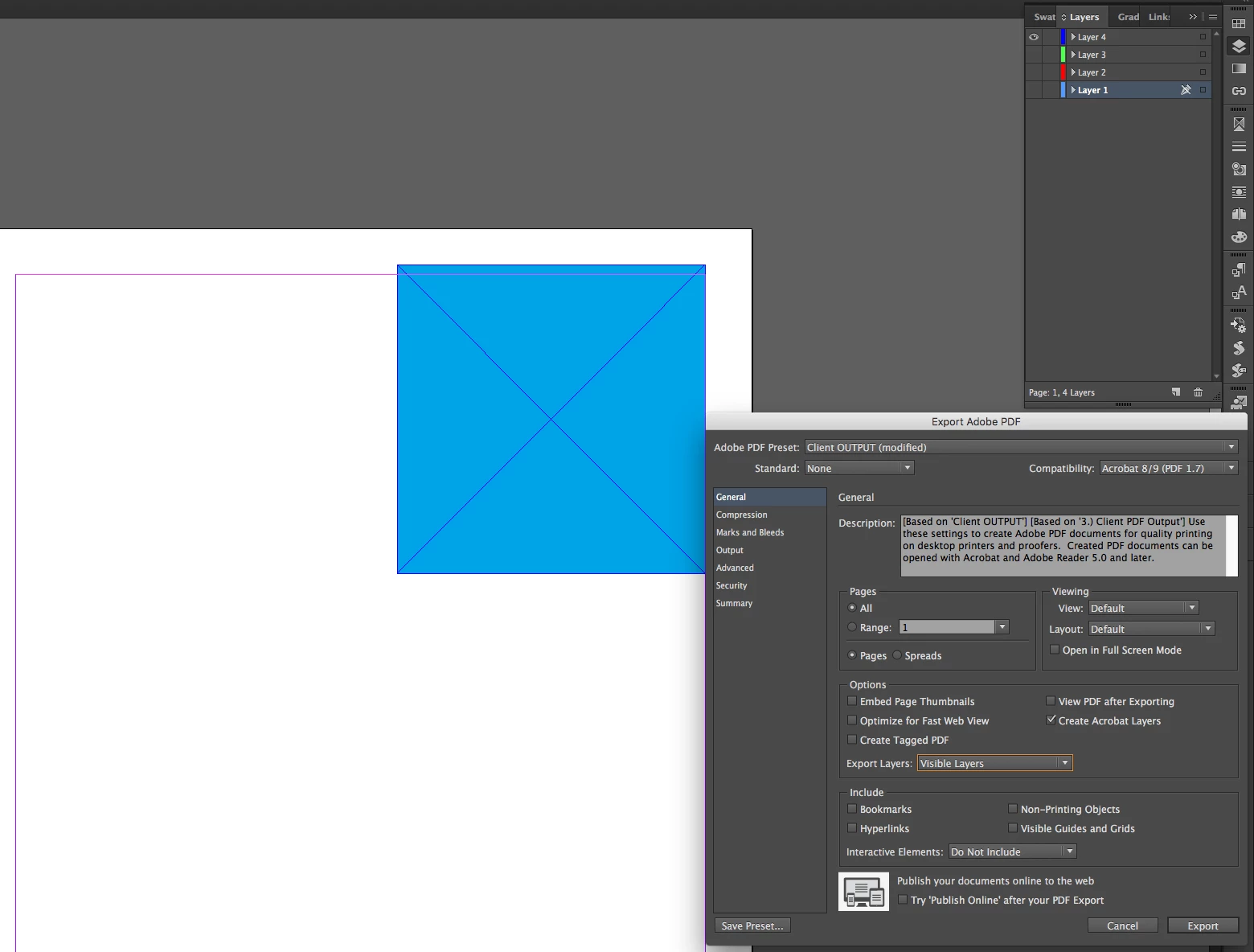
Everything is hidden but it still displays in the actual PDF
Thank you
    This topic has been closed for replies.
    Correct answer rob day

    It's because you are viewing in Apple's Preview. For that feature to work you have to view in Acrobat 6 or later

    2 replies

    cbishop01Author
    Inspiring
    April 17, 2017

    I gotcha.  Thank you. I'll just delete the unused layers or just drag the layer i'm using to the top of the list so that way its the only layer showing up.

    rob day
    rob dayCorrect answer
    Community Expert
    March 28, 2017

    It's because you are viewing in Apple's Preview. For that feature to work you have to view in Acrobat 6 or later

    cbishop01Author
    Inspiring
    March 28, 2017

    Ok so there's no way to view it correctly with the Apple Preview?

    Steve Werner
    Community Expert
    March 28, 2017

    Apple Preview cannot be relied upon for professional work. It's for quick and dirty PDF of emails and simple Word/Pages documents and such. There are many, many things needed for professional printing work, forms and interactivity that Preview doesn't handle properly.

    This is also true for the PDF readers in web browsers.