@Chris P. Bacon thanks for posting your system specs. I took a look through them. I realize you may already be aware of your system limitations. They may or may not be a cause of the problems you experience. Here are my thoughts.
Under Storage > Drives, your C Drive only has 37.92 GB of Free Space. Your K and L and M drives don't have much more. Where are the documents you are working on located? Generally speaking, Photoshop likes a lot of free scratch space and InDesign likes local files.
Your Intel HD Graphics 520 is an integrated card. This means both your CPU and your GPU are using memory resources from the same chip. A dedicated card comes with its own VRAM which gives quick access to image data. I have seen many times when users experience poor graphic performance when using integrated Intel cards.
Open the IDML in InDesign Save the file as a new InDesign file with a new name See if the issue persists.
-----------
Try resetting your preferences:
Windows: Start InDesign, and then press Shift+Ctrl+Alt. Click Yes when asked if you want to delete preference files. macOS: While pressing Shift+Option+Command+Control, start InDesign. Click Yes when asked if you want to delete preference files. A dialog will appear asking to delete the InDesign Preferences, select 'Yes' on this dialog. Further info and instructions here if needed: https://helpx.adobe.com/in/indesign/kb/indesign-preferences-support-file-locations.html
-------------
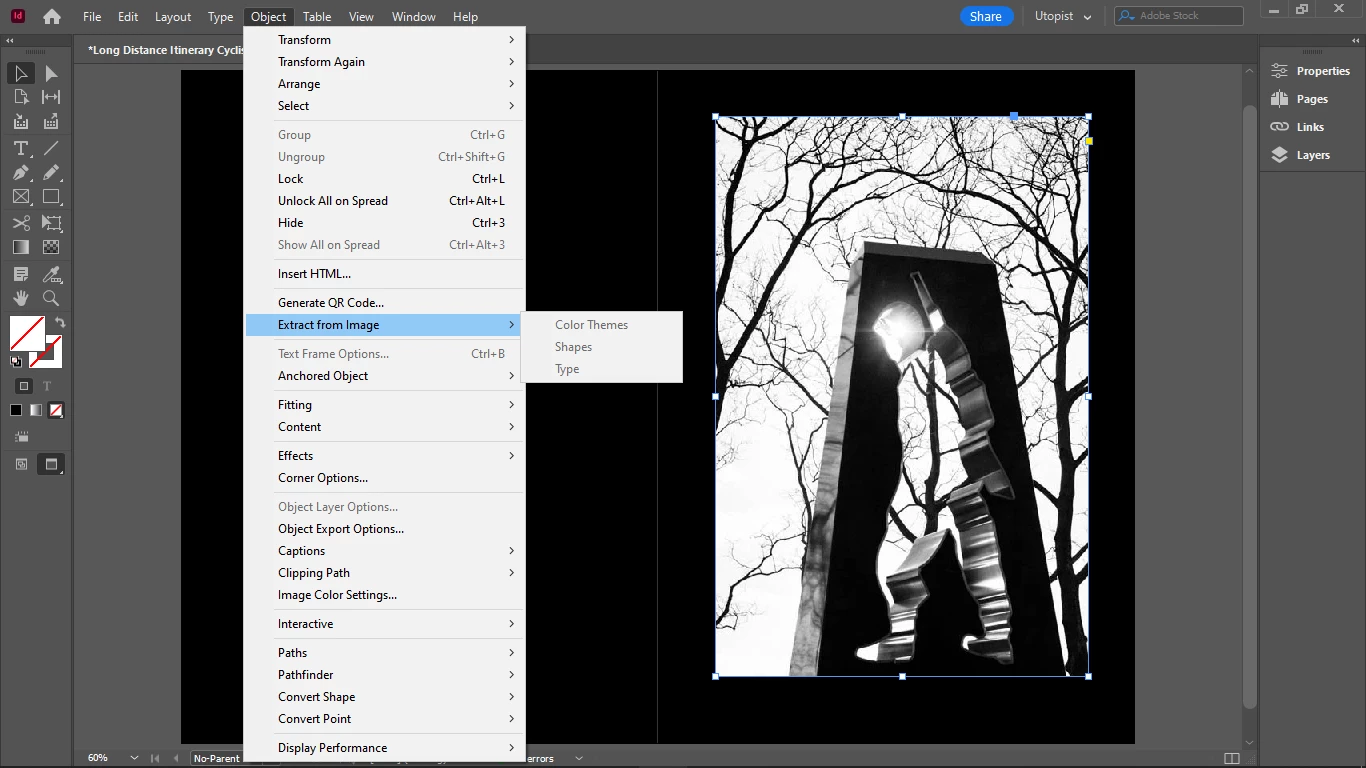
I found the same image online.
It's working for me
Even when it's just copy and paste with nothing in the links




 AdChoices