



JonathanArias
Legend
December 20, 2021
Answered

window frame out of reach

  • December 20, 2021
  • 4 replies
  • 1013 views

Hi, i have tried resetting my space but i can't fix this. i moved my indesign to the corner and now i can't  get my cursor to the header of the application frame to move it back so its visible
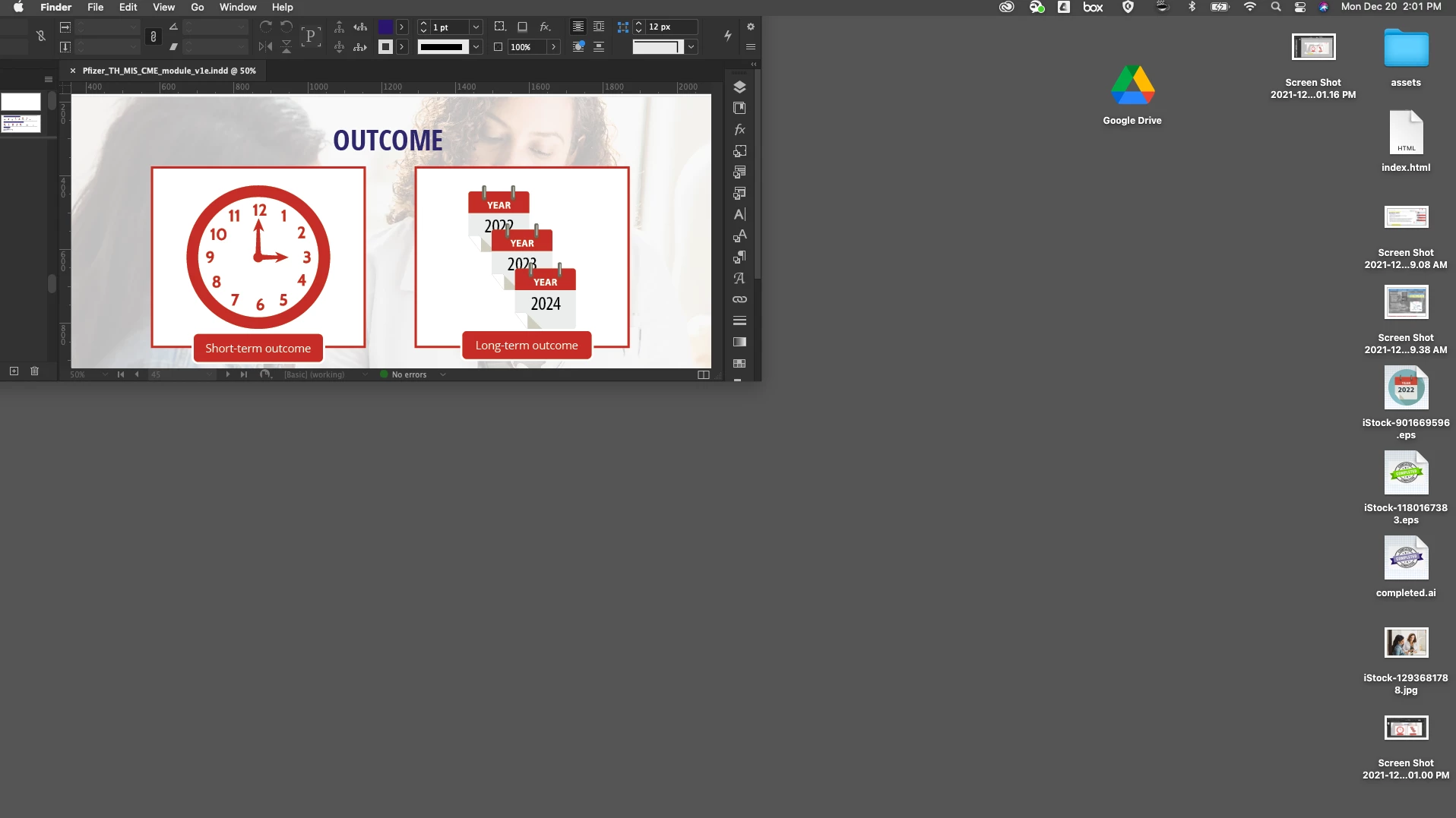
If i turn off application frame it looks fine, as in it snaps to my monitor:
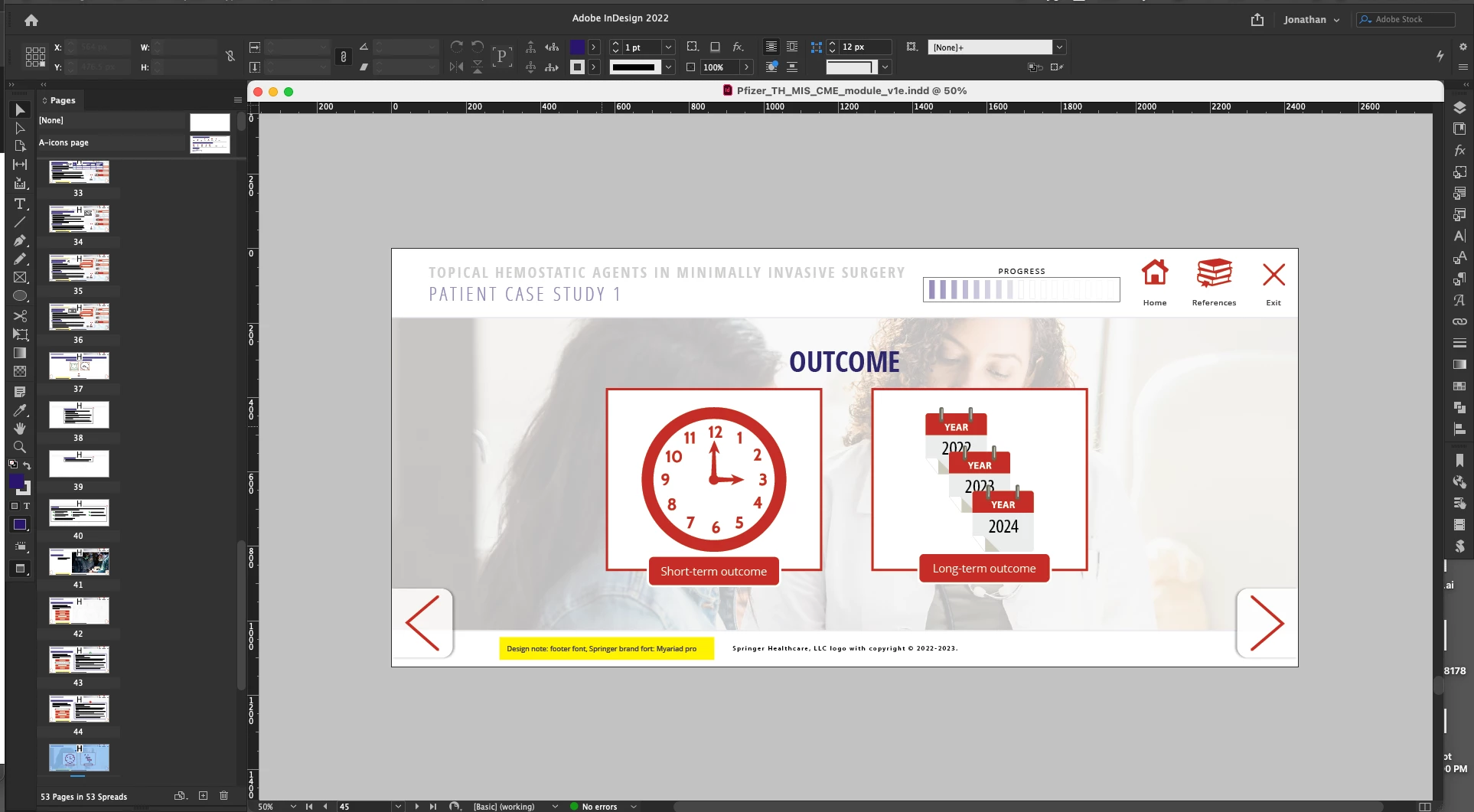
 

how can i reset the application frame so it snaps to the screen again?

This topic has been closed for replies.
Correct answer Barb Binder

Hey Jonathan:


Hold the Opt key and drag the bottom up. Like other Adobe objects, this will force the window to resize from the center and the top should come back into view. 


~Barb

Without and then with the Opt key:

4 replies

Barb Binder
Community Expert
Community Expert
December 20, 2021

Yes, it's a Mac thing. On Windows I use a keyboard shortcut: Alt+Spacebar, m (for move) and the down arrow key. How do I know these things? Because I have made every mistake possible, multiple times. 🙄


~Barb

~Barb at Rocky Mountain Training
Known Participant
June 21, 2023

I just had an issue on Windows where the Find/Change menu was popping up with the entire top of the frame off screen. Alt+Spacebar, M did not immediately allow me to drag the frame (you still have to be touching the *top* of the frame to drag it with this method). However, just hitting Alt+Spacebar moved the top of the frame to be reachable because the menu it brings up is tied to the side of the top of the frame and Windows was smart enough to know the Alt+Spacebar menu would need to be visible. So then after that I was able to grab the top of the frame and move it as usual.

Barb Binder
Community Expert
Community Expert
December 20, 2021

Hey Jonathan:


Let's plan something for early in the new year. 🥳


~Barb

~Barb at Rocky Mountain Training
Barb Binder
Community Expert
Barb BinderCommunity ExpertCorrect answer
Community Expert
December 20, 2021

Hey Jonathan:


Hold the Opt key and drag the bottom up. Like other Adobe objects, this will force the window to resize from the center and the top should come back into view. 


~Barb

Without and then with the Opt key:

~Barb at Rocky Mountain Training
JonathanArias
Legend
December 20, 2021

how do you know this???


that did it.i have been pulling my hear thinking "how the hell did nobody think of that in adobe"?


Barb to the rescue, when we doing another get together?

JonathanArias
Legend
December 20, 2021

Definitely something that is working on MacOS only, I think.

Thanks for the hint, Barb!


Regards,
Uwe Laubender

( ACP )


yes, i did noticed that when on a pc.. YOU CAN'T.

Community Expert
December 20, 2021

Hi Jonathan,

do you have a backup of your InDesign preferences folder named Version 17.0 ?

Try to restore it from a backup you did perhaps today or yesterday with TimeMachine.

Do that when InDesign is not running. That should fix the issue.


The path of that folder usually is:

Users > [ Your user name ] > Library > Preferences > Adobe InDesign > Version 17.0


Regards,
Uwe Laubender

( ACP )

JonathanArias
Legend
December 20, 2021

I did not try this. Barbs answer did it.