Exit
  • Global community
    • Language:
      • Deutsch
      • English
      • Español
      • Français
      • Português
  • 日本語コミュニティ
  • 한국 커뮤니티
0

workspace

Enthusiast ,
Jan 04, 2020 Jan 04, 2020

Hi,


Q1.

I cannot see the workspace (HK 1).

Reset is not working.


Others are OK, like "Advanced".


How would I do?
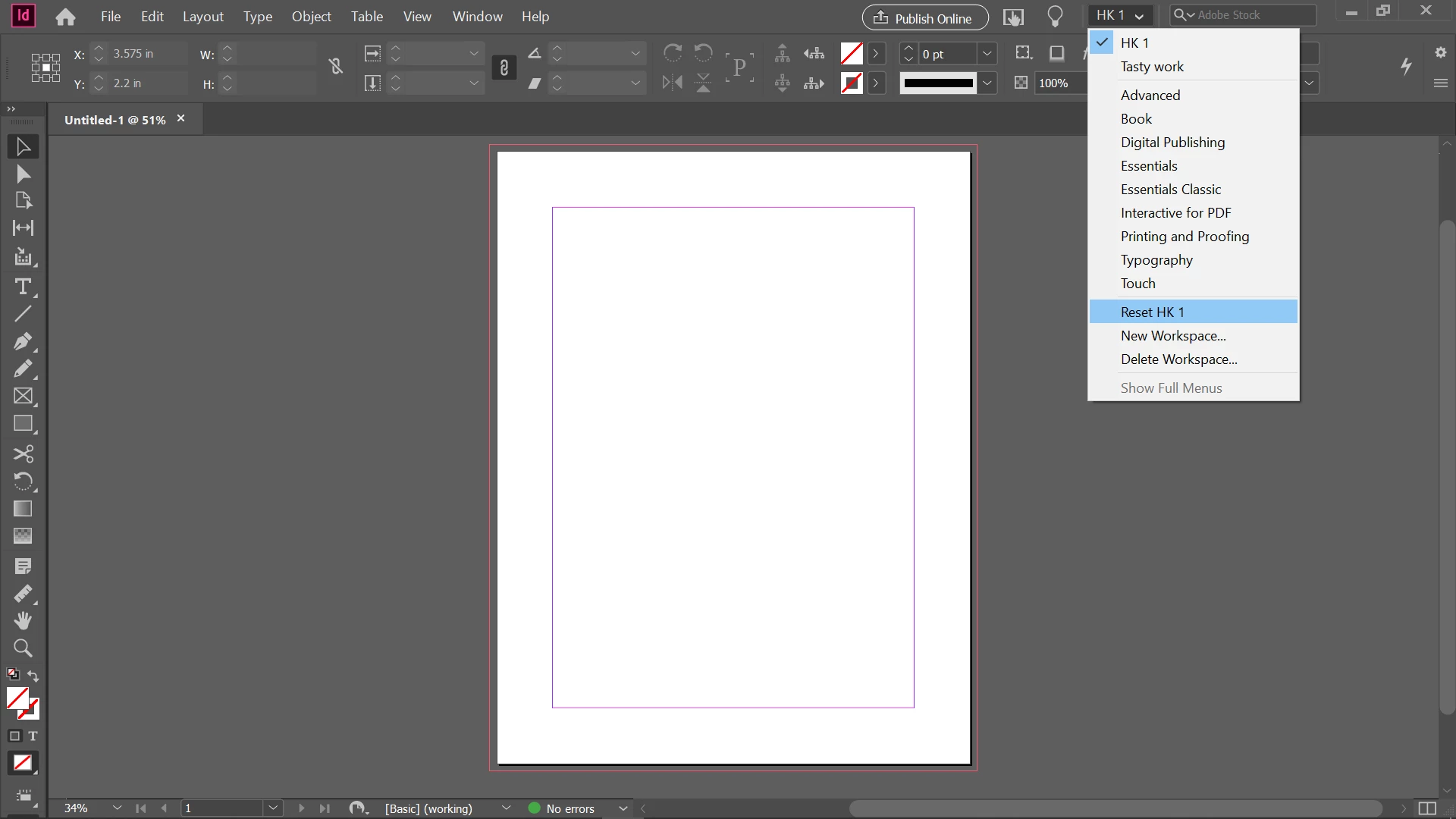
 

2020-01-05 (2).png


Q2.

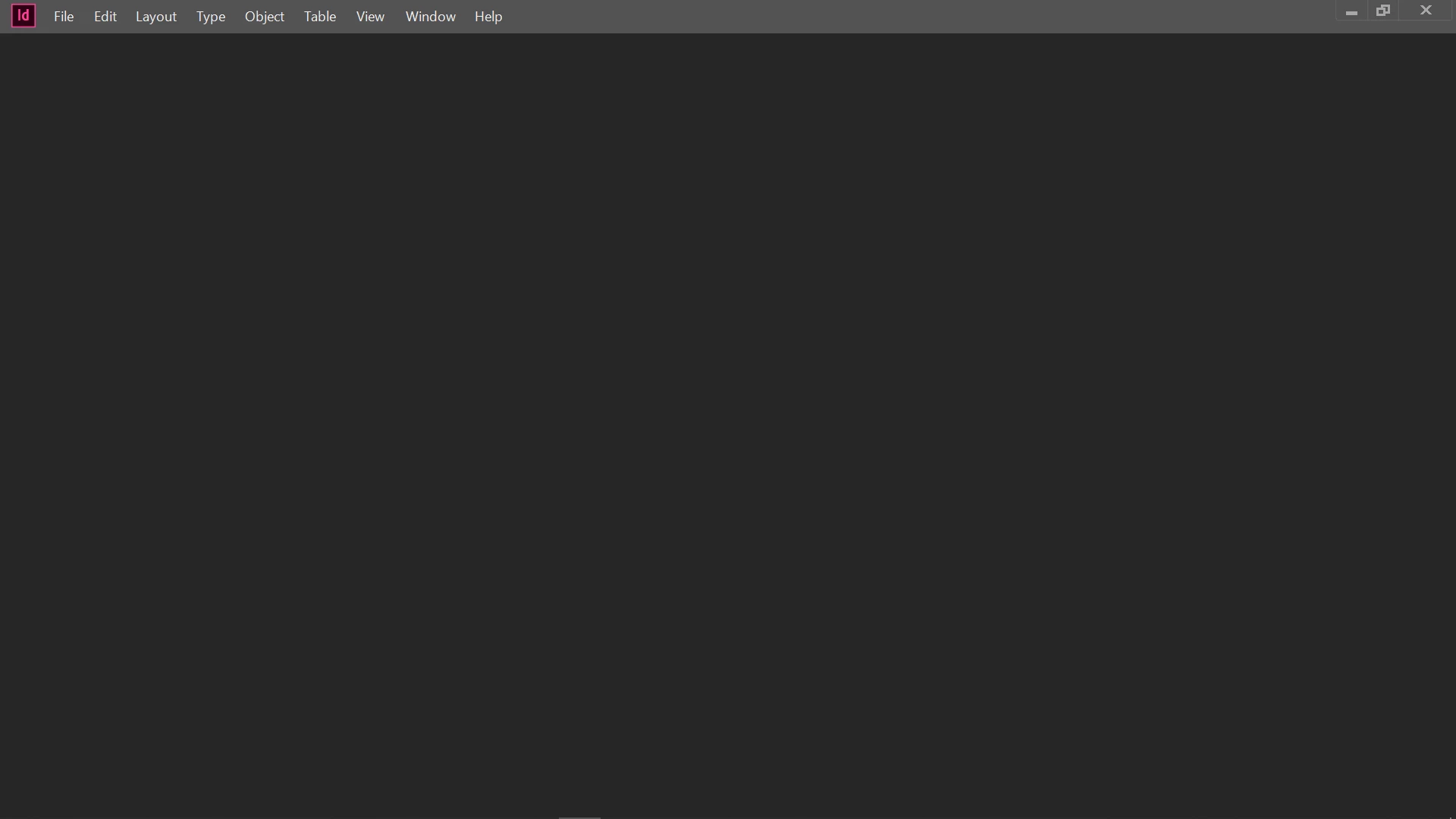
When I tried to close Id after closing the document, I see the blank screen.
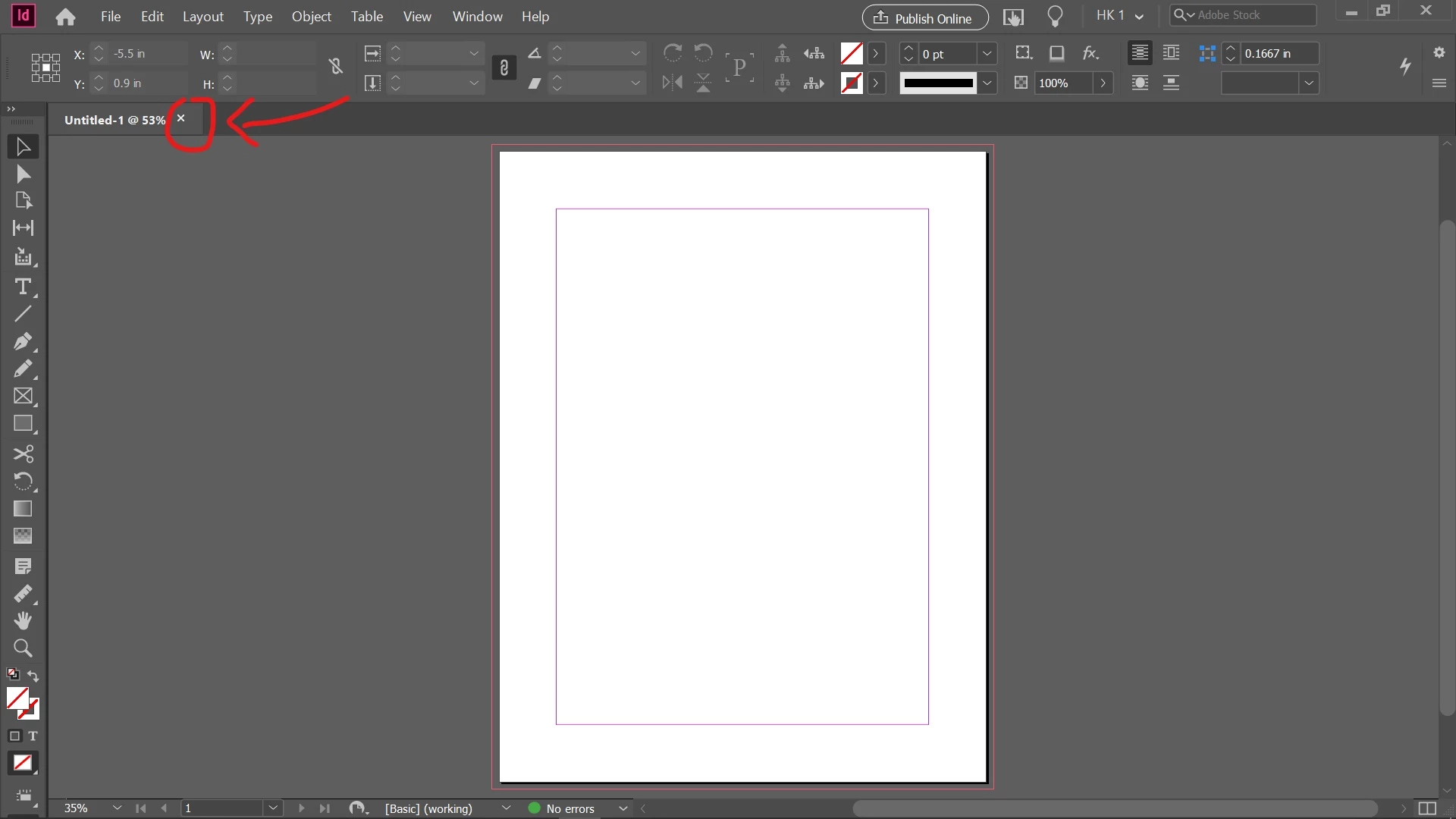
 

2020-01-05 (4)_LI.jpg


2020-01-05 (5).png


Hosun Kang

TOPICS
How to
560
Translate
Report
Community guidelines
Be kind and respectful, give credit to the original source of content, and search for duplicates before posting. Learn more
community guidelines

correct answers 1 Correct answer

Community Expert , Jan 04, 2020 Jan 04, 2020

HK 1 is a custom workspace, and not one of the defaults, like Advanced. Did you try Window > Workspace > Reset HK 1? If that doesn't work, you may need to rebuild it. 

~Barb 

Translate
Community Expert ,
Jan 04, 2020 Jan 04, 2020

HK 1 is a custom workspace, and not one of the defaults, like Advanced. Did you try Window > Workspace > Reset HK 1? If that doesn't work, you may need to rebuild it. 

~Barb 

Translate
Report
Community guidelines
Be kind and respectful, give credit to the original source of content, and search for duplicates before posting. Learn more
community guidelines
Enthusiast ,
Jan 05, 2020 Jan 05, 2020
LATEST

I encountered that issue, when I turned on Media Panel.


Id still crashes with Media Panel.


Hosun Kang


2020-01-05 (6).png2020-01-05 (7).png

Translate
Report
Community guidelines
Be kind and respectful, give credit to the original source of content, and search for duplicates before posting. Learn more
community guidelines