


AI files blending modes will not show up on Indesign file
Hello,
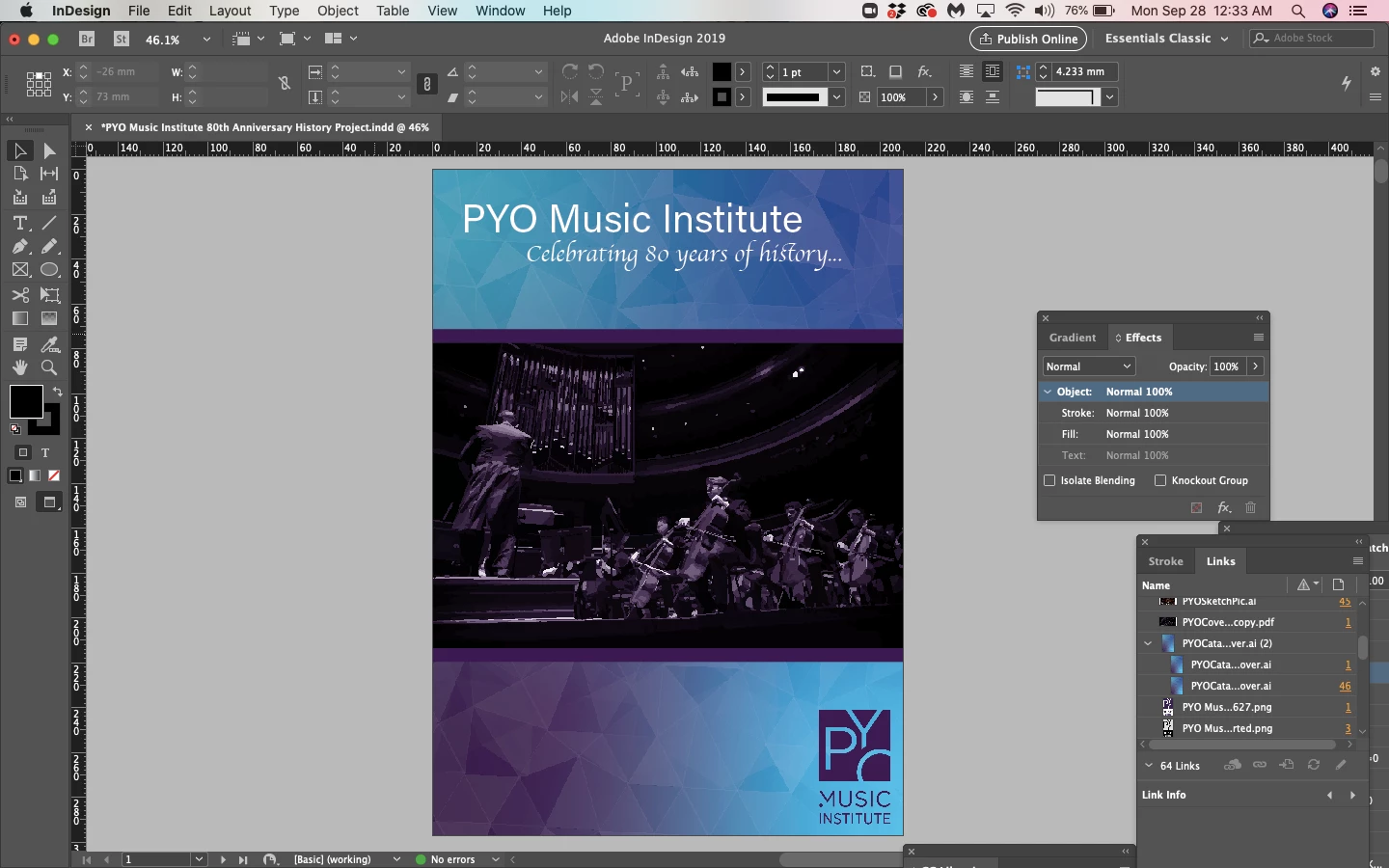
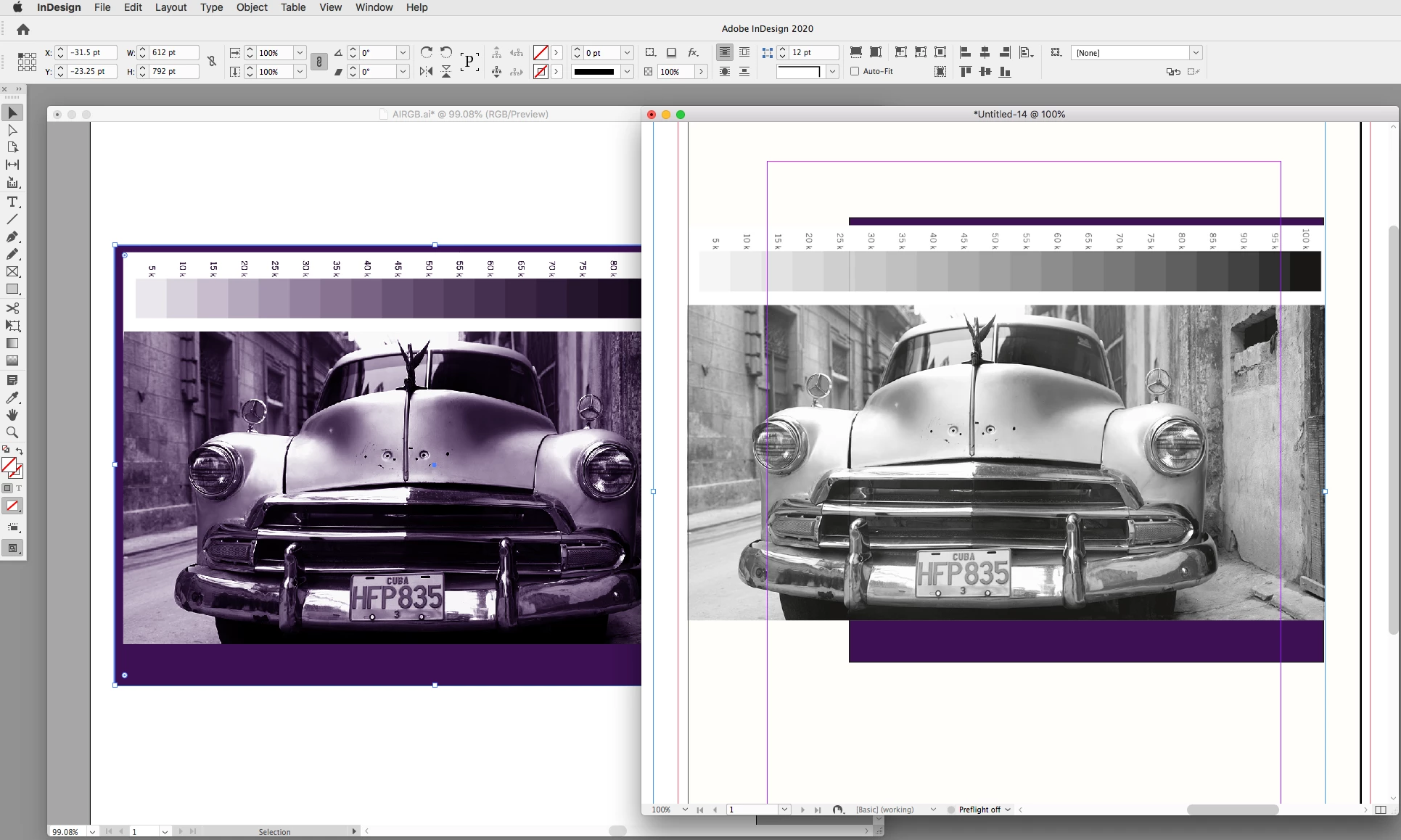
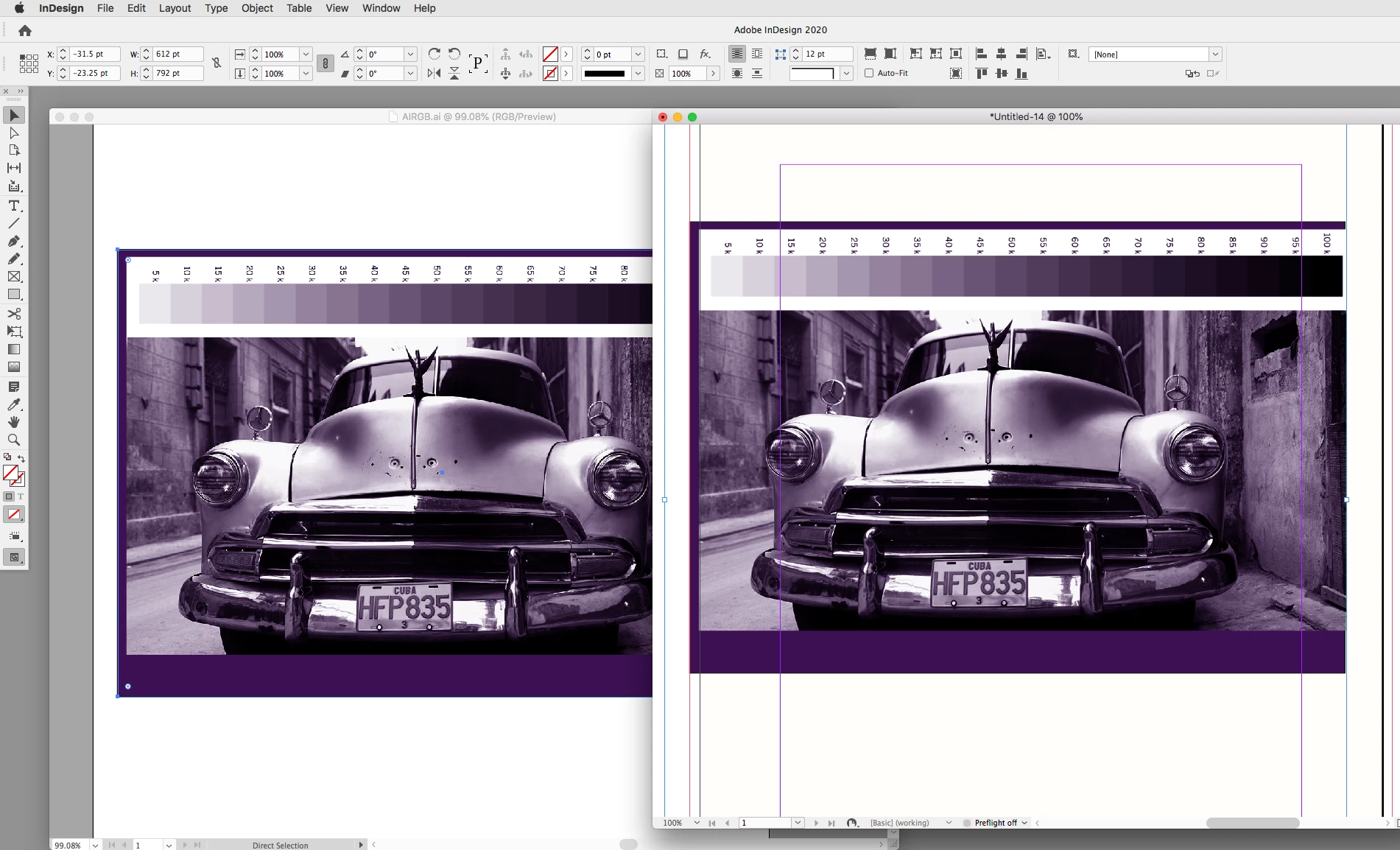
I have run into a problem where whenever I edit an image with Adobe Illustrator and try placing the file in InDesign, the colors won't show up. I am designing for a work project and the way the organization styles their pictures is by converting the original picture to black and white then adding a fill layer on top with a soft light blending mode. I have tried saving it both as a PDF/X-4 file and an AI file and whenever the pictures are placed in InDesign the colors will only show up if it is low resolution, but not high quality, and then once I export the indesign file the colors once again do not show up in the final PDF file. I have attached two screenshots-- one with the color in "typical display" mode and one without color in "high quality display" mode. Is there a way to get the soft light blending mode to show in InDesign? Please help. 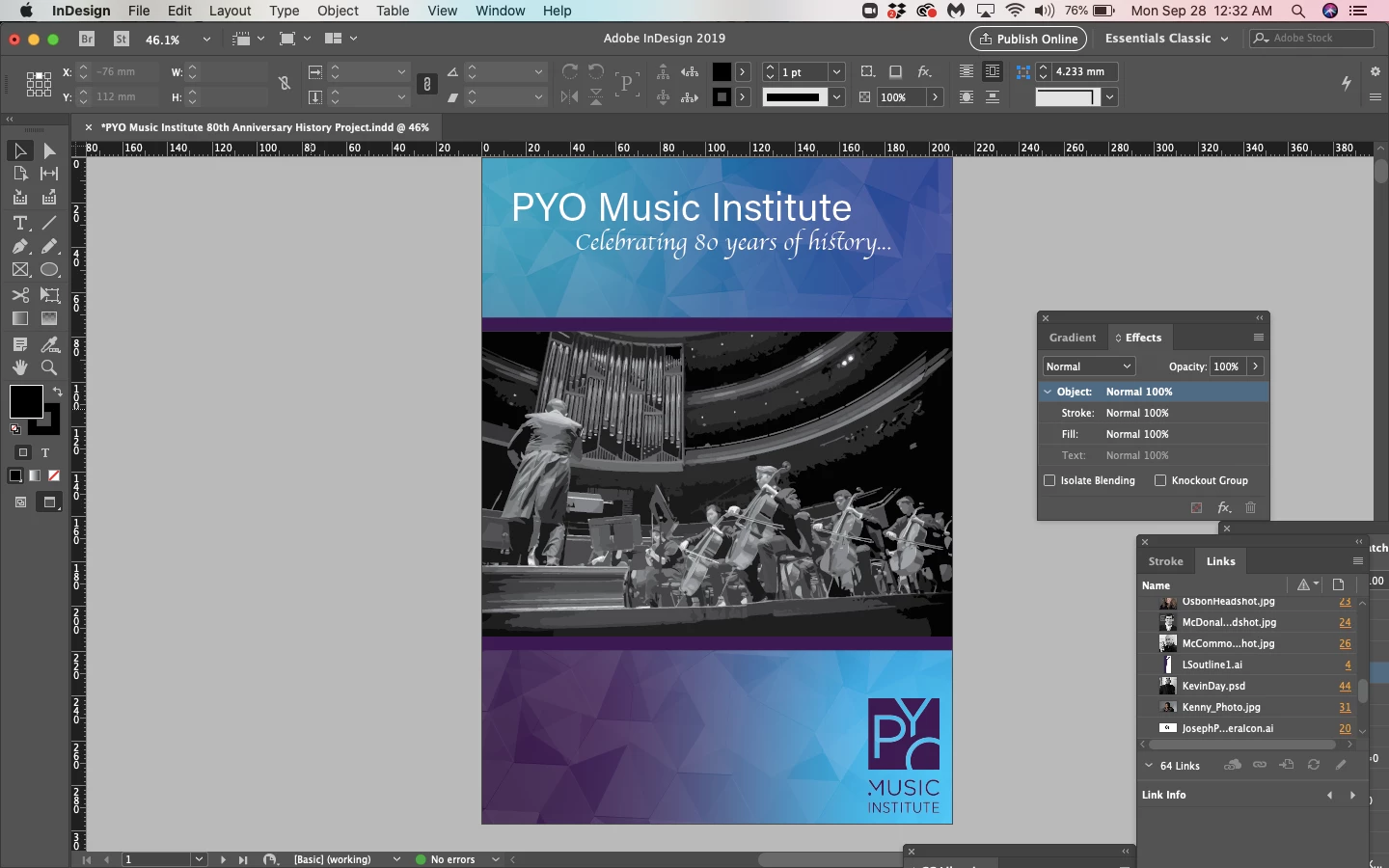
 AdChoices