
Participant
May 24, 2019
Question

Black border around ePub file

  • May 24, 2019
  • 2 replies
  • 1019 views

Hi there, long-time INDD user, first-time ePub convertor. I have a 240pp book that I've mostly converted, but am having a couple of issues that I was hoping someone might be able to help with: first of all, there's a thin black border appearing around all-but-three stories and I was wondering if there's a way to remove it? This appears on the iBooks app at least. The only three stories in which it's not appearing are around a set of references, but I've used identical paragraph styles for references elsewhere in the document so I'm not sure what's going on here. The only difference is that the 'clean' references follow on from a set of full-page images.
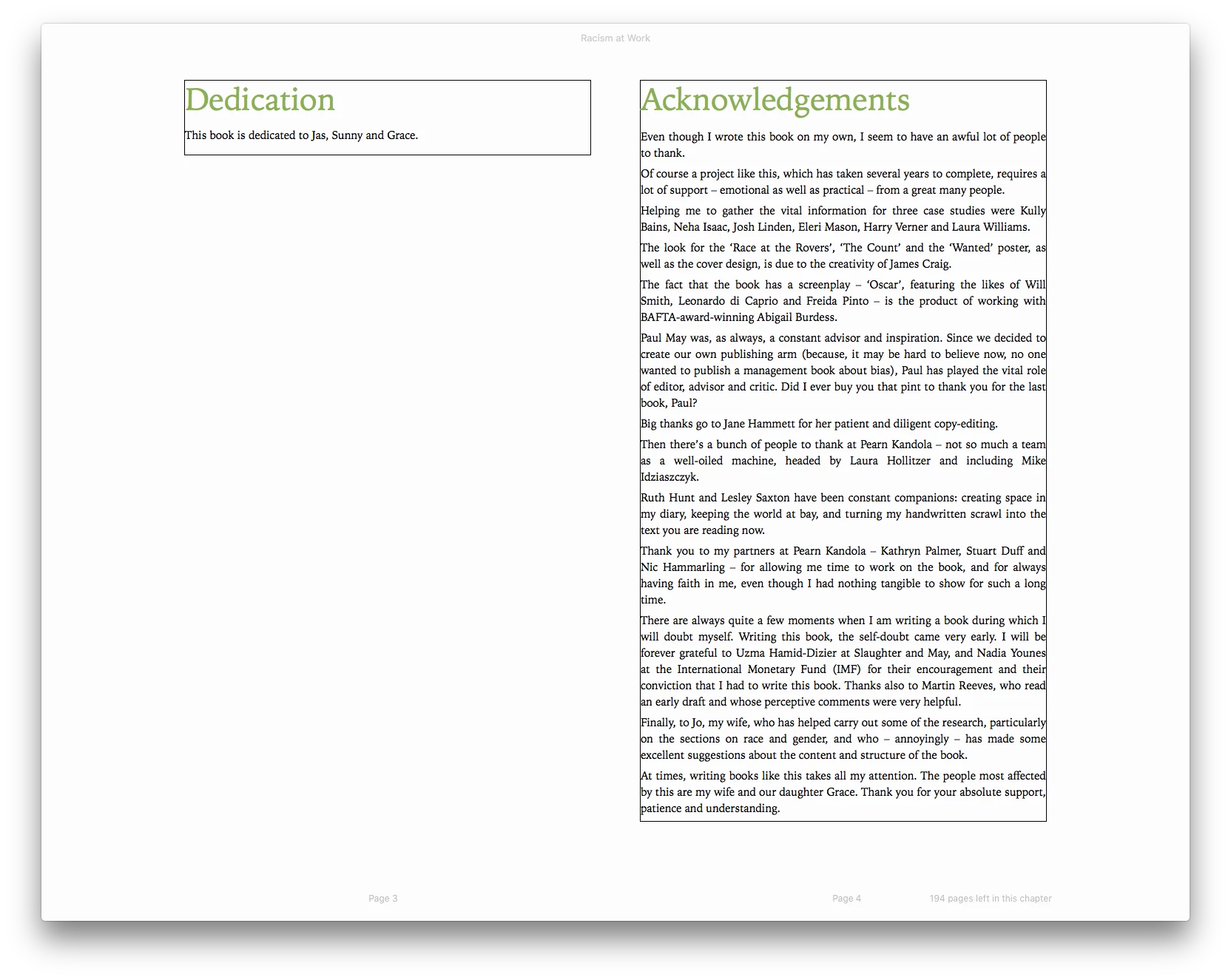
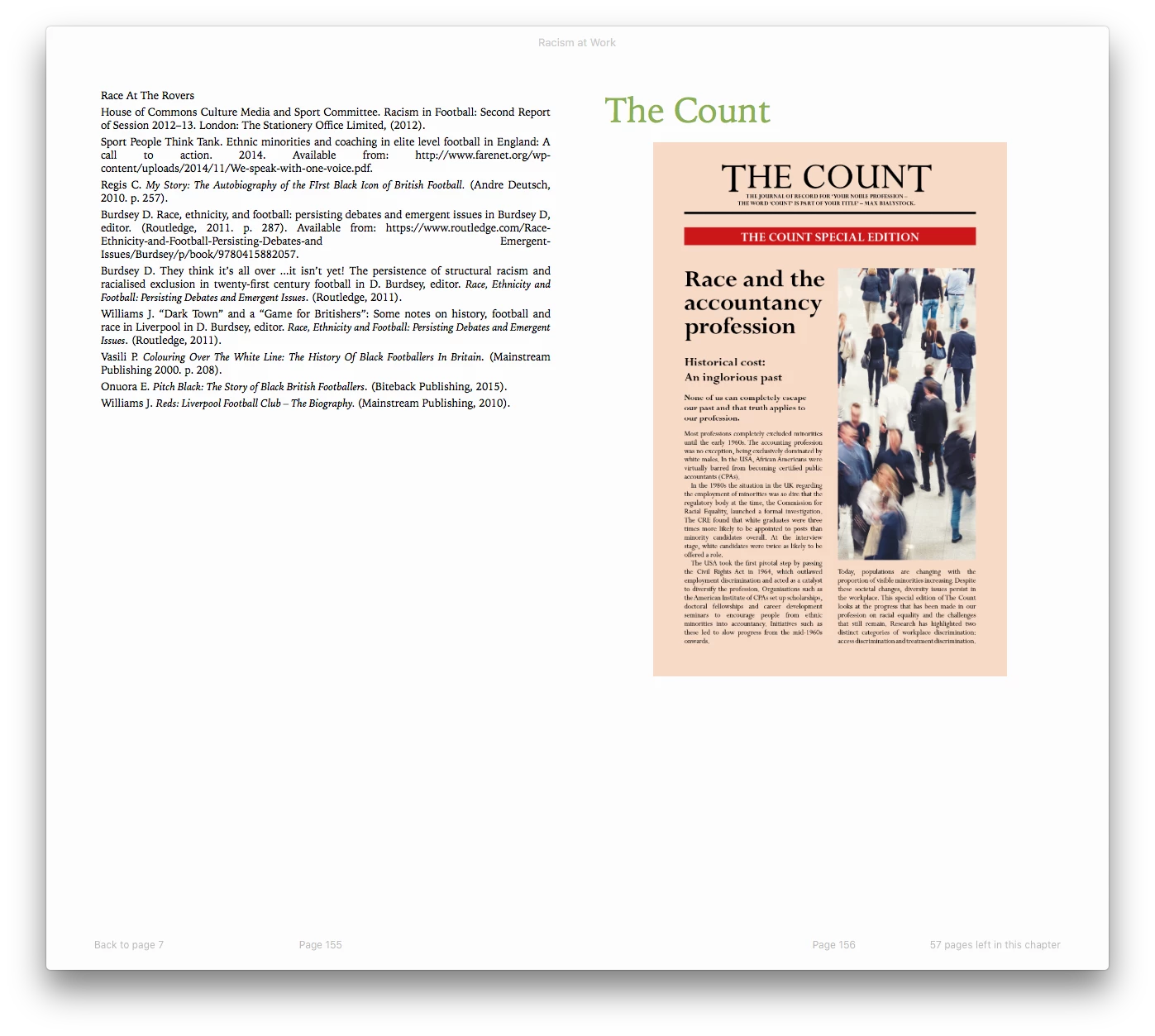
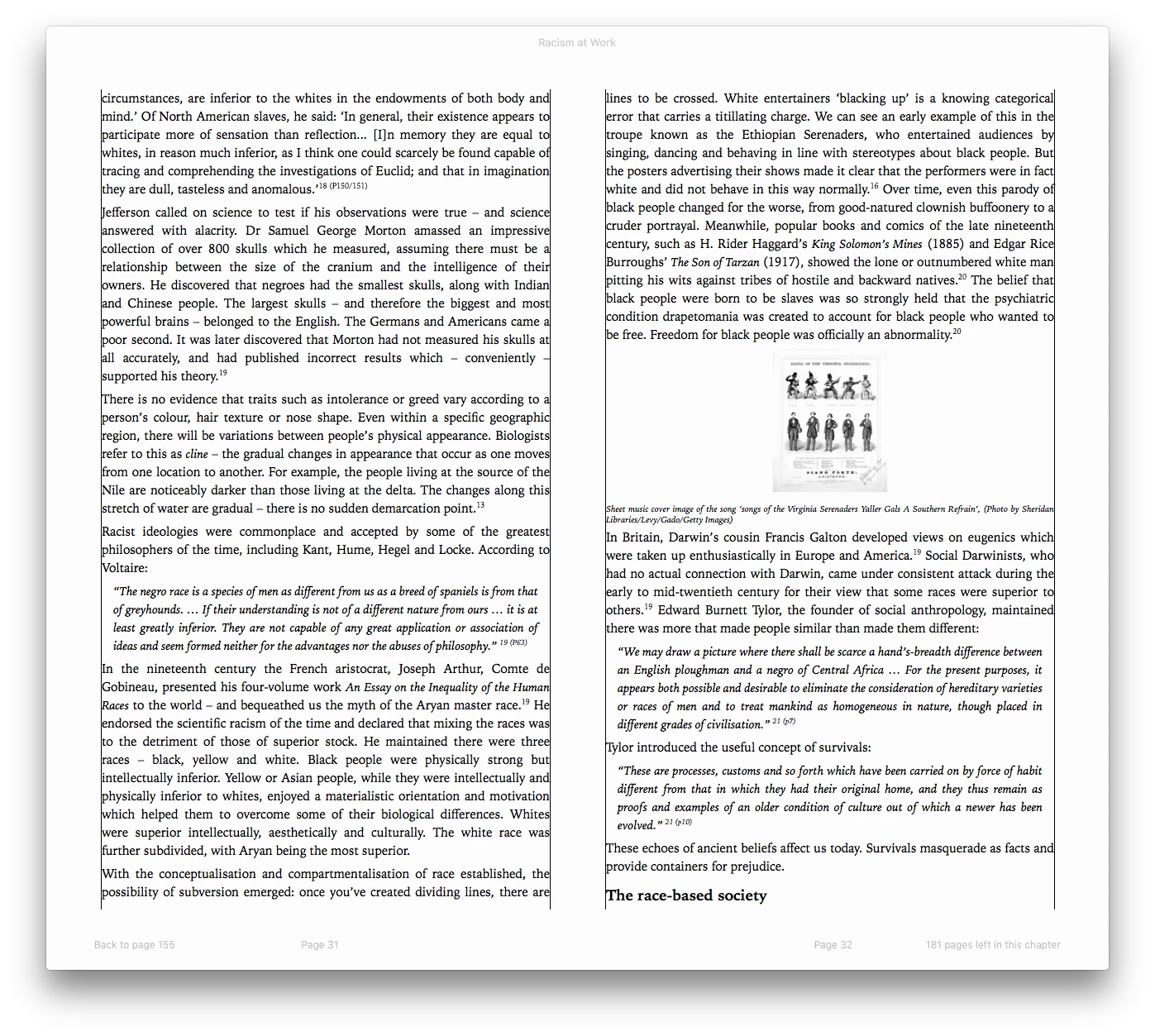
Second query: is there any way to increase the size of images that are placed in-line in text? See screenshot below. It would be great if I could bump the size of these images up but I've no idea what's controlling their scale. Their size within the INDD document doesn't appear to have any effect on their size in the ePub.
Thank you!

This topic has been closed for replies.

2 replies

Derek Cross
Community Expert
Community Expert
May 24, 2019

When you state ePub Converter, do you mean you Exported from InDesign to FXL ePub?

BobLevine
Community Expert
Community Expert
May 24, 2019

Judging from the screenshot, that’s a reflowable epub.

BobLevine
Community Expert
Community Expert
May 24, 2019

What version of InDesign are you using? What version of EPUB did you export to?

Did you make full use of styles? Did you check your object styles?

Max_MCCAuthor
Participant
May 24, 2019

BobLevine This is Indesign CC 13.0 on MacOS High Sierra, exporting to ePub 3.0. All of the text has Paragraph Styles, with Character Styles being used for bold/italic/superscripted text.

Saying all of that, altering the Basic Graphics Frame Object Style has sorted the black keyline out; I didn't even think to check this as it's largely irrelevant during print production, but it seems that ePub stories get an invisible default object around them?

Derek Cross​ As Bob mentioned just prior to my own reply, this is a reflowable EPUB.

Derek Cross
Community Expert
Community Expert
May 24, 2019

I thought it was FXL because of the "pink" page which might cause some issues as a reflowable.