


Break document into sections, with section numbering
There's gotta be a simple way to do this, but I sure can't find it online.
I have a lengthy document (about 350 pages), which I need to split into sections (about 50 of them). I need the section number to appear on the first page of each section. It's a book, and each chapter should be a section. The first page of each chapter has a master page applied to it, which has the word "Chapter" in a text box. I want the section number (i.e., chapter number) to appear immediately after the word "Chapter," formatted in the font and size of that word.
FWIW, I originally had this as fifty separate documents, assembled into a book. In that form, I was able to have the chapters numbered appropriately, and the numbers updated as needed. I found, though, that now that everything is "in place," it's easier for me to work with the document as a single document, so I painstakingly moved all of the pages of the 50 documents into a single document.
Having done that, the first page of each "chapter" lost their consecutive numbers. I.e., they all say "Chapter 1."
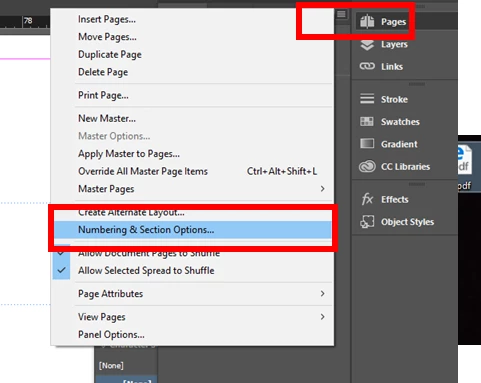
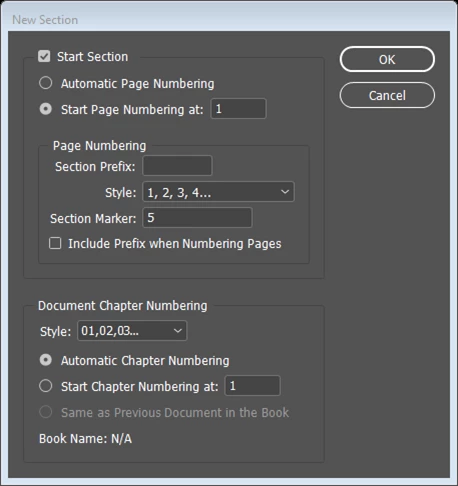
Isn't there a way to mark, at the beginning of each chapter, a section break? And then, at the desired place in that page, have the section number print?
Your help would be most appreciated!
Many thanks.
Ken

 AdChoices