


Participant
January 23, 2019
Question

Can't place images, add shapes/text boxes, or double-click to edit text

  • January 23, 2019
  • 4 replies
  • 1044 views

I'm not sure what's going on, but InDesign turned on me today. I consider myself an advanced user with 12+ years experience, using daily in my work for 7+ years… and I am baffled.

I am suddenly unable to:

  • Place images (PSD, JPG, TIFF, etc.). The image appears in the cursor, but when I click to place, nothing happens. Over and over.
  • Add shapes via Rectangle, Ellipse, or Polygon Tool — when I attempt, I end up selecting all objects on my page.
  • Add text boxes. Same as above, selects all objects on page.
  • Cannot double-click to edit text — typically from the black cursor (V), I am able to double-click on a text box and it will select all text, or bring up the typing cursor. That's not happening. I end up moving the text box entirely.
  • There are probably other things happening that I'm not yet aware of, because I've been stuck on these.

I have:

  • Tried a fresh document
  • Restarted InDesign
  • Cleared Preferences while launching InDesign (Shift+Command+Control+Option)
  • Uninstalled and reinstalled InDesign
  • Restarted my computer

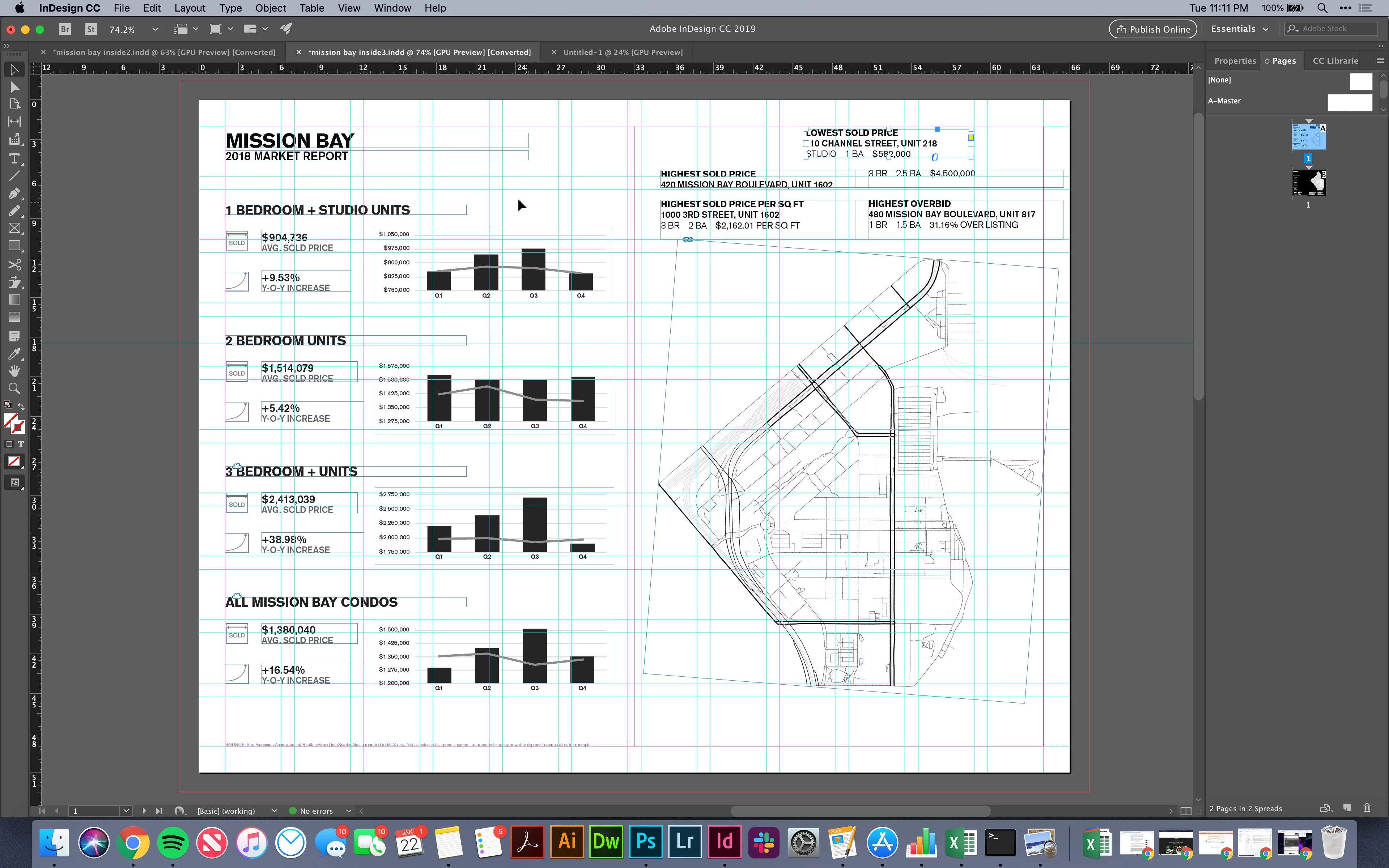
It's possible I pressed a key on my keyboard that somehow put it in a mode I am unaware of… but seems unlikely. Screenshot for reference, doubt anything can be told by it.  Please help!
This topic has been closed for replies.

4 replies

Frans v.d. Geest
Community Expert
Community Expert
March 25, 2019

Is it InDesign or the document, in other words: does it happen with every document and with new documents as well?

Participant
March 25, 2019

Every document. New as well.

Bill Silbert
Community Expert
Community Expert
March 25, 2019

Are you using any third party plug-ins (either directly for InDesign or with your Mac in general)? If so disable them and see if the problem persists.

Participant
March 25, 2019

Hi Kyle,

Any luck resolving this? I'm having same issue. Just happened out of the blue in the middle of working on a document I'd been working on for a week. Same issue with any ID document I open. Can't select, edit or move anything.

Srishti Bali
Community Manager
Community Manager
January 23, 2019

Hi Kyle,

We are sorry to hear about this. Along with the details asked by Derek, would request if you can check how InDesign works in Root account: How to enable the root user on your Mac or change your root password - Apple Support.

If that works fine, it could be something related to permissions. Please follow the steps shared here to repair permissions for Adobe Folders: https://indd.adobe.com/view/d6f78247-7e41-4982-b380-68c0d465fd91

Regards,

Srishti

Derek Cross
Community Expert
Community Expert
January 23, 2019

Which version of InDesign and OS?