


Participant
January 25, 2019
Answered

Creating a Interactive PDF fill-in form from Indesign that attaches its self to an email

  • January 25, 2019
  • 1 reply
  • 1455 views

Can anyone help me please I've created a InDesign CC 2019 document that's a form for people to fill in - created from OBJECT / INTERACTIVE / Convert to Text Field. Then having a Submit Form Button (click on area) which I've hyperlinked to an email address, export out as an Adobe PDF (Interactive). All works fine apart from the pdf is not attached to the email. Am I missing something off - that's not clicked in the hyperlink or exporting bit?
    This topic has been closed for replies.
    Correct answer Steve Werner

    InDesign can do some of the basics of creating form fields but it doesn't have the capability to distribute forms. You can use Acrobat for doing this with the Prepare Form tool.

    Creating and distributing PDF forms in Adobe Acrobat

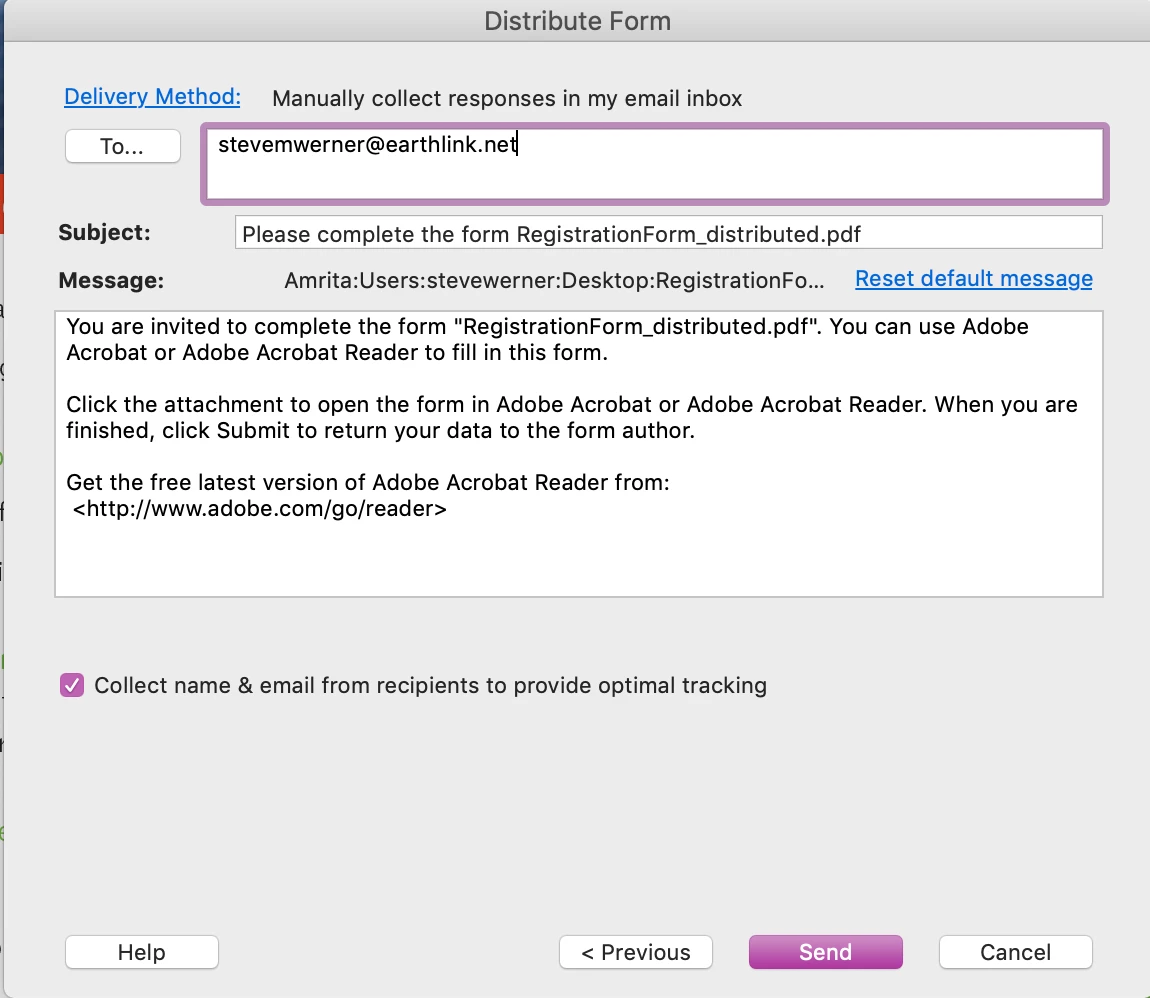
    I'm sending a form to myself using the Distribute command in the Prepare Form tool in Acrobat Pro DC:

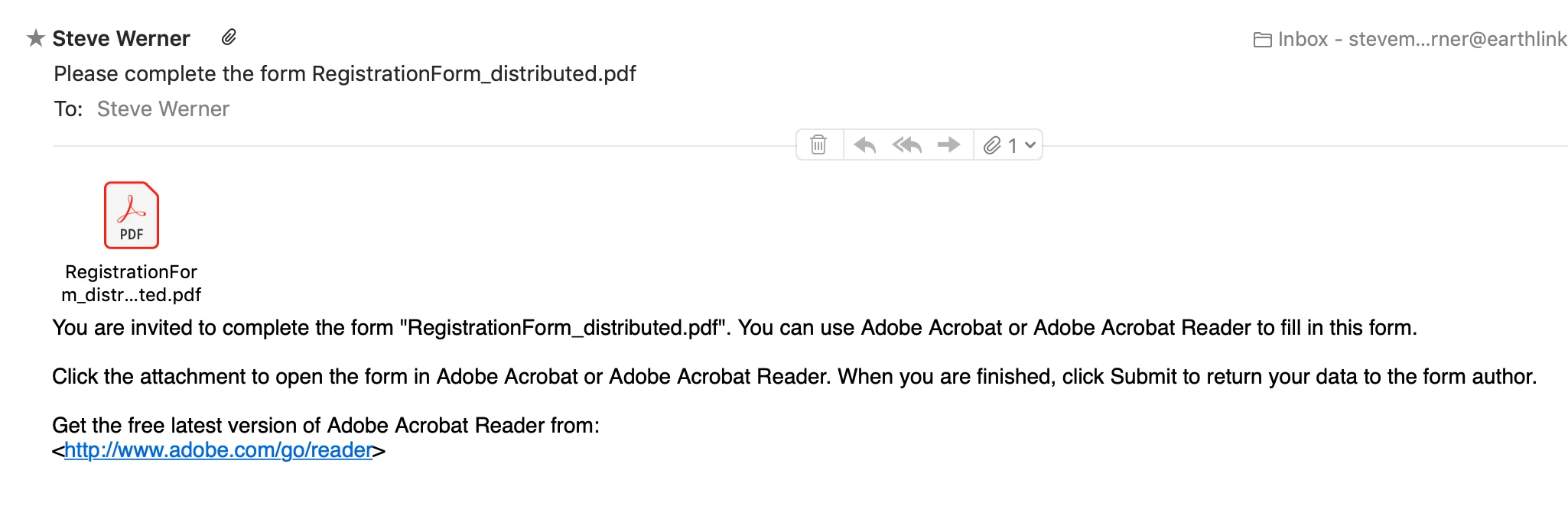
    Here's the email I received:

    1 reply

    Steve Werner
    Community Expert
    Steve WernerCommunity ExpertCorrect answer
    Community Expert
    January 25, 2019

    InDesign can do some of the basics of creating form fields but it doesn't have the capability to distribute forms. You can use Acrobat for doing this with the Prepare Form tool.

    Creating and distributing PDF forms in Adobe Acrobat

    I'm sending a form to myself using the Distribute command in the Prepare Form tool in Acrobat Pro DC:

    Here's the email I received:

    Participant
    January 25, 2019

    Hi Steve,

    Thank you to the quick response, I will go down this route. Hopefully with satisfaction.