


Answered
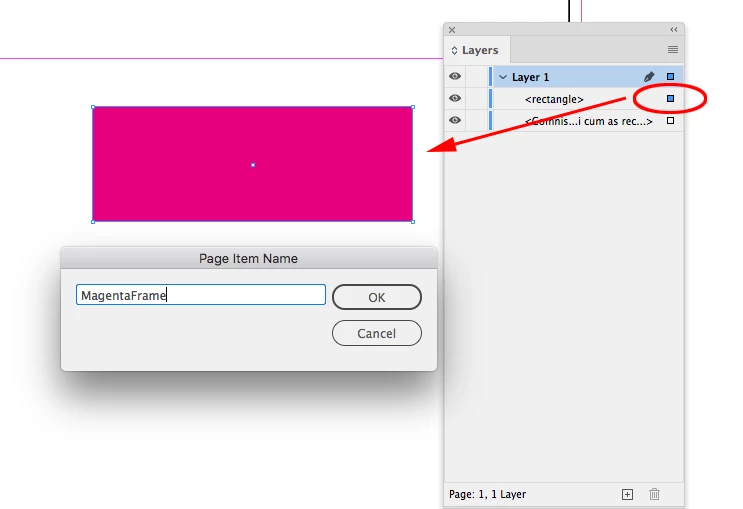
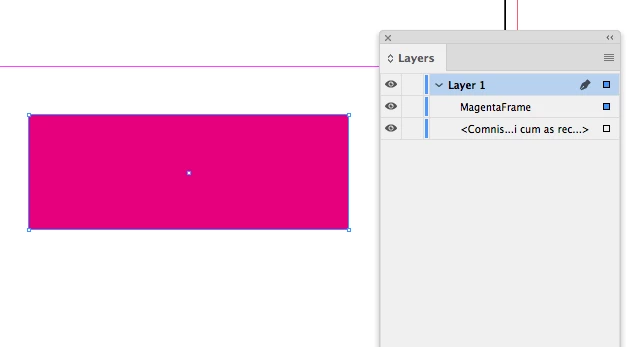
How do you rename a sublayer/object in the Layer's Panel of InDesign 2021?
In the previous versions of InDesign all I had to do was double click on the name of the layer/object in the layers panel and I could then edit the name as needed. Now when I (single/double/triple) click on the layer name, the text highlights for a millisecond and then goes back to being greyed out.
This isn't a glitch with the OS/my mouse/touchpad because it works in Finder, Photoshop & Illustrator to rename files this way.
@Adobe A rename option in the layer's panel menu would be really helpful
 AdChoices