


How To Create "Skewed" Shapes In Indesign Using Transform Tool?
I love the 'skew' or 'distort' tool in photoshop as I can create angled boxes for irregular sections etc.
However Indesign does not appear to have a tool like this which is severely slowing me down.
See screenshot: https://screencast.com/t/3JLowTfxl
For instance, to create a presentation folder you often create bottom pockets which have e.g. 30 degree angles on the frames.
In order to achieve this I am fudging it by angling rectangles over each other which is obviously not an elegant method.
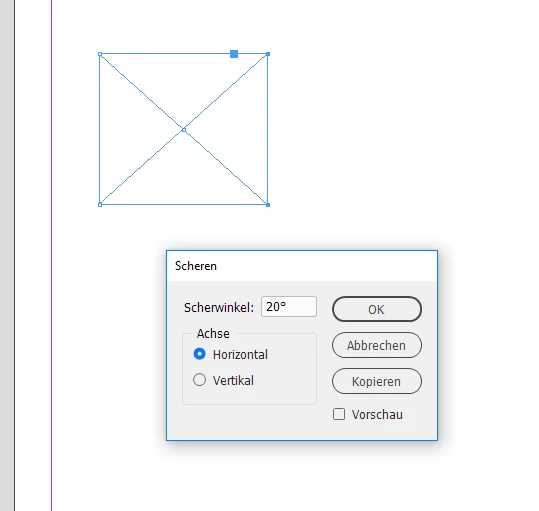
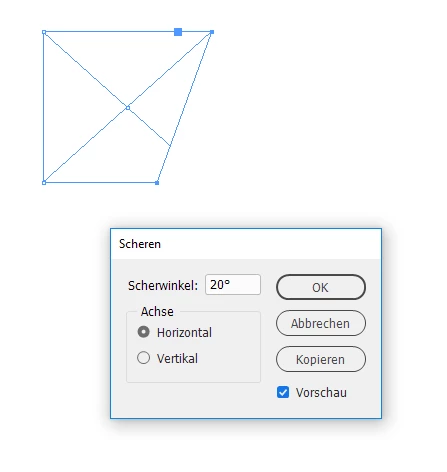
I have attempted to use the SHEAR tool but its not clear to me how to quickly get the RIGHT angle. It seems like 'guess' work to type in the angle etc....
How does everyone else approach this?
I would prefer not to have to import re-shaped background images into indesign but the 'transform' tool seems limited
Thanks in advance.
J
 AdChoices