Inspiring
October 15, 2017
Answered

How to RemoveTabe Cell Borders

  • October 15, 2017
  • 1 reply
  • 873 views

I would like to present a small table (2 cols x 9 rows) without any lines. In Table Setup I set the Body Border weight to zero. However, I have forgotten how to 'zero-out' the cell borders. That option does not appear (or at least, I cannot find it) under Table | 'Table Options' or Table | Cell Options.

With thanks in advance,

jwc
    This topic has been closed for replies.
    Correct answer Steve Werner

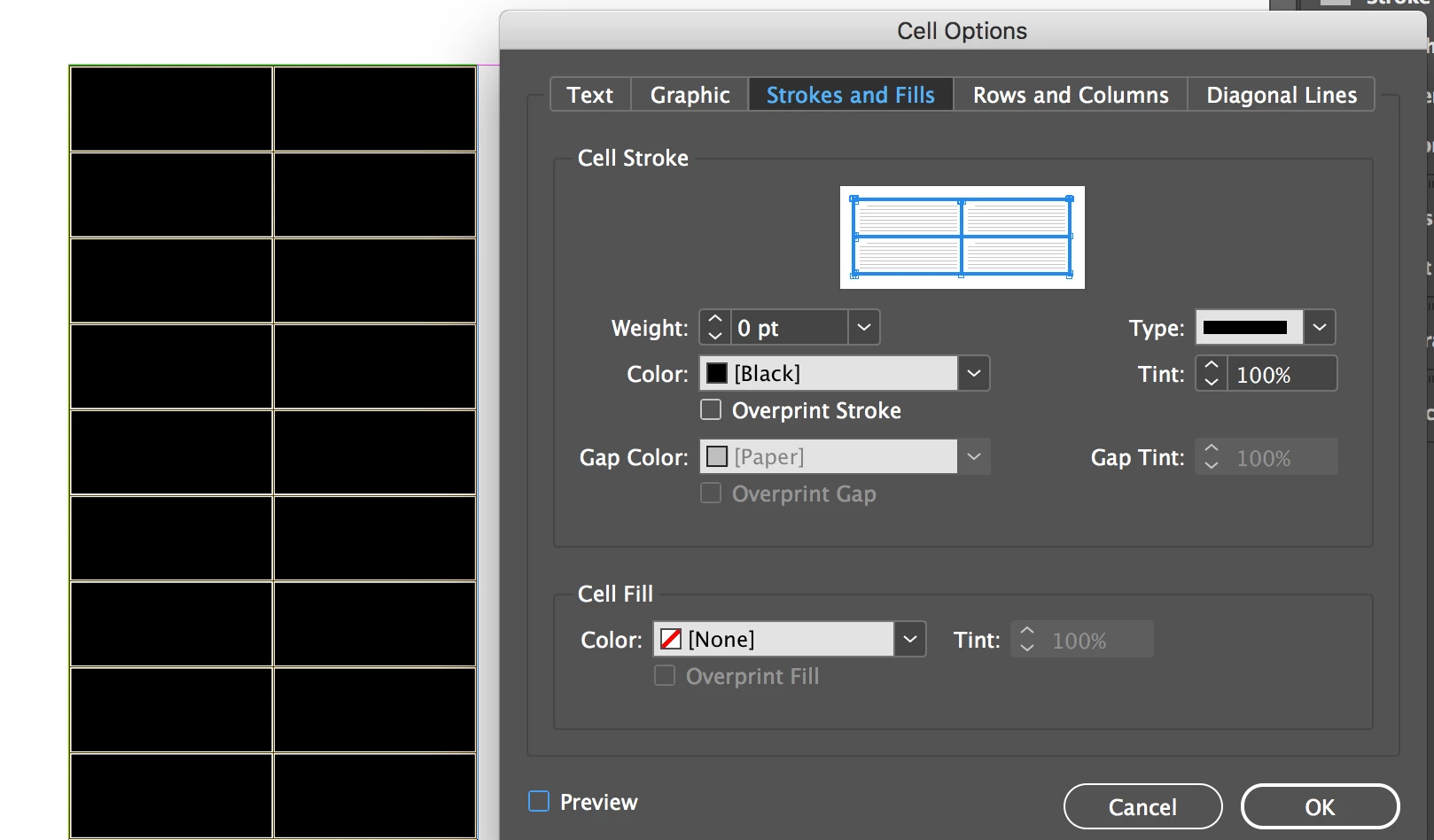
    It's in Table > Cell Options > Strokes & Fills. When you see all the borders selected in the proxy that represents cell borders, set the Stroke weight to 0 pt.

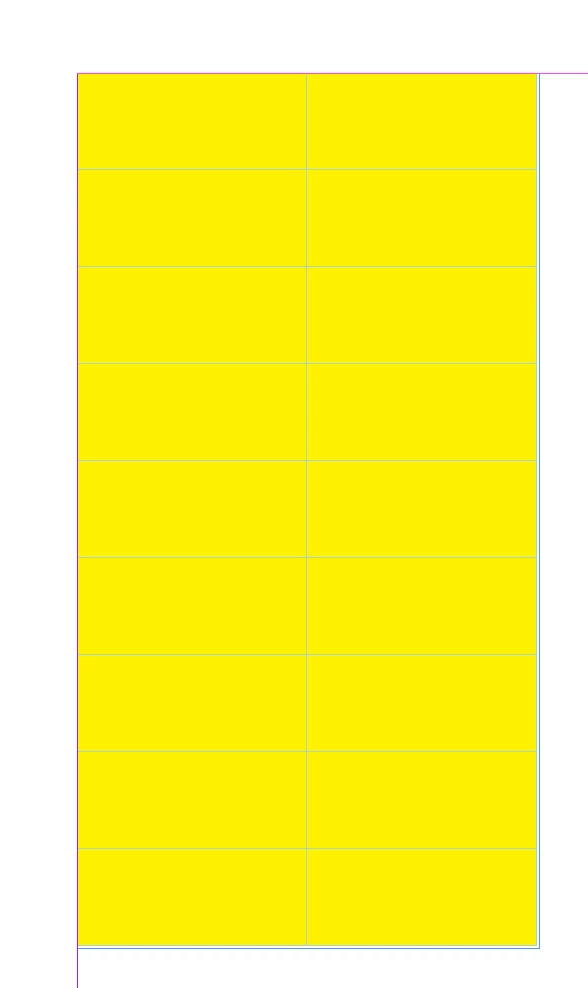
    If I set the Cell Fill to Yellow, here's what it looks like:

    The blue lines are just cell edges. If you choose to Hide Edges, you'll just see the yellow cells.

    1 reply

    Steve Werner
    Steve WernerCorrect answer
    Braniac
    October 15, 2017

    It's in Table > Cell Options > Strokes & Fills. When you see all the borders selected in the proxy that represents cell borders, set the Stroke weight to 0 pt.

    If I set the Cell Fill to Yellow, here's what it looks like:

    The blue lines are just cell edges. If you choose to Hide Edges, you'll just see the yellow cells.

    JackAuthor
    Inspiring
    October 15, 2017

    Thanks, but nothing is working for me under ‘Strokes and Fills’. The weight is already zero. When I changed the weight to 10, nothing happened; proxies your border weights it did not change. I’m not sure what’s happening here

    [Personal info removed by moderator]

    Steve Werner
    Braniac
    October 15, 2017

    You're sure you have the cells selected with the Type tool? Only the Type tool works with table cells. Notice in my first illustration, the cells are all selected. They turn black (inverse) to indicate selection.

    If for some reason that doesn't work, try restoring your InDesign preferences:

    Trash, Replace, Reset, or Restore the application Preferences