rnichael
New Participant
May 20, 2020
Answered

Images not showing when published online.

  • May 20, 2020
  • 5 replies
  • 3127 views

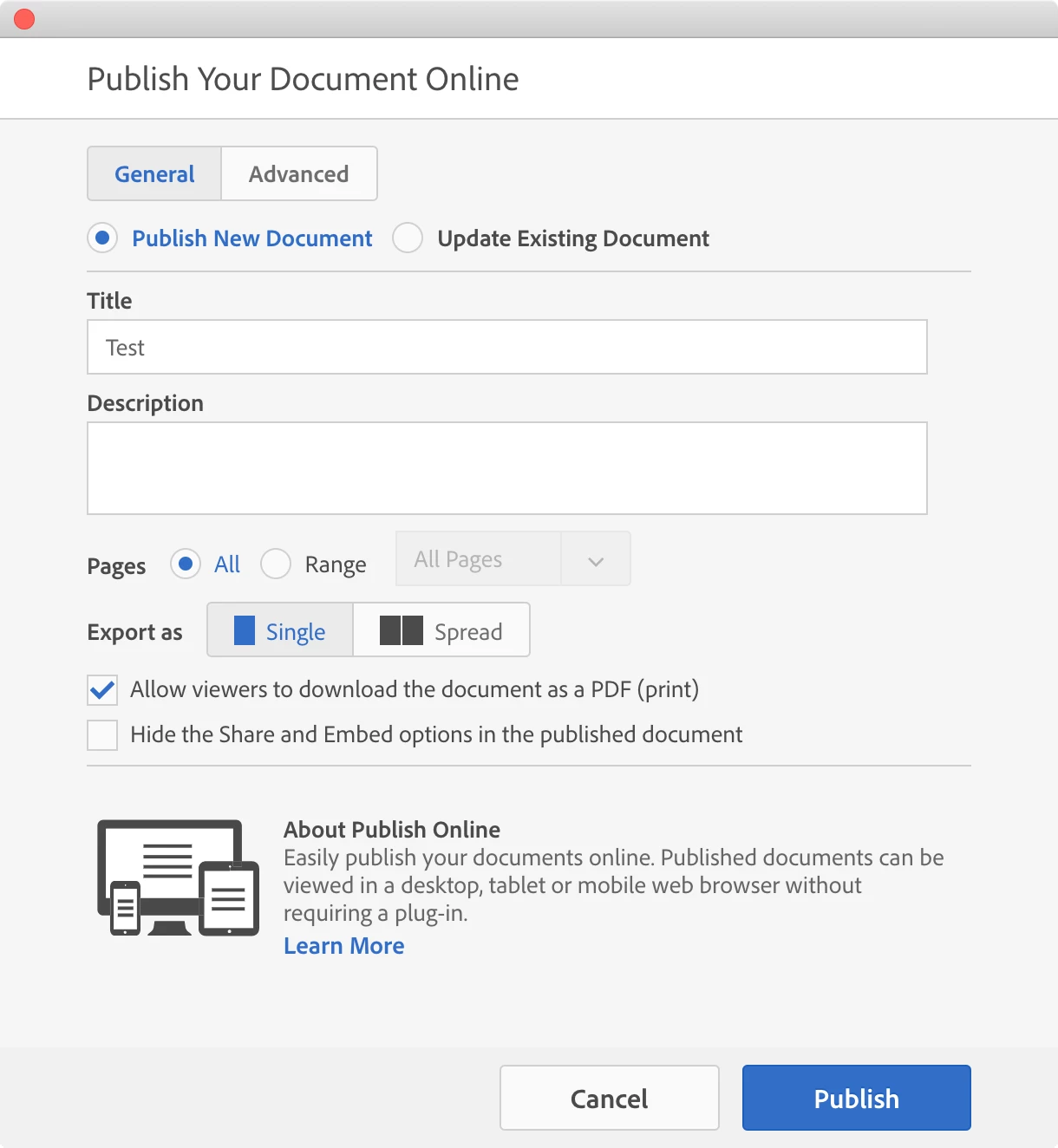
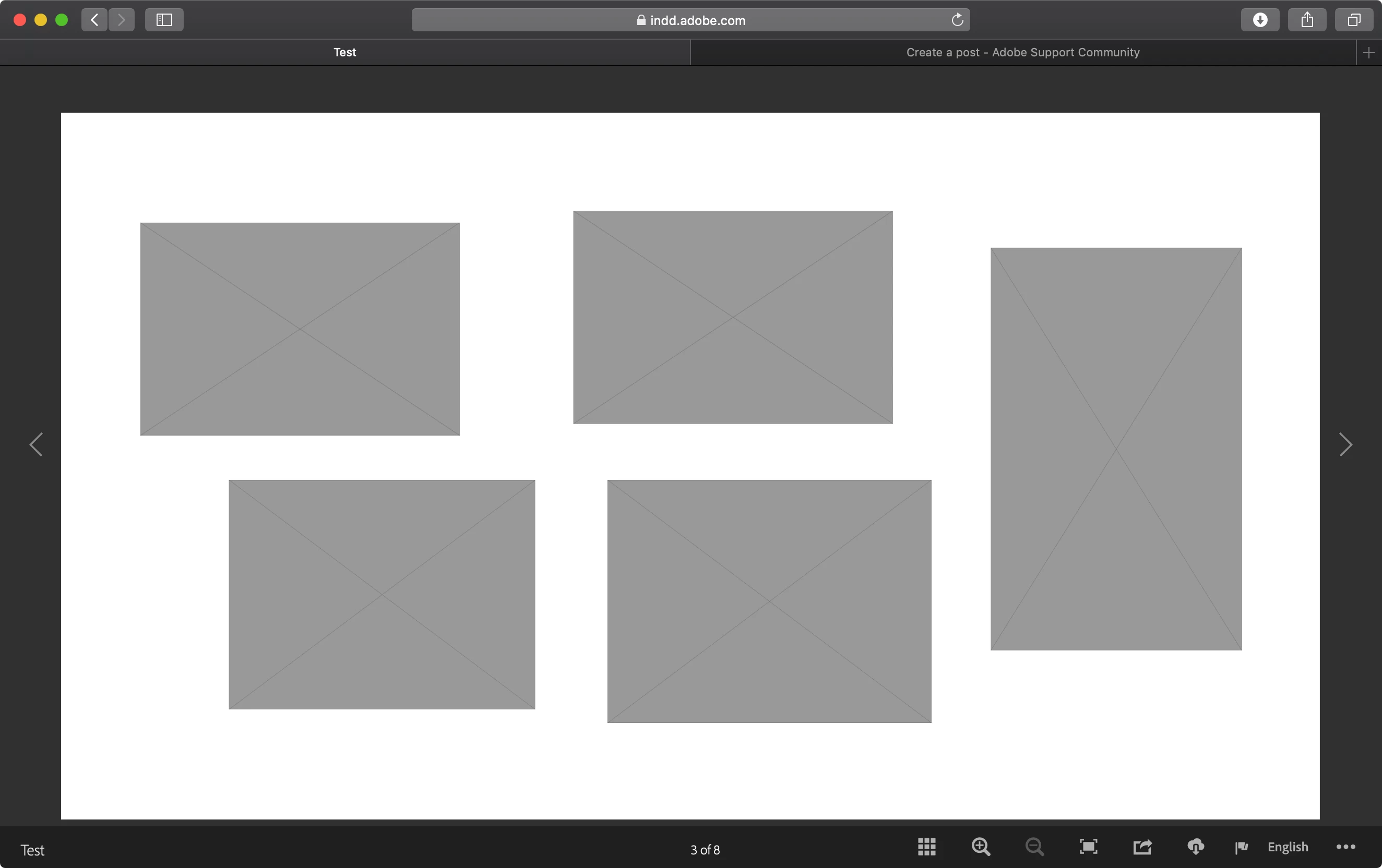
When I publish I document online grey boxes are showing up in place of the images.


I've viewed the link on various browsers and nothing changes.


Link to file 


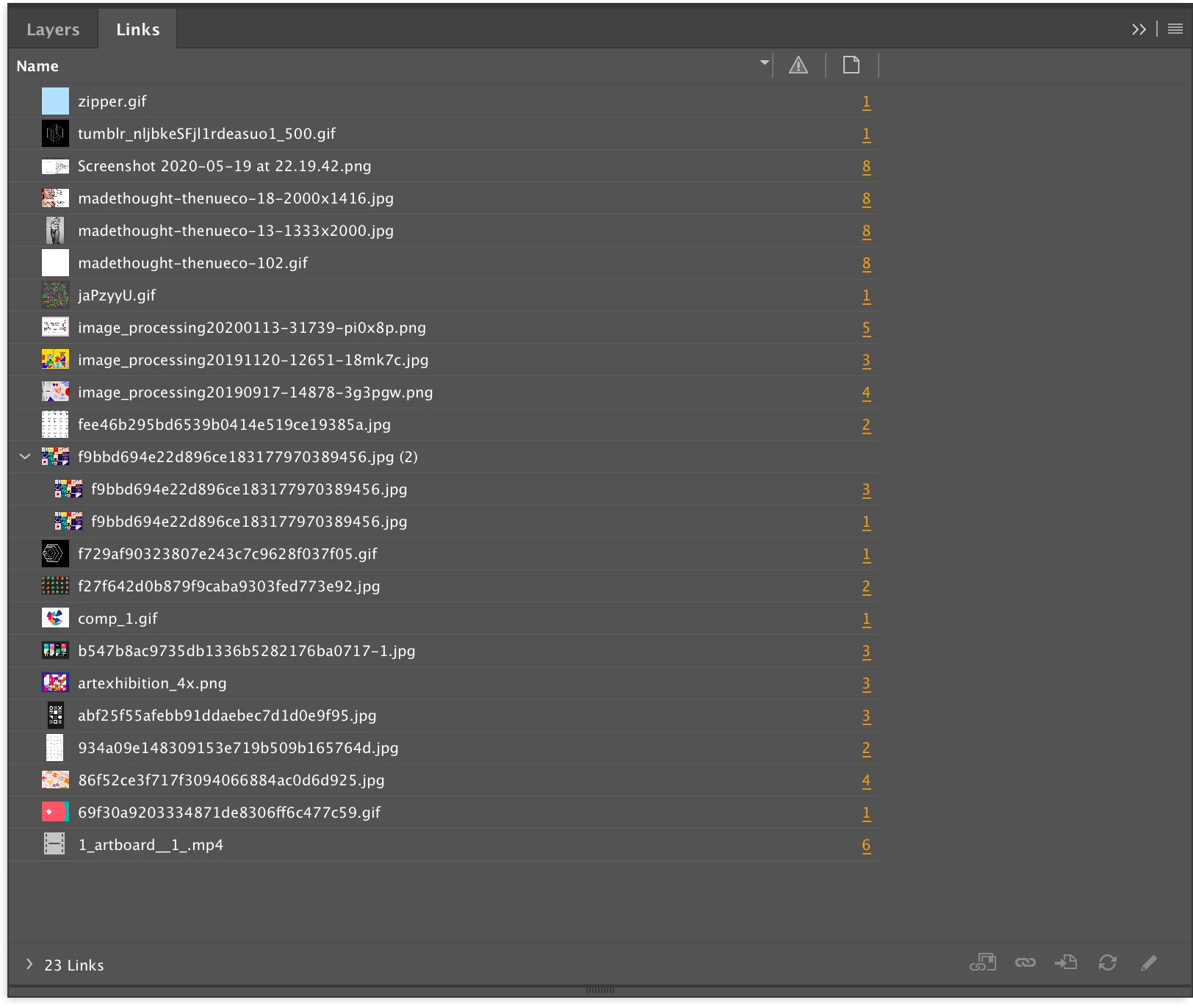
All the images are linked correctly in the document, and I believe I'm setting it up correctly


System: Mac OS.

Using the latest InDesign,
This topic has been closed for replies.
Correct answer Laubender

Hi Michael,

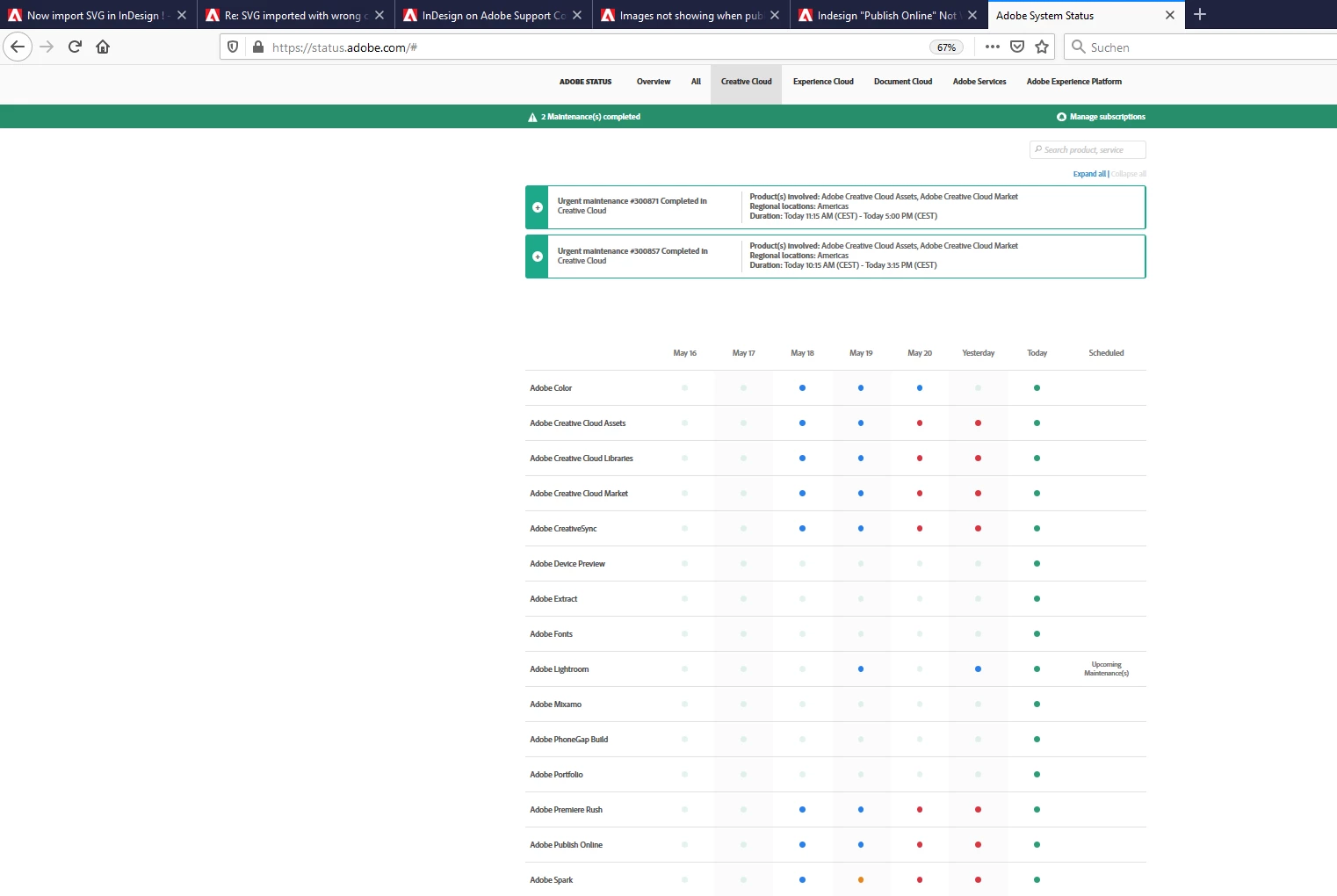
would you please do another test with your document and publish online again?

Could be that the service had some difficulties the last days.


Source: https://status.adobe.com/#


Regards,
Uwe Laubender

( ACP )

5 replies

Community Expert
August 28, 2020

Hi Diane,

I'm not sure about that. I really think it's InDesign Low Quality viewing options that could provoke this issue.

But of course there might be other factors as well. Have to test this.


Regards,
Uwe Laubender

( ACP )


EDITED

Community Expert
August 27, 2020

Hi Michael,

hi Abel,

it's very likely that the cause for this issue was not the availability of the service, but your viewing options.

I would say it's a bug with InDesign's feature Publish Online.


Try the following that was the solution in another case that was reported lately:

Set your view settings of the pages to "High Quality" and try to Publish Online again.

Please come back to report if this makes a difference.


Thanks,
Uwe Laubender

( ACP )

Diane Burns
Inspiring
August 28, 2020

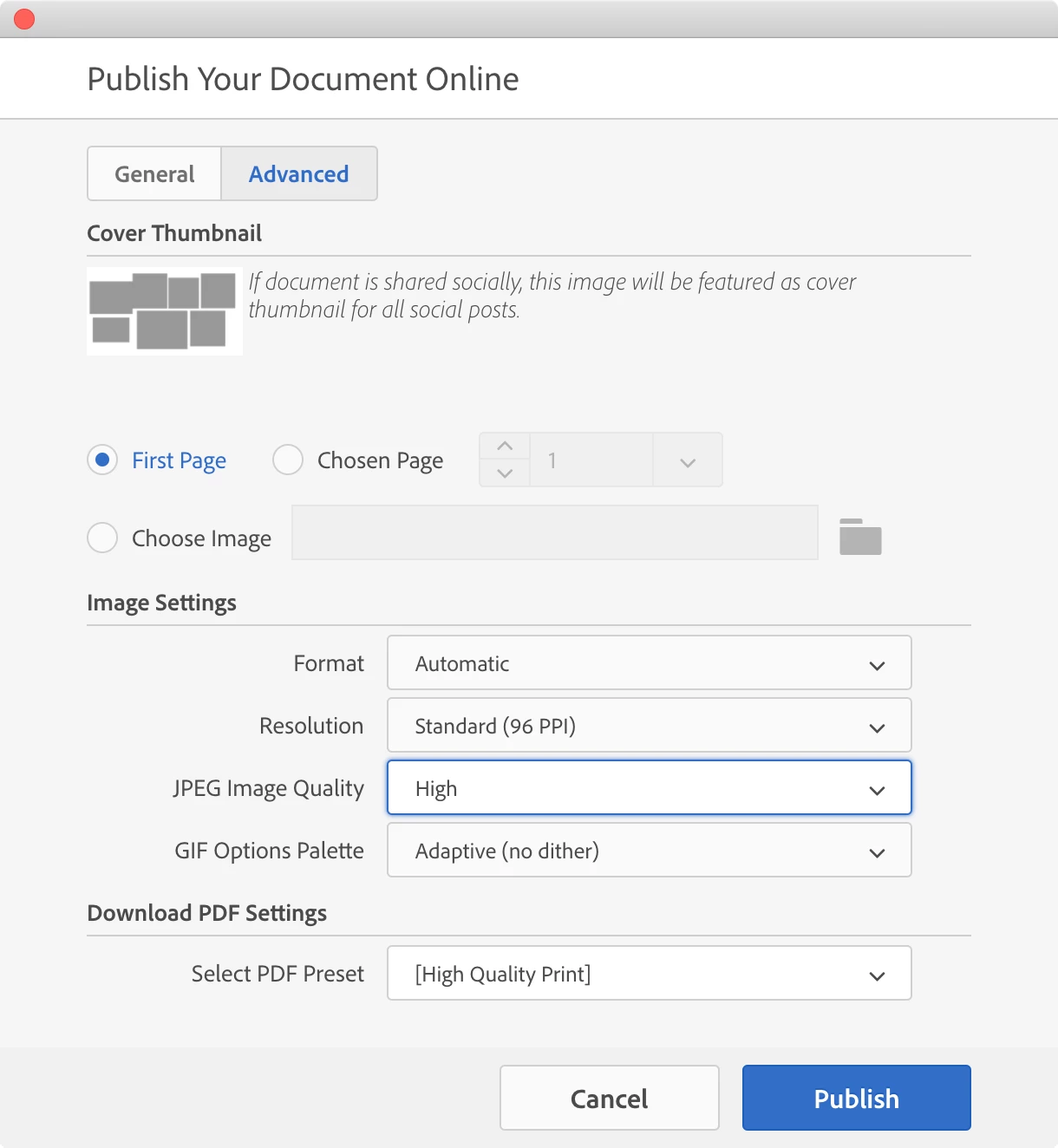
Just to clarify Uwe's answer, you might try publishing at hi res. In the Advanced pane of the Publish Online dialog, choose Resolution > HiDPI. Let us know if that helps. 

LaubenderCorrect answer
Community Expert
May 22, 2020

Hi Michael,

would you please do another test with your document and publish online again?

Could be that the service had some difficulties the last days.


Source: https://status.adobe.com/#


Regards,
Uwe Laubender

( ACP )

New Participant
August 27, 2020

Hi, Uwe,


I also had a problem with images publishing online. I had some wrong images in the document and changed them. When uploading the document everything's OK, but the file is showing the old images (and the right ones in thumbnails). It seems it's impossible to show the newer ones.


I've tried with Replace link and uploading a new document several times, with several browsers and nothing happens… It still shows the older images instead of the newest. Have you ever experienced this issue?


Thanks in advance!


(I'm new to this forum and I don't know how to create a new thread so I wrote here because it's closely related to my issue. Sorry if it's not the place) I cannot post the images due to the client's privacy.


Working from MacOs El Capitan and InDesign CC2018


Community Expert
May 22, 2020

Hi Diane,

on page 1 of the linked publish online site we can see one single gray frame with an x at bottom left.

Pages 2 to 5 are showing gray frames only. All thumbnails of the page previews are showing gray frames.

Something's definitely wrong.


FWIW: We could only test if we would have access to a packaged InDesign document with all the placed and linked files.


Hm. Michael, are the images placed from a Creative Cloud Libraries library?

If yes, could you test a changed workflow where you place the files from your harddisk?


Regards,
Uwe Laubender

( ACP )

Diane Burns
Inspiring
May 21, 2020

When I view this on Safari Mac, I see animated images, not gray boxes. 


Diane Burns
Inspiring
May 21, 2020