


Answered
Increase the size of vector grips when using the Direct Selection Tools
Hello Everyone!
Is it possible to increase the size of the vector grips when using the direct selection tool? Especially in InDesign, most of the shapes that I work with are quite simple and only have 4 grips (i.e. the four corners of a square, or the 4 quads of a circle). When I try to adjust these shapes with the direct selection tool, I often miss the mark and click in the wrong place.
Is it possible to increase the size of the vector grips in the user interface? I have tried scaling up the entire interface under Edit/Preferences/UI Scaling, but this screws everything up.
Best,
Alexander
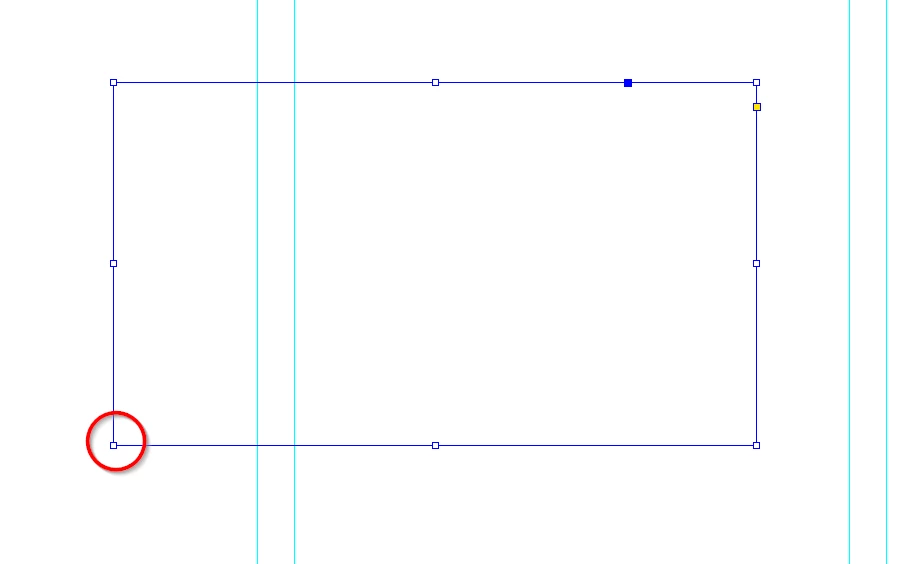
Here is an image of a rectangle in InDesign, with one of the grips I would like to increase in size circled in red.
 AdChoices