I totally agree with @mompcomike.
The left indent couldn't never be the correct answer!
(Or maybe I misunderstood that answer - who knows.)
Yes, I also think that there is no automatic solution with the TOC function in InDesign. But with a few changes afterwards, the desired result is possible (and reproducible).
page7 - page30
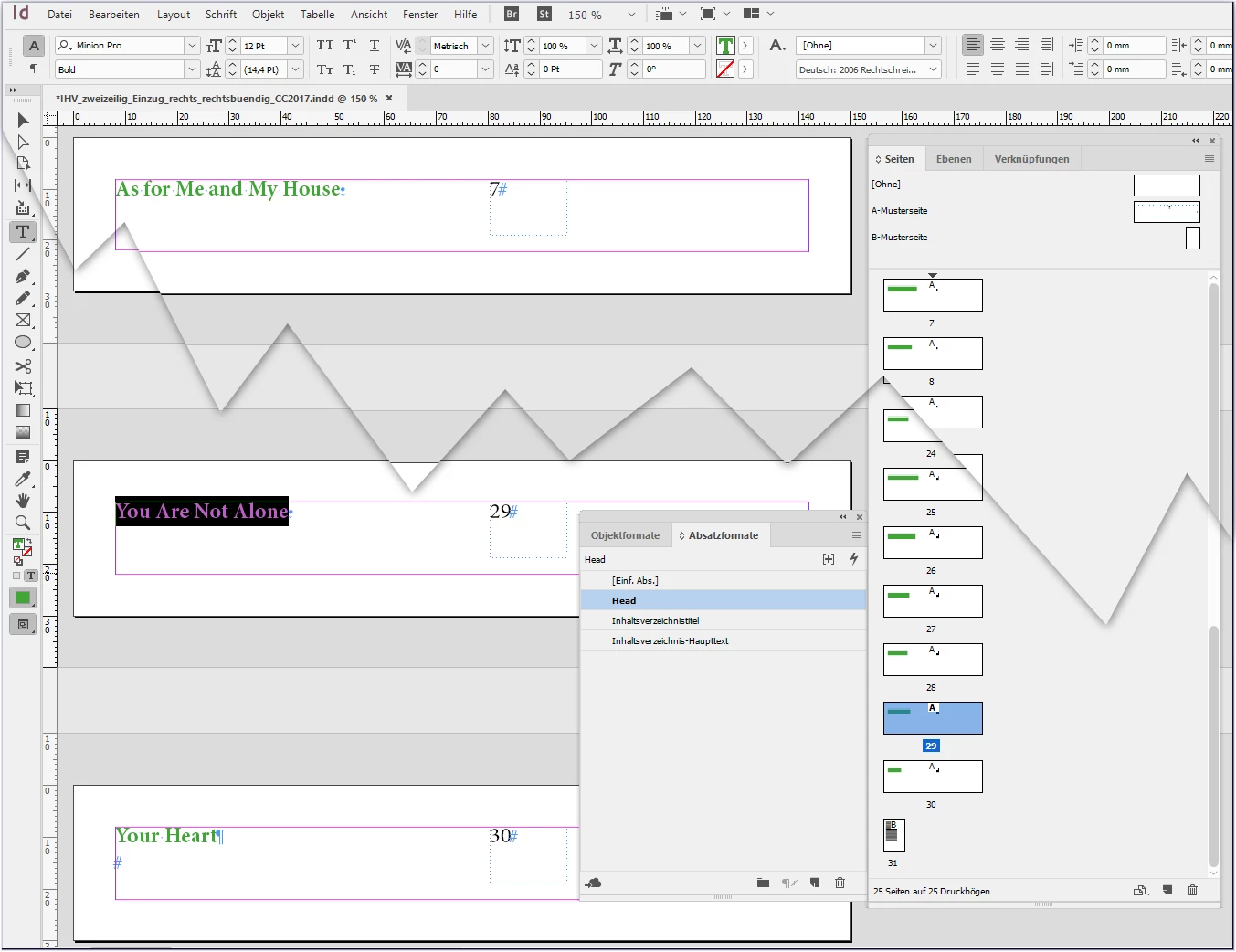
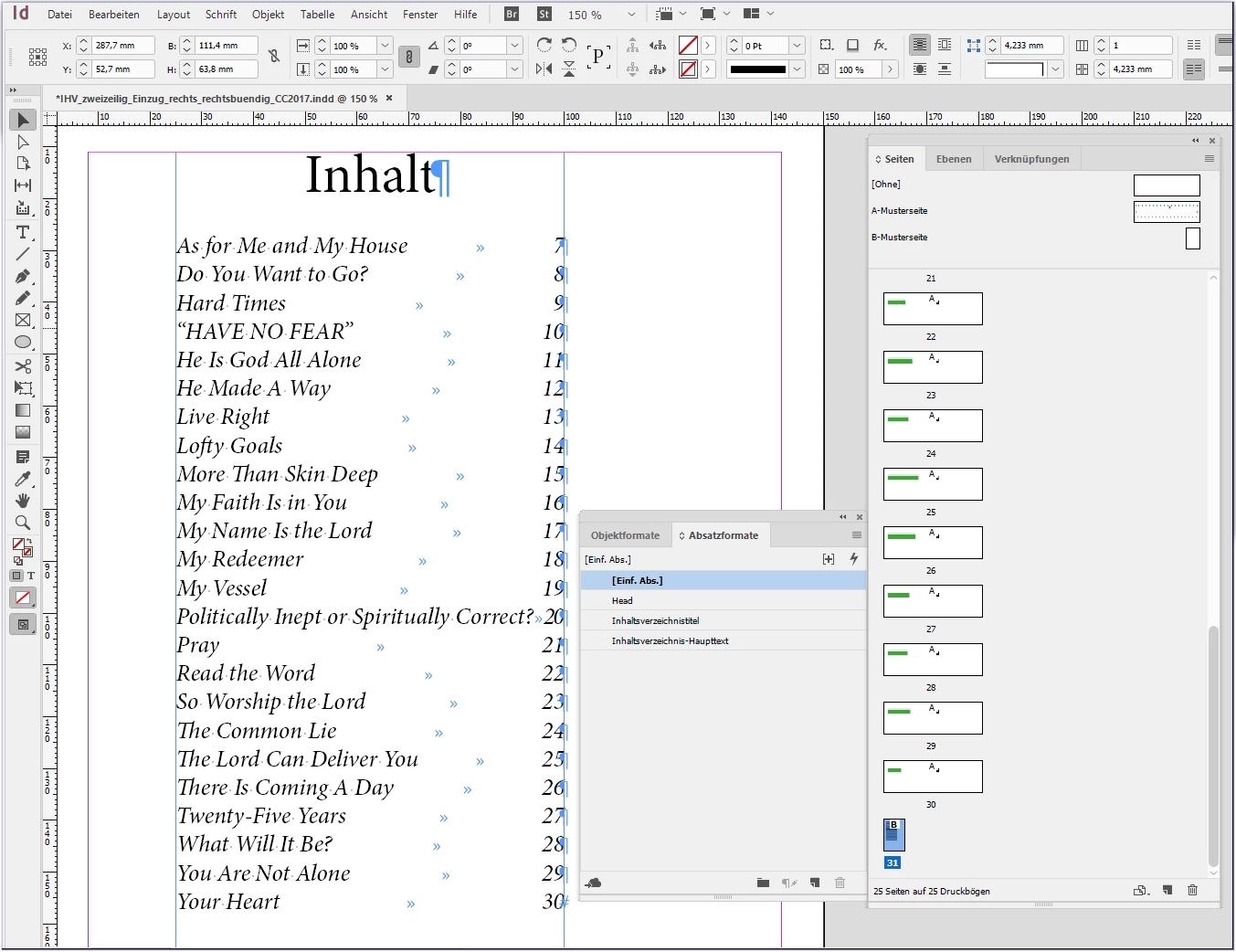
In normal way created TOC
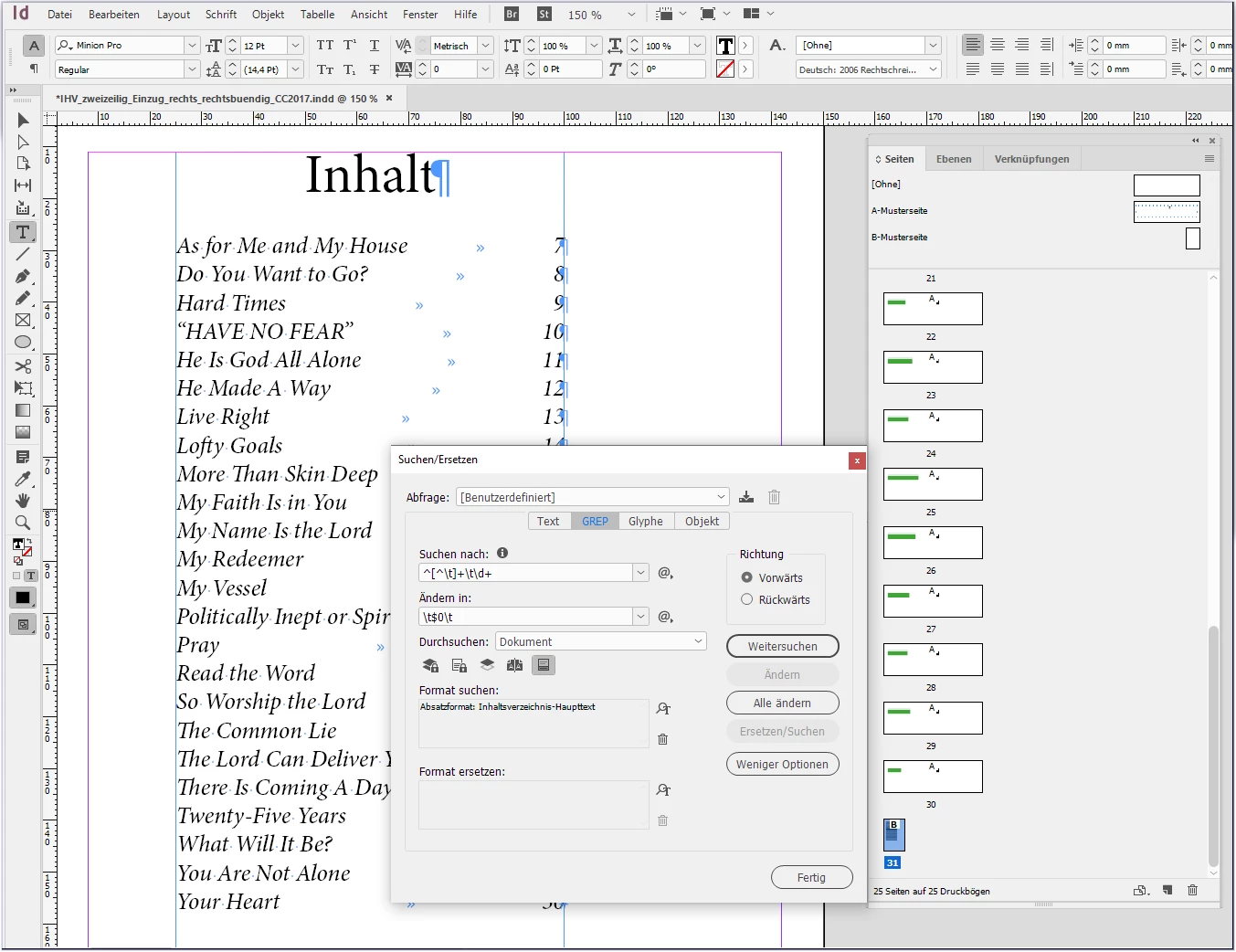
open Grep Find and Replace window
find: ^[^\t]+\t\d+
replace with: \t$0\t
find format: [your "TOC item format"]
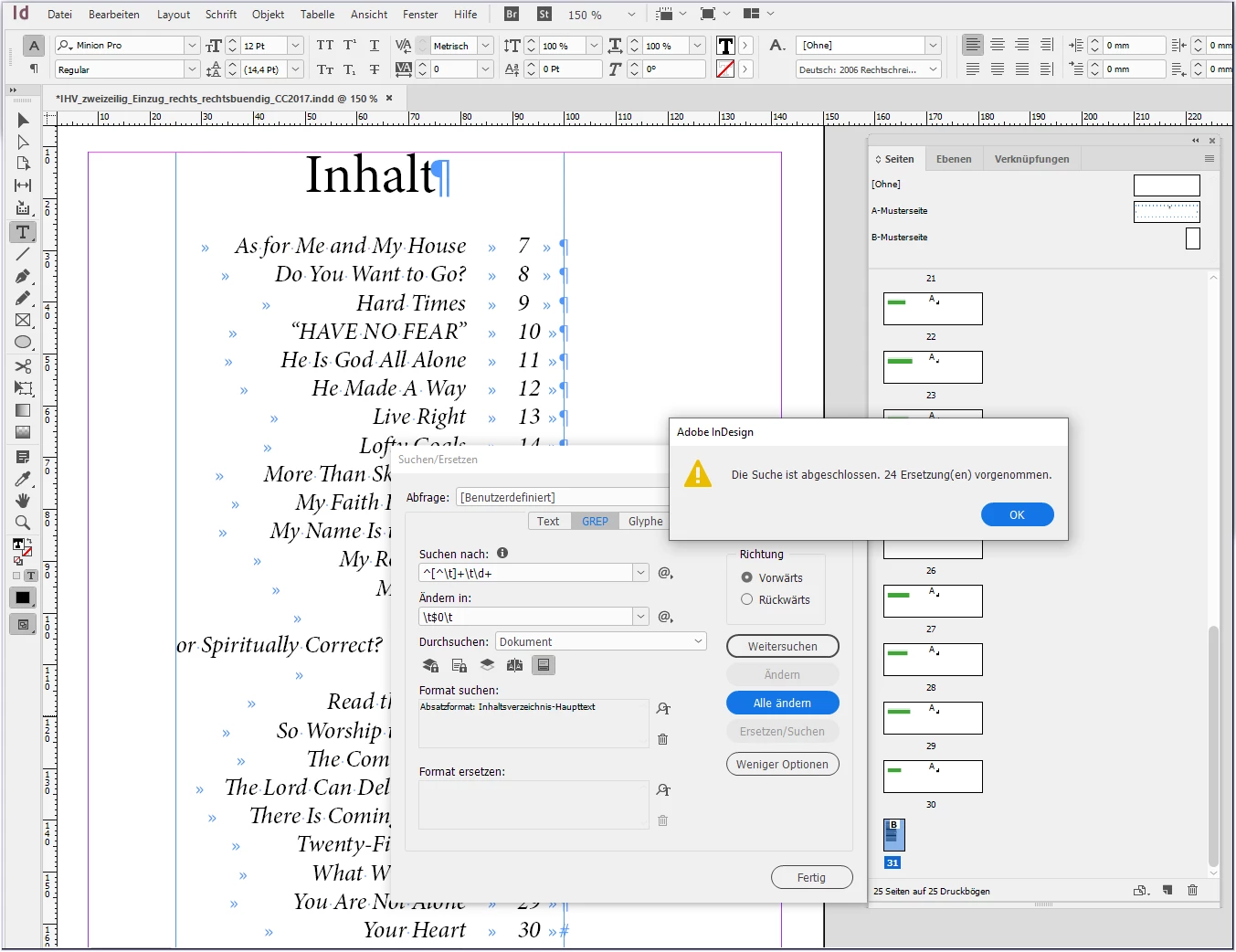
Replace all.
Done. But now the "two lines entries" are not correct.
Search the middle space in these line and select.
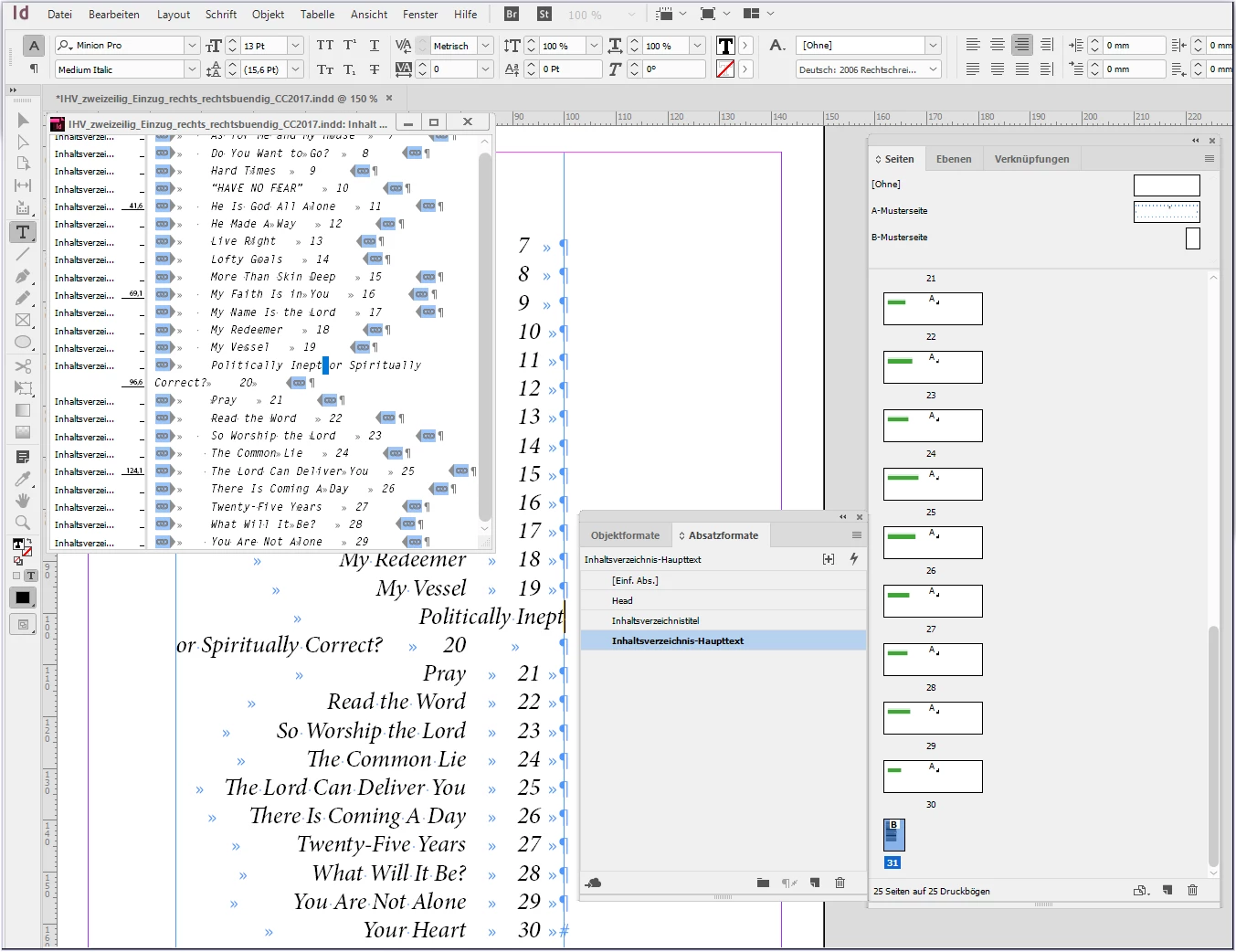
Replace (only) this space with [tab][tab][shift+Enter][tab]
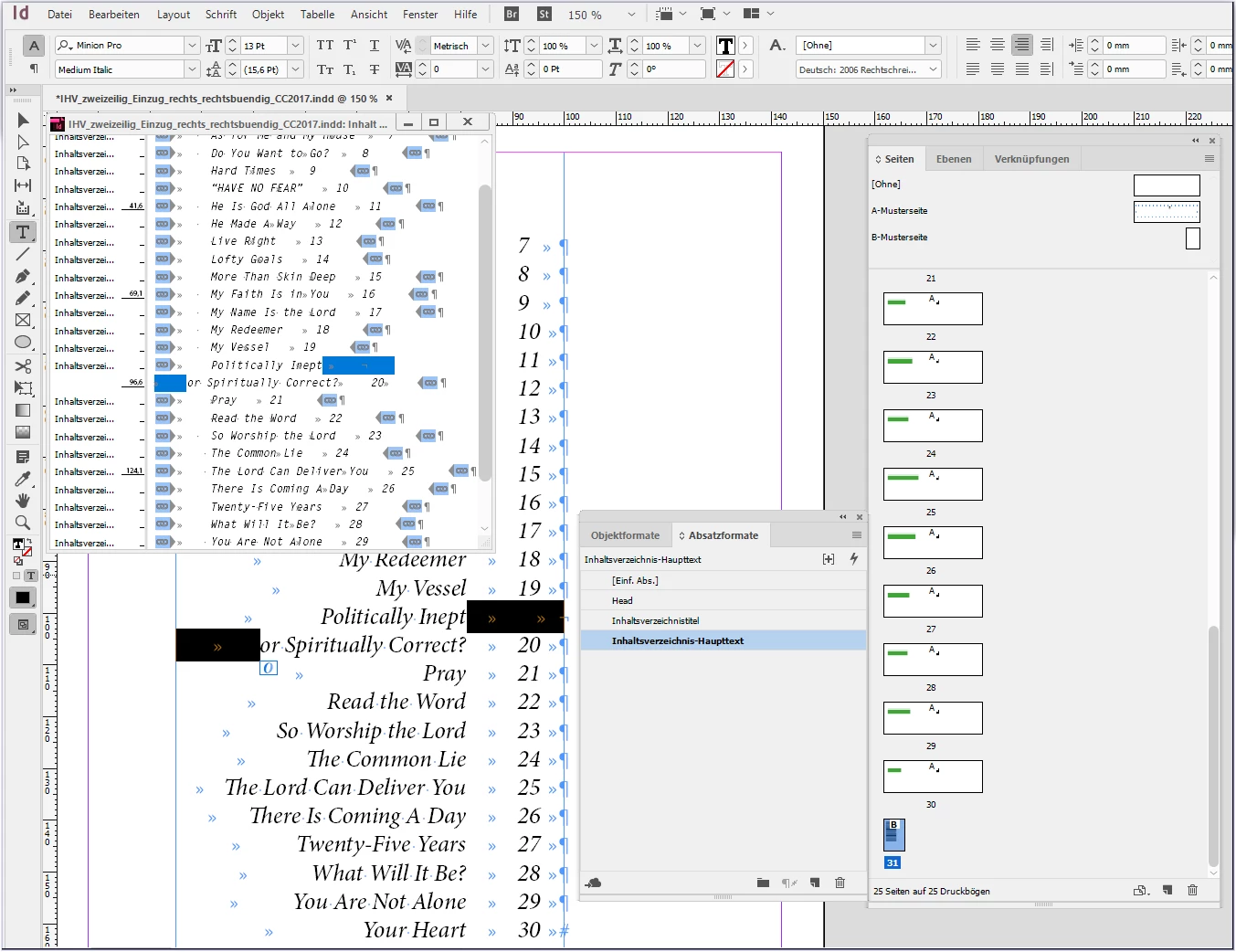
Quick and easy result:
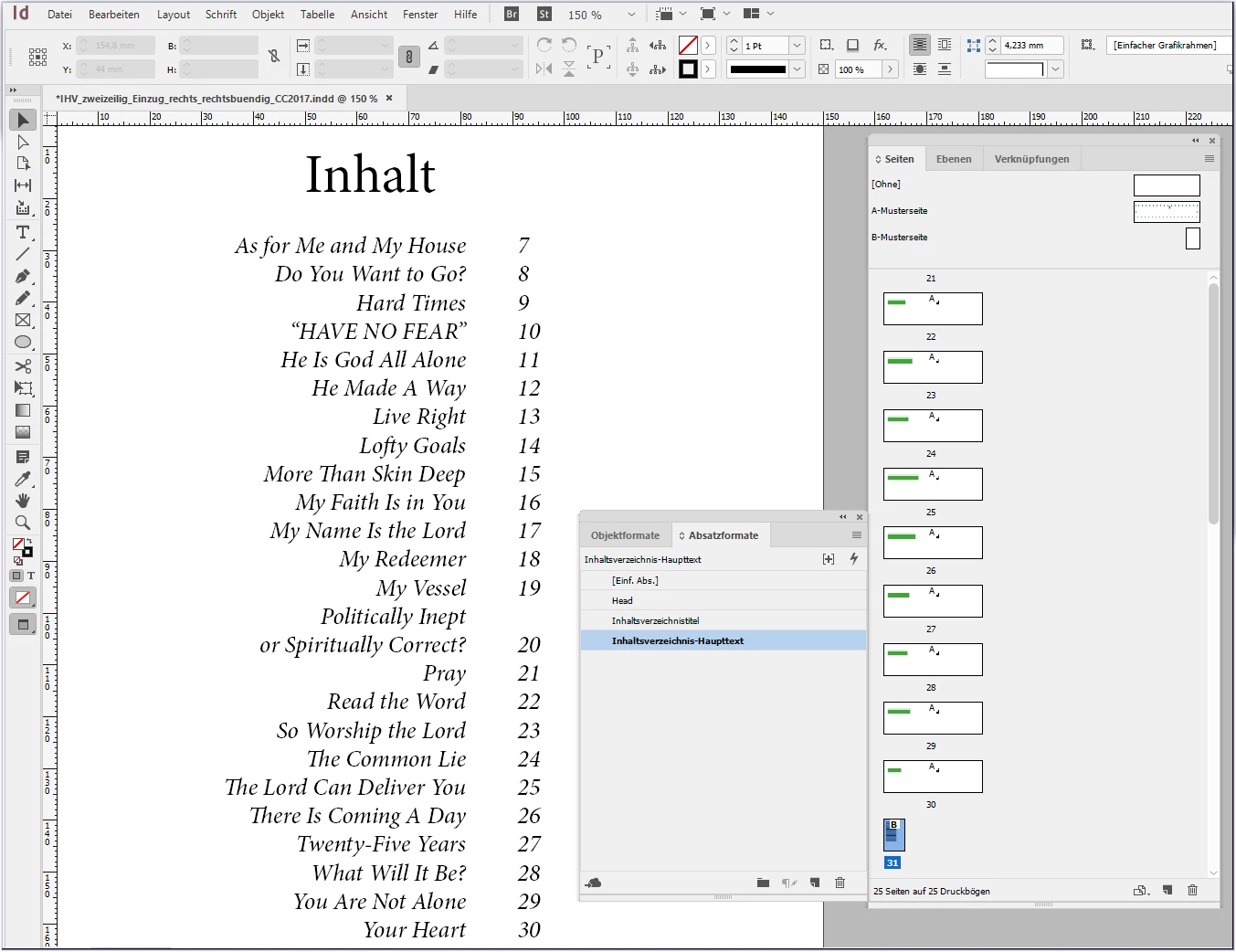
One disadvantage: After editing and re-creating the table of contents, the shown changes must be made again.
If that works for you
have fun
😉



 AdChoices