


Answered
Adding files added from a folder after the folder already imported into LightRoom
Updated Lightroom version.
I transferred 790 files from the camera memory card to an external drive.
I imported files from a folder on an external drive into Lightroom.
Because of restoring the database (in the camera itself), there were 150 files that I did not see in another folder in the memory card.
Only after I started editing in Lightroom I saw that the 150 files were missing.
I moved them into the same foder on the external drive.
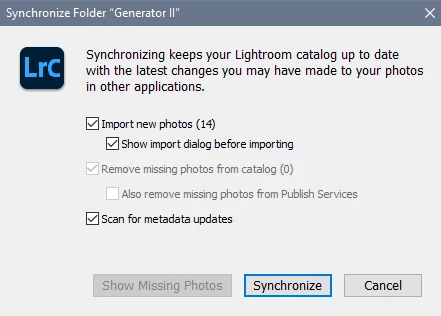
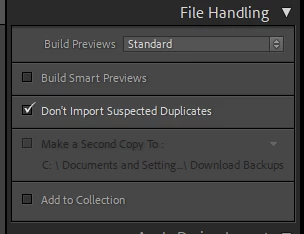
I try to import them from the same directory on the drive in library mode by drag and drop, but Lightroom try importing the entire folder instead of the 150 files.
----
How do I add these 150 files without re-importing the entire folder because I made some editing and presets I don't want to loose?
 AdChoices