


woerterfall
Participant
June 18, 2017
Answered

All images look weirdly filtered in Developing-Mode

  • June 18, 2017
  • 2 replies
  • 244 views

Hi there,

I have bought and installed LR CC a week ago and in Developing-Mode they are displayed like this:
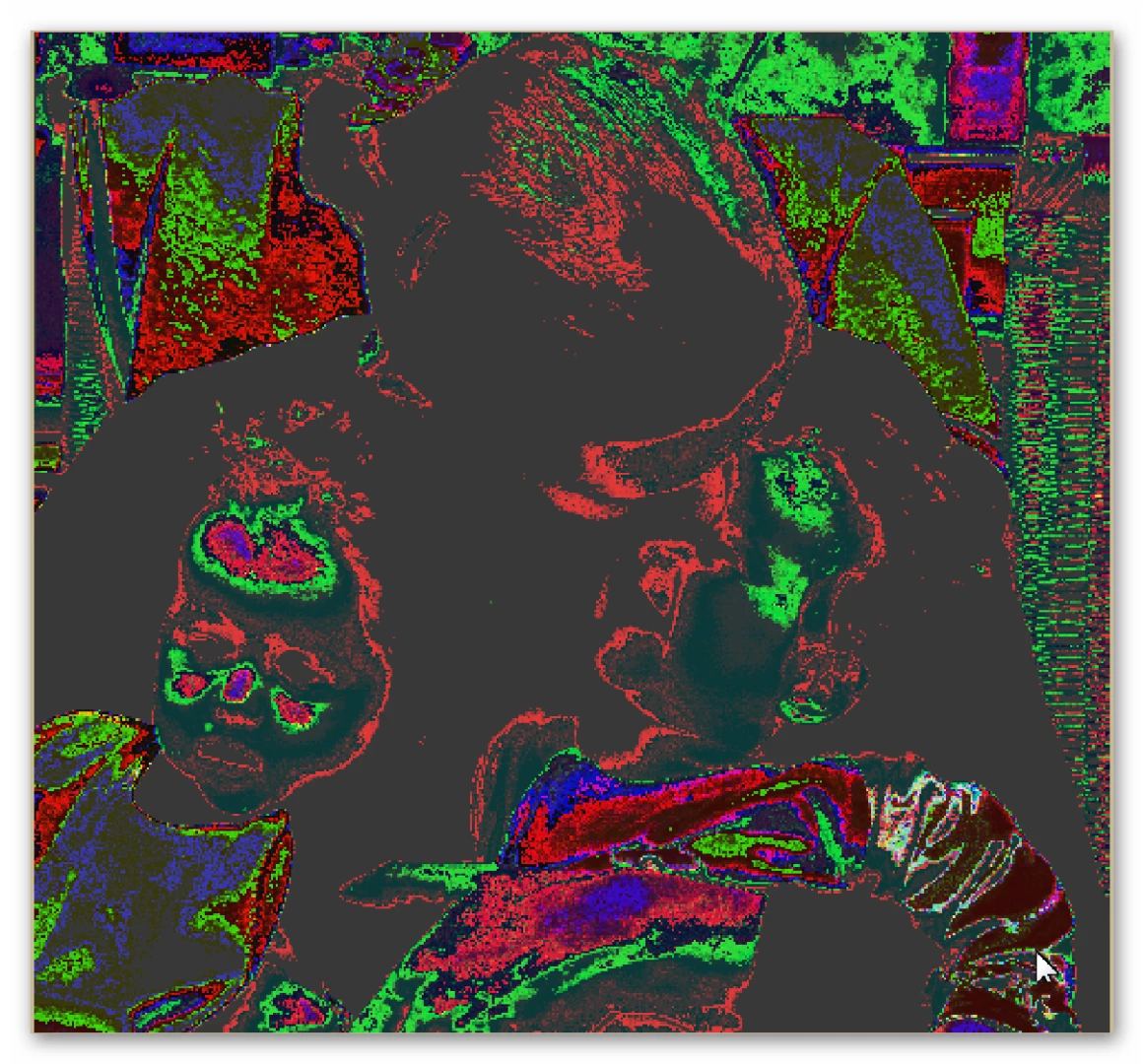
I don't even have a name for it, it looks like an odd filter in Photoshop. All images are shown like this, no matter with which camera they've been made with.

This topic has been closed for replies.
Correct answer Just Shoot Me

Go into the LR Preferences and on the Performance tab turn off, Un-Check, the option to use the GPU. Problem will go away.

2 replies

John Waller
Community Expert
Community Expert
June 18, 2017

In Lightroom Preferences > Performance

Uncheck "Use Graphics Processor"

Lightroom is trying to use your graphics card and the card is not coping.

Full details: Adobe Lightroom GPU Troubleshooting and FAQ

What graphics card do you have exactly?

Just Shoot Me
Just Shoot MeCorrect answer
Legend
June 18, 2017

Go into the LR Preferences and on the Performance tab turn off, Un-Check, the option to use the GPU. Problem will go away.