


Ken Nielsen
Legend
October 31, 2025
Answered

Can I delete a part of a mask?

  • October 31, 2025
  • 1 reply
  • 80 views

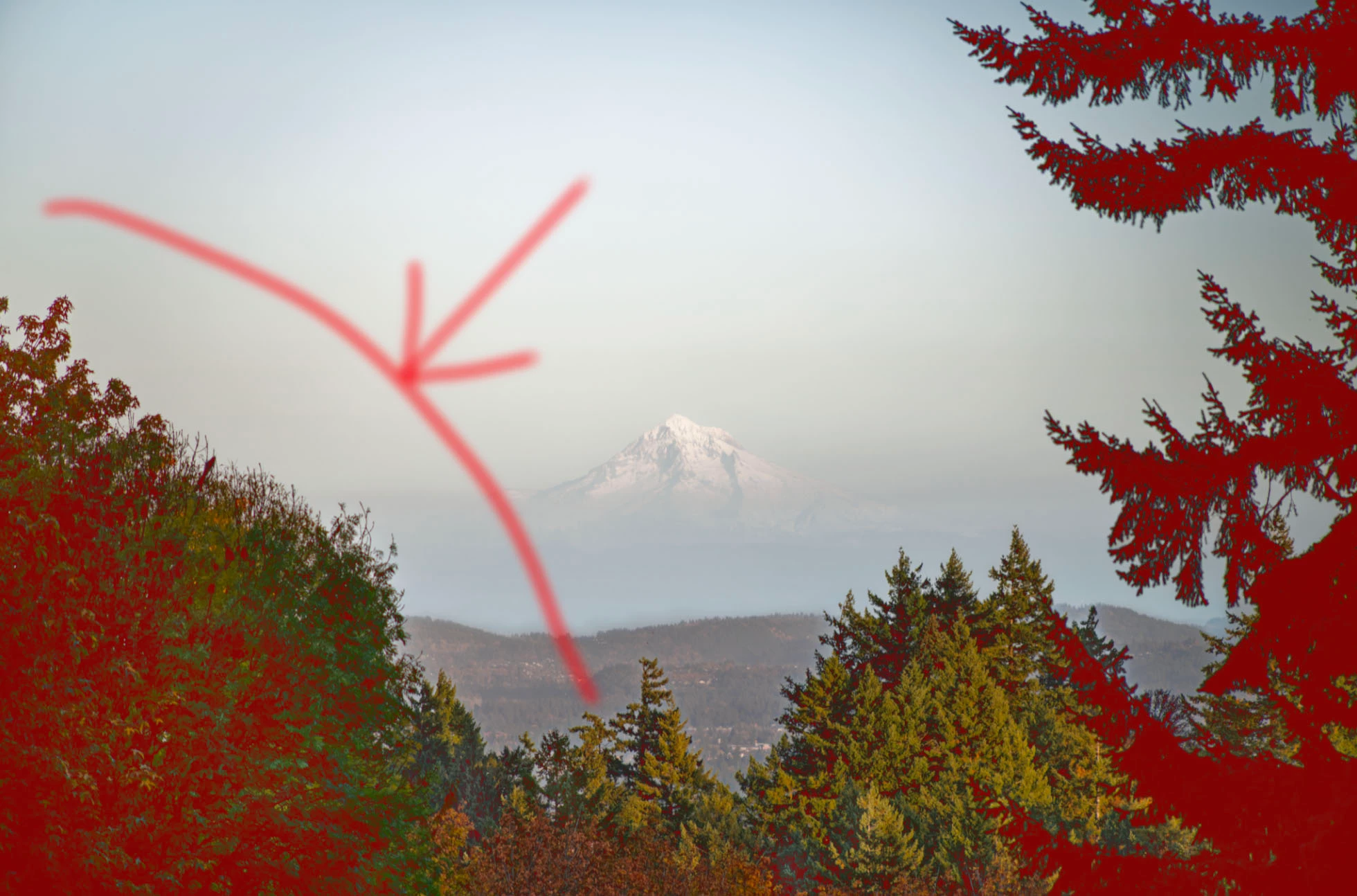
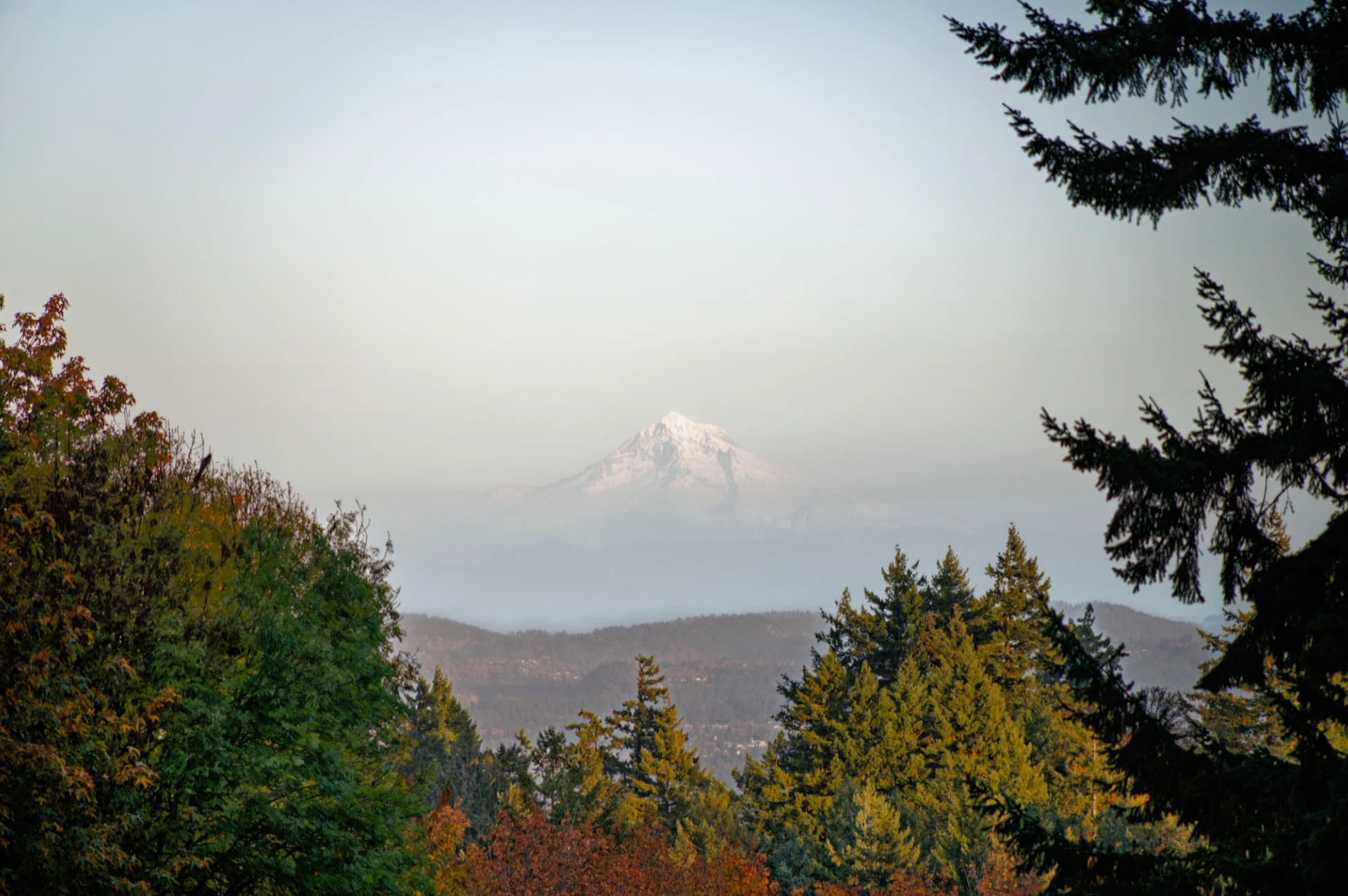
Images show forground selected for luminance, vary dark areas, but part of the selection I do not want to alter. Is there a way to 'erase' the part of the mask I want to remove? Being able to use the brush tool like an eraser for this would be wonderful. Second image shows without mask selection to show, only the very dark branches to the right to I want to brighten slightly.
Correct answer dj_paige

Create a mask, then click on Subtract, then brush the parts you don't want to be included in the mask.

1 reply

dj_paigeCorrect answer
Legend
October 31, 2025

Create a mask, then click on Subtract, then brush the parts you don't want to be included in the mask.

Ken Nielsen
Legend
October 31, 2025

Thank you, so obvious now! Amazing how things can become hidden while working.