


Cannot export un-modified DNG without horrid color modifications
I have years worth of shots that I am attempting to migrate out of my Lightroom library into Apple Photos for organizational purposes. In order to be able to edit the RAW files in another app if need be I reverted the edits to the original settings and attempted to export a DNG. No dice. Some of the photos are straight up pink, and others have horrid amounts of contrast that when opened in another RAW editor, doesn't go away.
Below are two prime examples of the victims of this. Today I tried converting all the photos to 16-bit TIFF files which works but each file nears 100 megs as a result. Stripping the edits and re-exporting as DNG doesn't solve this. They open fine in anything Adobe, but no other app can deal with them.
Any idea what I can do? I feel like my RAW files have been slimed.
I've attached two of the victims from different cameras. Try opening them in any camera raw app vs trying to preview it in Mac finder.
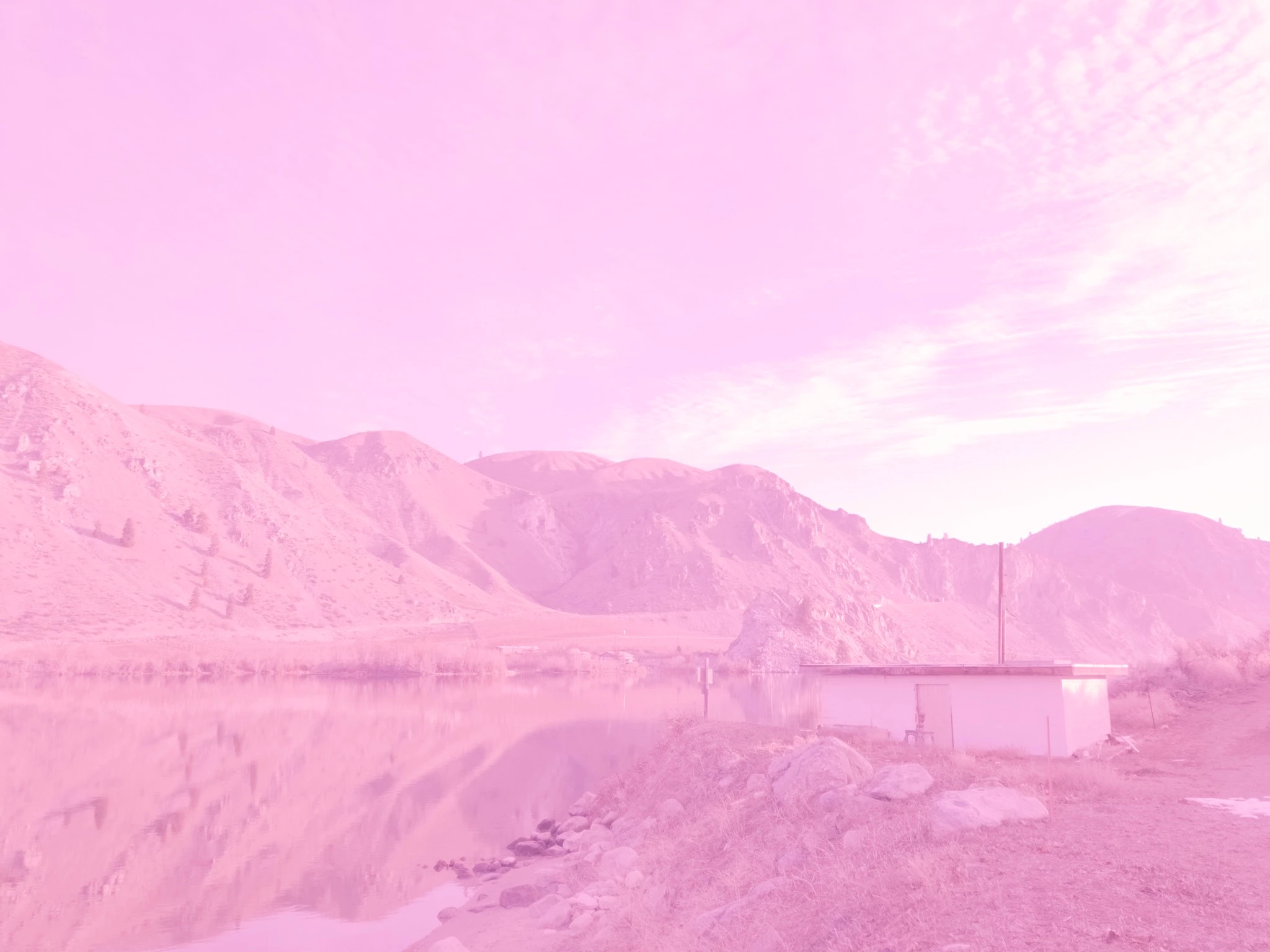
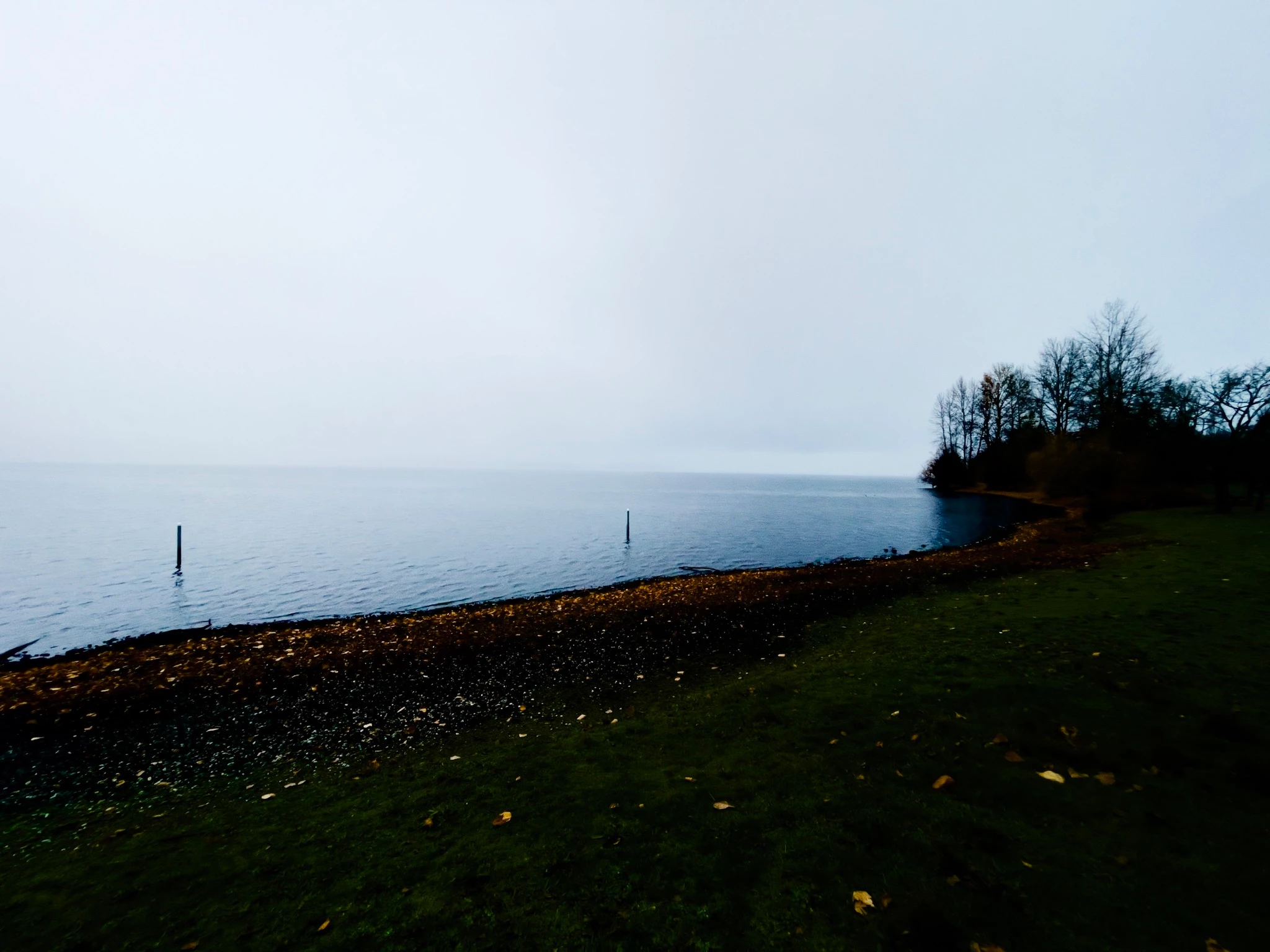
 AdChoices