


Corrupt files appearing when I open Lightroom
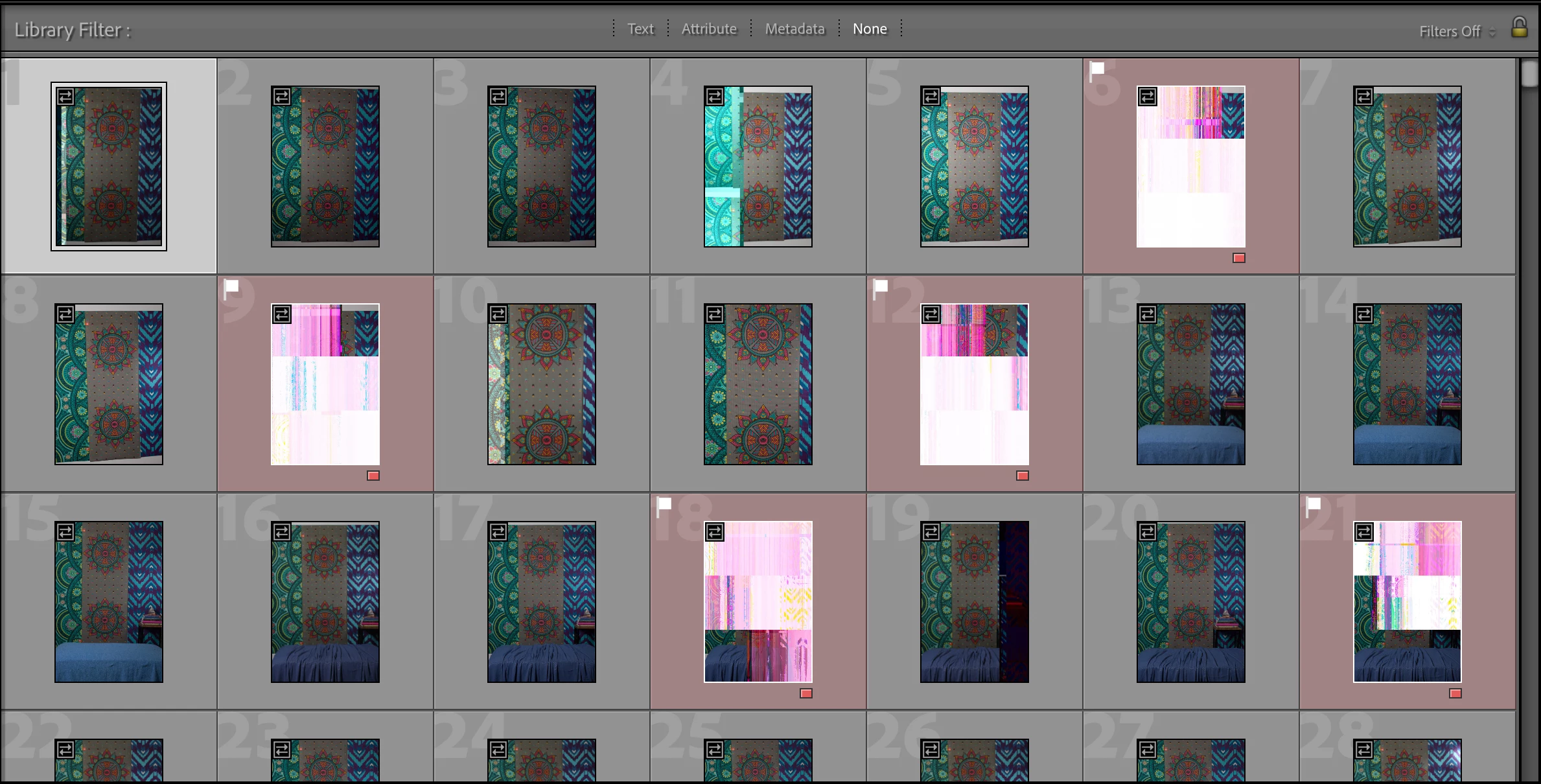
Hi everyone, I hope maybe someone can help me figure out this problem. I plugged in my hard drive to look for some specific photos, and as I was searching I had what looked to be newly corrupted files in some folders in Lightroom Classic. I flagged and red labeled these, and then closed the software and ejected the hard drive. I unplugged the hard drive and then plugged it back in, and then reopened Lightroom Classic. In the same file the corrupted images I had flagged before were still there, and newly corrupted images appared. I don't know what is causing this issue or if I can recover these images and I am heartbroken. From other posts I can only think it must be some hardware issue, and that there must be a problem with my hard drive, the cable from the hard drive to the external USB port, the external USB port, or the USB to USB-C (whatever Mac replaced USB ports with). Help?
 AdChoices