All of the information provided, I have done. The apps have access. In the “troubleshooting” section - if I go to pathfinder and then get info - permissions- it says I have custom settings. I don’t know what the means. On another it says I don’t have permission To change the settings.
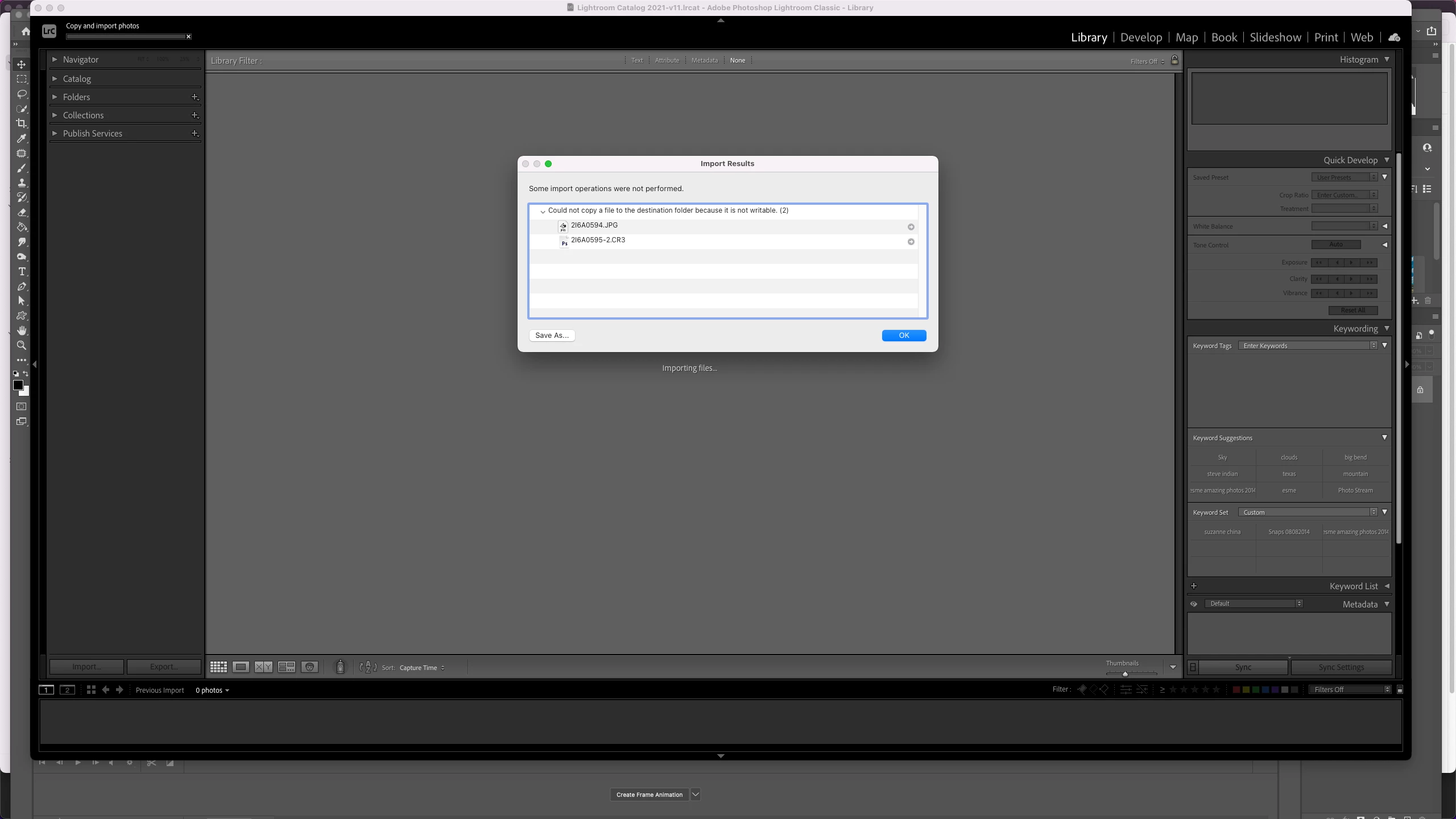
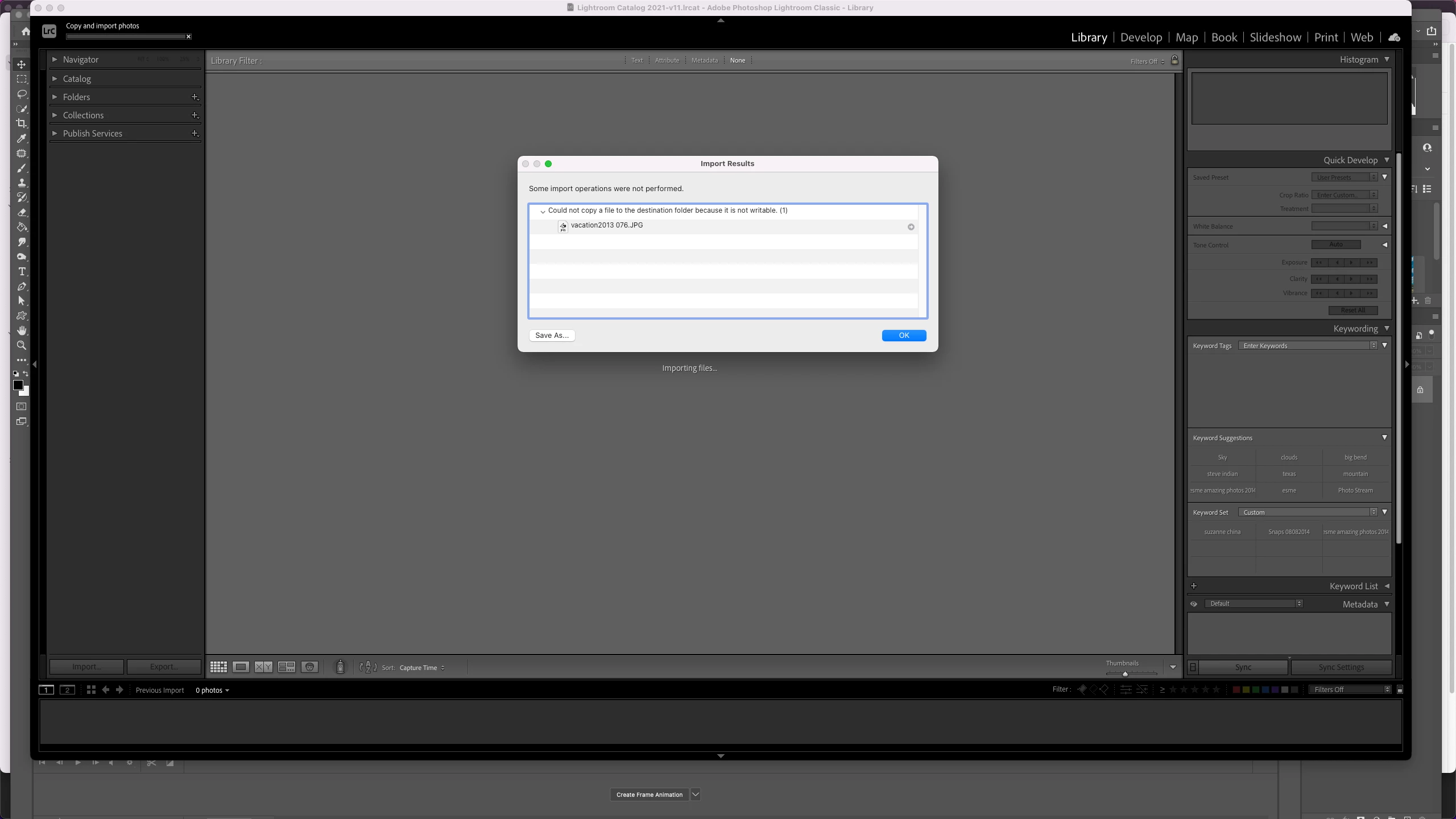
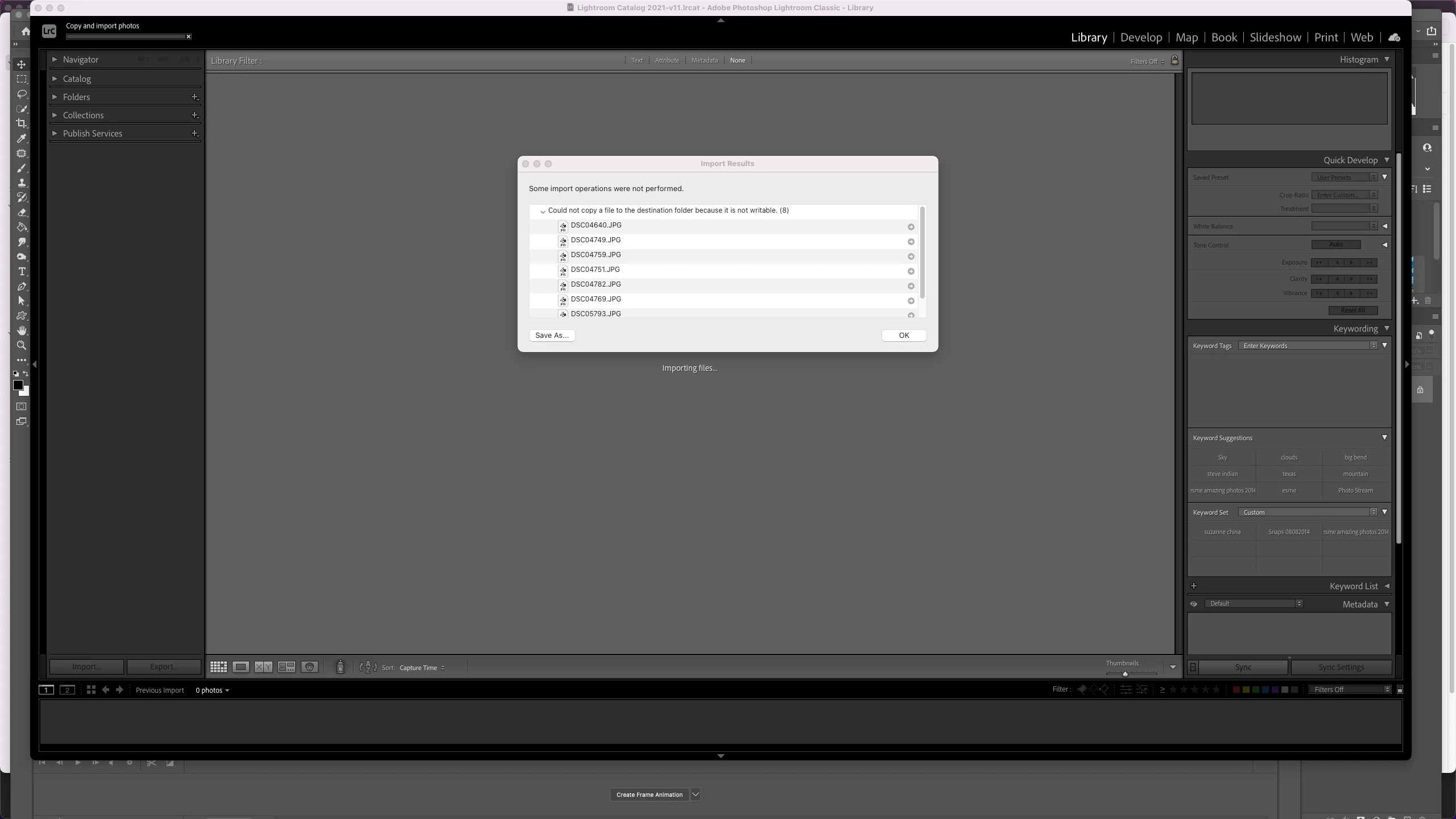
You do not have write permission (in your operating system) to copy the photos to whatever Destination folder has been selected in the Import dialog box
You have to do one of the following 2 things:
Change the Destination folder to a folder that has worked in the past (where you do have write permission)
Change the permissions on the exact Destination folder so taht you have write permission
Do not waste time by saying "I didn't change anything" because clearly something has changed that requires your attention.
I downloaded ON 1. That was the change. I was able to access all external drives before. PS still works. I could not access any photos on my harddirve. I could not access any folders on any external drives.
I did not change any of the permissions. I downloaded LRC again. I reset LRC again. Neither of these things worked.
So I changed the import from copy as dng to ADD and it worked.
Then I switched it back to copy as DNG and it works.
Yes, importing via ADD should work, but you still have a problem and it is irrelevant if you changed something or not. Something changed somehow that needs investigation. Its up to you if you are going to investigate or not.




 AdChoices