

Answered
File name in Develop mode
Hi,
Is there a way or setting available so one can see the File Name while in the Develop Modual so one can confirm which photo one is actually working on without having to switch library mode to see file ?
Thanks.

Hi,
Is there a way or setting available so one can see the File Name while in the Develop Modual so one can confirm which photo one is actually working on without having to switch library mode to see file ?
Thanks.
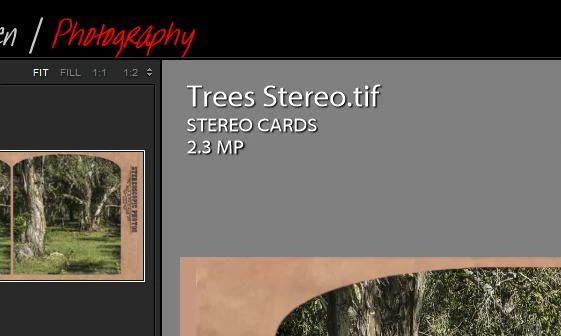
And you also have the Info overlay available. Toggle the three options (1,2,none) with the keyboard [i]
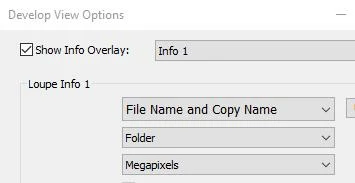
Set the Info options with [Ctrl+J]
Already have an account? Login
Enter your E-mail address. We'll send you an e-mail with instructions to reset your password.
 AdChoices