


Known Participant
January 28, 2018
Question

Files are corrupted

  • January 28, 2018
  • 2 replies
  • 2318 views

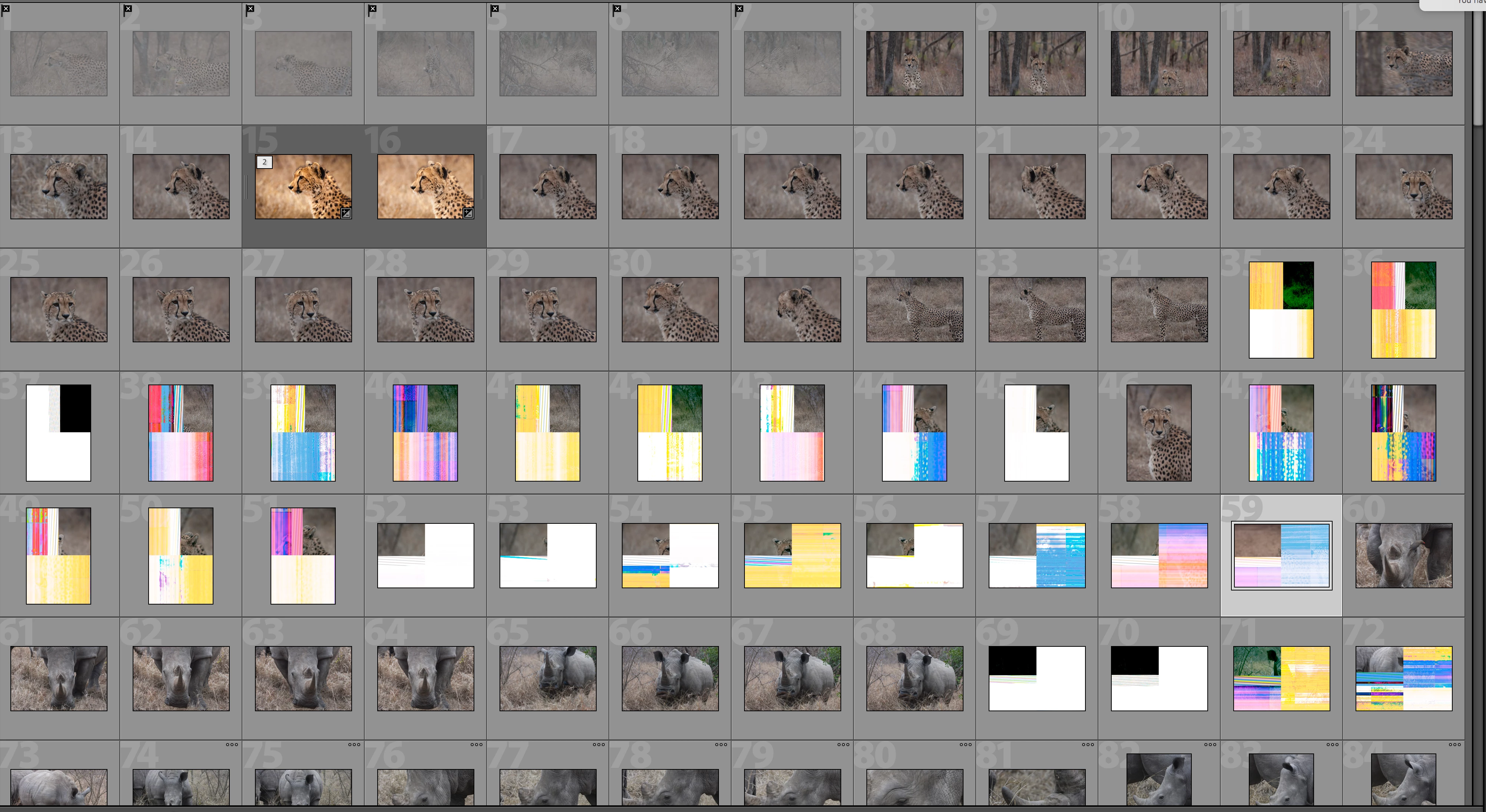
All my images are being corrupted and ruined by Lightroom when they are imported.  They are fine when opened in Photoshop but when I import them to Lightroom they are being completely ruined. If I scroll it starts doing this to all my images. Totally corrupts them. These are Cannon Cr2 raw files.
 

Moved from Lightroom CC — The cloud-based photo service​ to Lightroom Classic CC — The desktop-focused app

This topic has been closed for replies.

2 replies

stijns36290969
New Participant
March 13, 2018

Same thing happens for me in LR Classis CC, 7.2 (mac version).

I used the catalog for years, without problem.

I switched from Canon to Fuji in January, and it started happening. Maybe this is a coincidence.

I get the rainbow effect on random images, in the grid and the develop module.

When I export the image, it is corrupted.

When I preview that raw file in explorer, it is also corrupted.

However when I simply copy that raw file, it is fine! When I import the copy, it is also fine.

I don't understand, because normally Lightroom is not changing the originals...

John Waller
Community Expert
January 28, 2018

In Lightroom Preferences > General, try UNchecking Use Graphics Processor.

Known Participant
January 28, 2018

Sorry, doesn't make any difference.

DdeGannes
Community Expert
January 28, 2018

This means that the raw file data is corrupted, and it is not being caused by Lightroom, it is caused by hardware malfunction. The usual reason is faulty card reader or the actual card, faulty cable connection, failing memory modules in your computer to name a few.

Have a look at the video available at the link below.

Corrupt RAW Files That Appear Fine On-Camera - YouTube

Regards, Denis: iMac 27” mid-2015, macOS 11.7.10 Big Sur; 2TB SSD, 24 GB Ram, GPU 2 GB; LrC 12.5,; Lr 6.5, PS 24.7,; ACR 15.5,; (also Laptop Win 11, ver 24H2, LrC 15.0.1, PS 27.0; ) Camera Oly OM-D E-M1.