Exit
  • Global community
    • Language:
      • Deutsch
      • English
      • Español
      • Français
      • Português
  • 日本語コミュニティ
  • 한국 커뮤니티
3

Garbled Images

Community Beginner ,
Mar 13, 2024 Mar 13, 2024

Hi! 

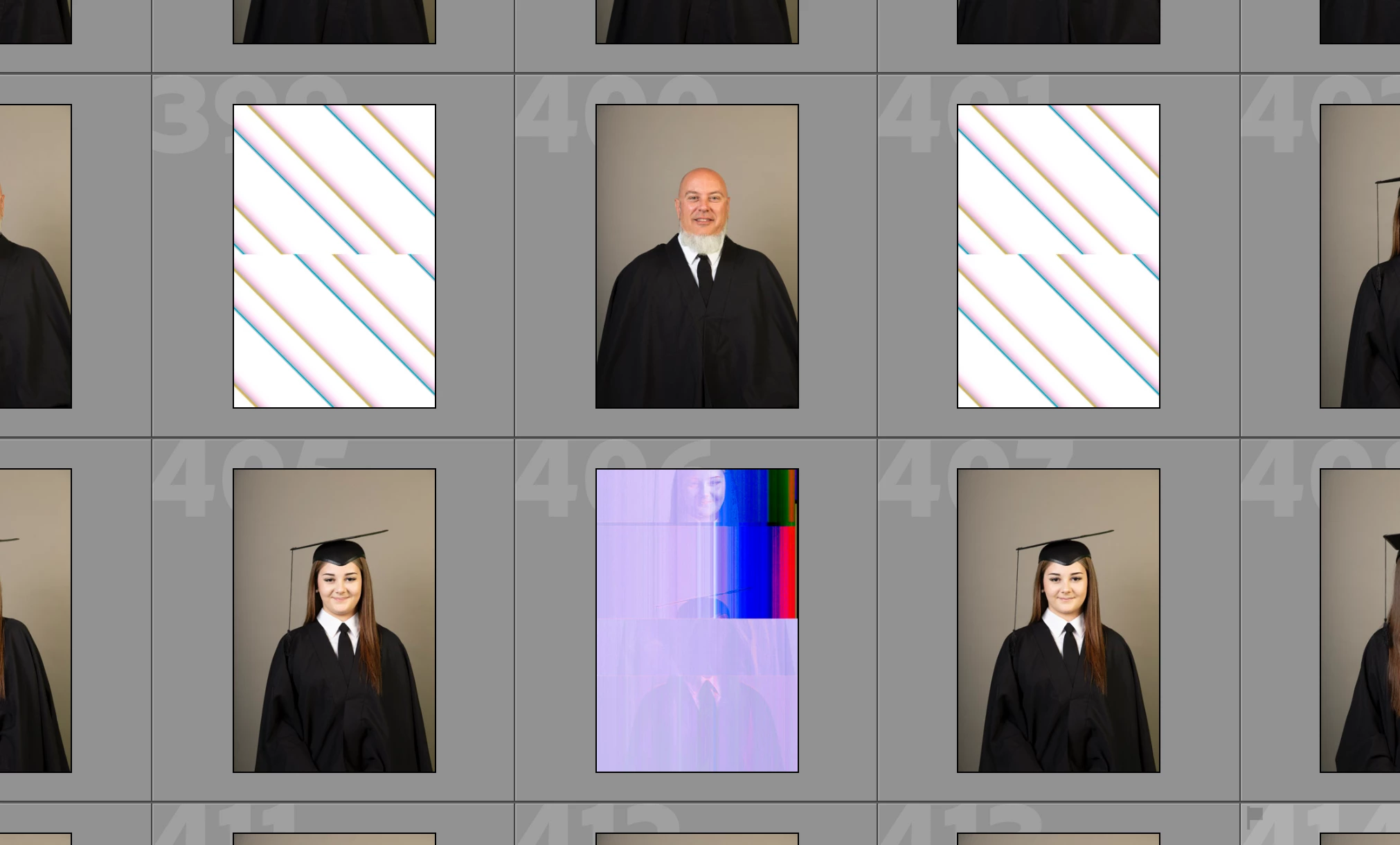
Coul you please help me? After I download the pictures to Lightroom Classic (from Canon) some of them go broken or corrupt ( see screenshots attached). 

I import them from RAW (canon) to DNG, I can see the photos correctly in the camara. I saved the photos in raw and jpg. The jpg images are fine. 


I´ve changed the memory card, ScanDisk extreme pro, for a new one and still happens and It seems to go worse this last time. I´ve change the camara and still happend, I´ve change the coputer and still happend. 


Does anybody else experiences this? 

Any advice or point in the right direction would be very appriciated.


All the best

Virginia
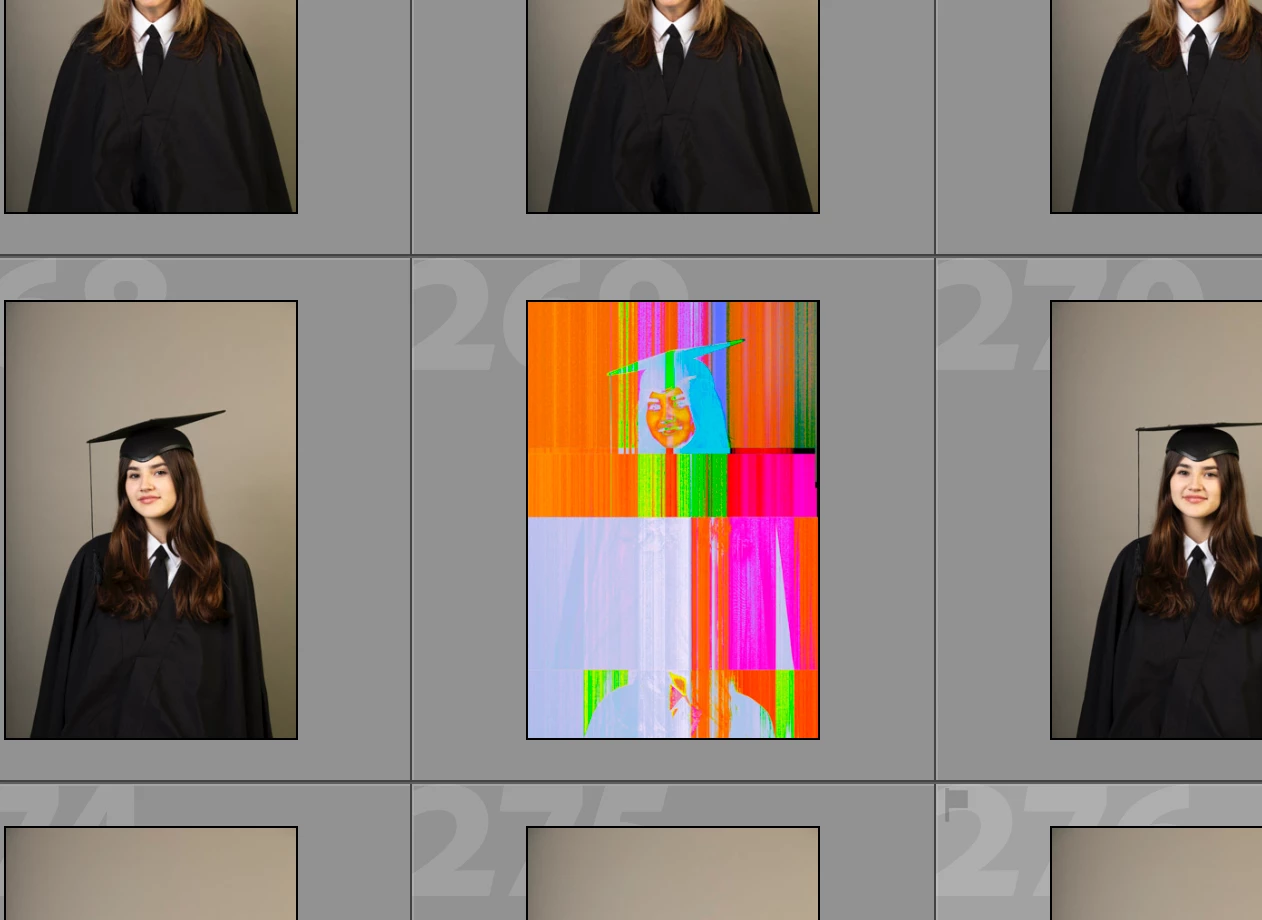
 

Captura de pantalla 2024-03-02 a las 17.35.45.pngCaptura de pantalla 2024-03-02 a las 17.42.53.png


[moved from bugs to discussions according to the community rules - Mod.]

TOPICS
macOS , Windows
729
Translate
Report
Community guidelines
Be kind and respectful, give credit to the original source of content, and search for duplicates before posting. Learn more
community guidelines
LEGEND ,
Mar 13, 2024 Mar 13, 2024

That kind of visual garbling is usually caused by a hardware problem or a buggy graphics driver.   


1. For hardware, it sounds like you've swapped out the entire chain: camera, memory card, computer.  Make sure you've tried a different USB cable and card reader (if it isn't built-in to the computers). Swapping computers would typically avoid a buggy graphics driver, but just to be sure:


2. Try setting Preferences > Performance > Use Graphics Processor to Off and importing new photos.


3. Then try updating your graphics driver by going directly to the manufacturer's web site:
https://helpx.adobe.com/lightroom-classic/kb/troubleshoot-gpu.html#solution-4


and importing new photos. 


4. If that doesn't help, please copy/paste here the entire contents of the LR menu command Help > System Info -- that will let us see exactly which versions of hardware and software LR thinks you're running.

Translate
Report
Community guidelines
Be kind and respectful, give credit to the original source of content, and search for duplicates before posting. Learn more
community guidelines
Community Beginner ,
Mar 14, 2024 Mar 14, 2024

Hi,

Thank you very much for your answer and guidence.

I will try what you suggest and come back to let you know.


1. The point one, in my previews computer the card reader was built-in. Since I change the computer I use and external one but the problem remanin.


Wish me good luck.

Translate
Report
Community guidelines
Be kind and respectful, give credit to the original source of content, and search for duplicates before posting. Learn more
community guidelines
Community Expert ,
Mar 14, 2024 Mar 14, 2024

Does the issue still arise if you import the photos but don't convert to DNG during import?

Translate
Report
Community guidelines
Be kind and respectful, give credit to the original source of content, and search for duplicates before posting. Learn more
community guidelines
Community Beginner ,
Mar 15, 2024 Mar 15, 2024

I´ve not try this yet to be honest. I always converted them to DNG. 


The most anoying thing it´s that I import the pictures, I select them, somethimes the pictures go through a second selection, I edit them and then they broke. It´s so frustraiting. You can see this in the screeshot, yesterday I selected this pictures and edited them. When I open Lr today, I found them like this.

(I´d already turn off the graphic processor).


Thanks for readying and I will try to not convert them, see if that helps.


Translate
Report
Community guidelines
Be kind and respectful, give credit to the original source of content, and search for duplicates before posting. Learn more
community guidelines
Community Beginner ,
Mar 15, 2024 Mar 15, 2024

Hi John,

Yesterday I turned off the graphic processor, but the images keep braking.

The most anoying thing it´s that I import the pictures, I select them, somethimes the pictures go through a second selection, I edited them and then they broke. It´s so frustraiting.

You can see this in the screeshot, yesterday I selected this pictures and edited them and they were fine.

When I open Lr today, I found them like this.


Translate
Report
Community guidelines
Be kind and respectful, give credit to the original source of content, and search for duplicates before posting. Learn more
community guidelines
LEGEND ,
Mar 15, 2024 Mar 15, 2024
LATEST

That sure looks like typical bad hardware or bad graphics driver. But the troubleshooting steps you've described seemingly rules out both.  


Another less-likely troubleshooting step: Delete LR's previews, as described here:

https://helpx.adobe.com/ca/lightroom-classic/kb/lightroom-gives-error-preview-cache.html


If you have more than a few thousand photos, be prepared for the rebuilding of the cache to take many hours, so maybe do it when you can let it run overnight.

Translate
Report
Community guidelines
Be kind and respectful, give credit to the original source of content, and search for duplicates before posting. Learn more
community guidelines