


How do I synchronize multiple folders?
I batch renamed files spanning multiple folders in a catalog. The renaming could not be done from Lightroom because its tool is insufficient (that's another topic). Yes I realize renaming from within Lightroom would prevent the files from going out of sync. But that was not an option as regular expressions were the only way for me to do the renaming.
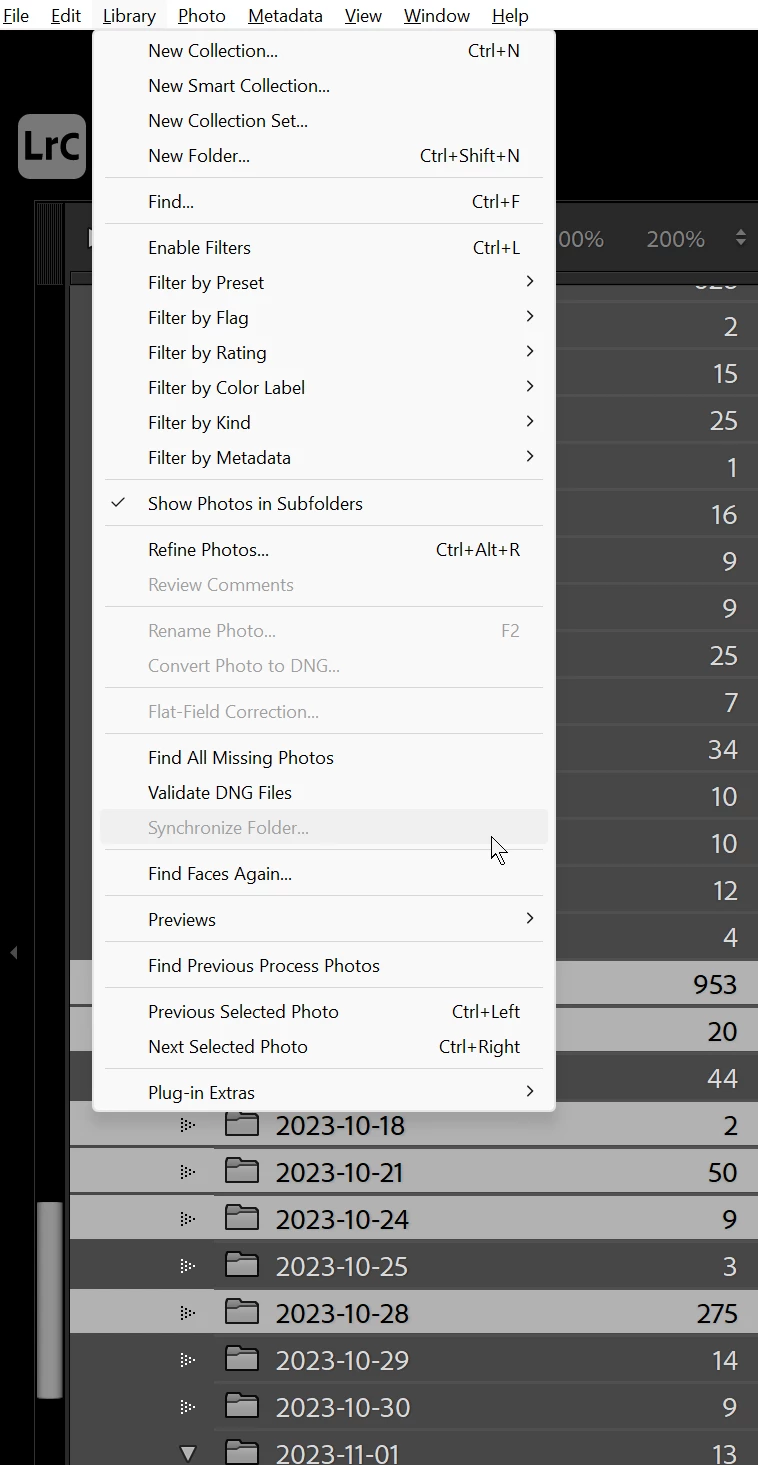
So now I have many images in many folders which are no longer found by Lightroom. I need to synchronize all the folders containing the renamed files. But I can only seem to select one folder at a time to sync. If I [Ctrl] select more than one folder in the navigator window, I can right click and choose "Synchronize Folder..." from the context menu, but only the top most folder I selected is actually synced. In the main Library menu, the "Synchronize Folder..." option is grayed out unless only one folder is selected.
Is there a way to choose multiple folders to sync? Or do I have to go through each folder one by one?
 AdChoices