Try this-
1) Click on the Preset to open it in the Export Dialog
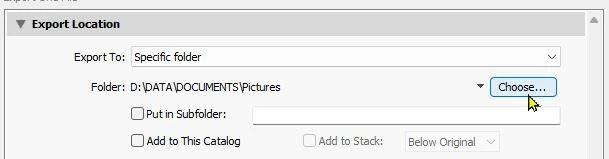
2) In the [Export Location] panel of the Export dialog-
Change the [Export To:] field to be "Specific folder"
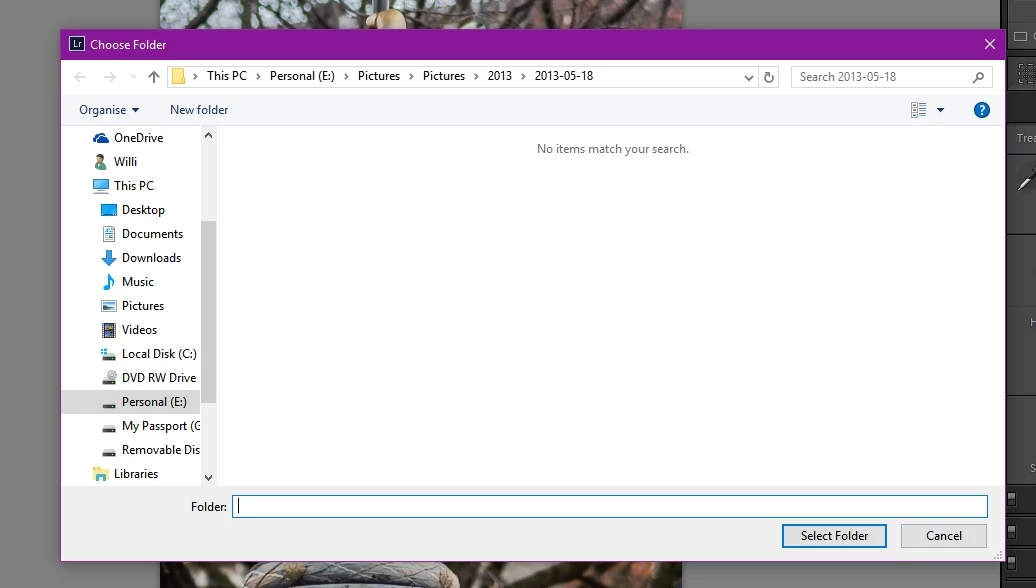
Click on [Choose...] and use the file explorer to choose the folder that YOU want for the exported files.
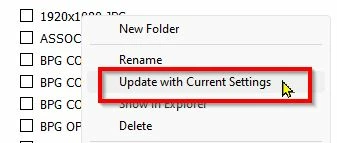
3) Now- UPDATE the Preset by a [Right-Click] on the Preset name in the Export Presets panel, and select-
[Update with Current Settings]
IF you want to use the [Choose Folder later] option (and Update the Current Settings once again), then after applying the "Specific Folder" steps above, you might find that the default folder has changed.





 AdChoices