


How to duplicate a folder containing presets ?
Hello,
I noticed that lightroom does not use anymore the "folder system" for presets.
What I would like to do is to duplicate one of my presets folder (name ex. PRESETS 01) and rename it PRESETS 02 in this way I will have a copy of all the presets inside but the forst folder remain there and intact. In this way I can delete some of them, add some new ones but in case I wanna go back to PRESETS 01 I can just unhide it and be at the starting point without having to import them again. In other words I find this a really practical and non destructive way of working.
I tried to duplicate the folder and rename it (ex. PRESETS 04) but I am not able to import them since I got the notifications that they are already imported.
If someone can suggest a solution or a proper way to have the same result it will be awesome.
For now the only option I found is to duplicate the folder and call it (ex. PRESETS 03 backup) and in case I wanna go back to it, I will delete the current one and re-import the backup folder, but I like the possibility to be able to move them around or move them to the folder "old presets" if I see that I am not using them anymore.
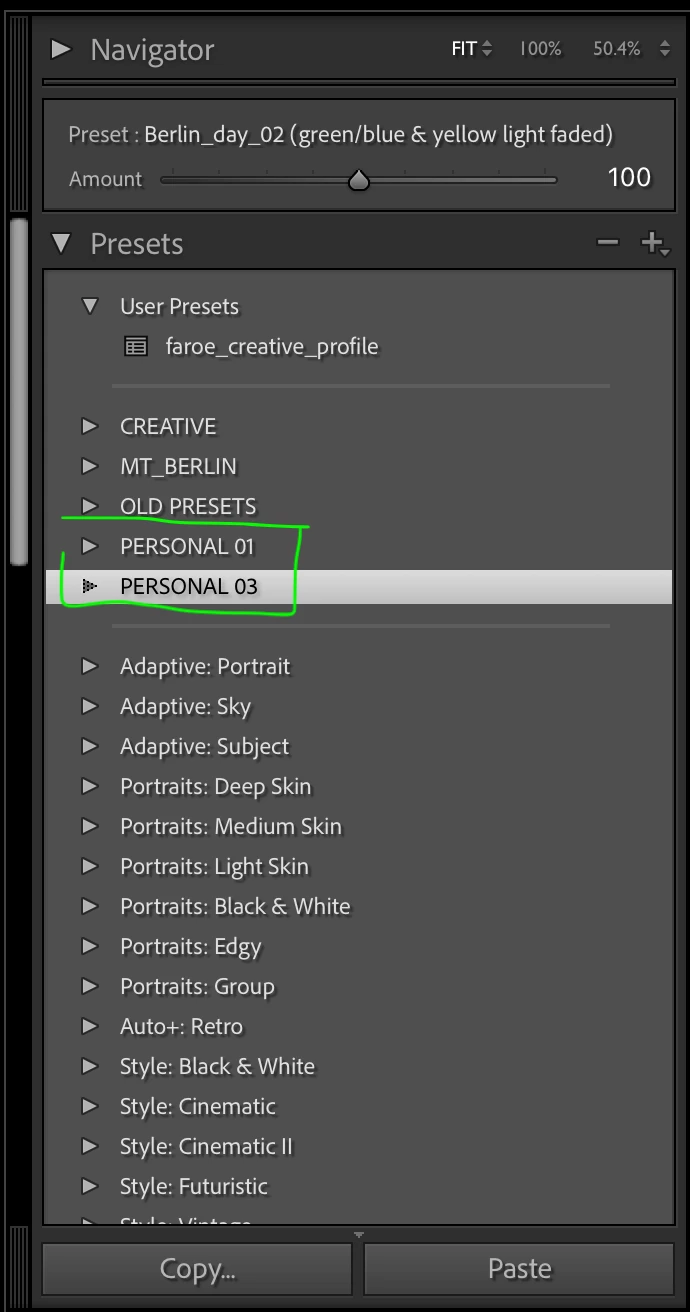
In the image you can see how I am organizing my presets.
 AdChoices