


Participant
February 6, 2018
Question

How to remove black frames around images in slideshow?

  • February 6, 2018
  • 3 replies
  • 4029 views

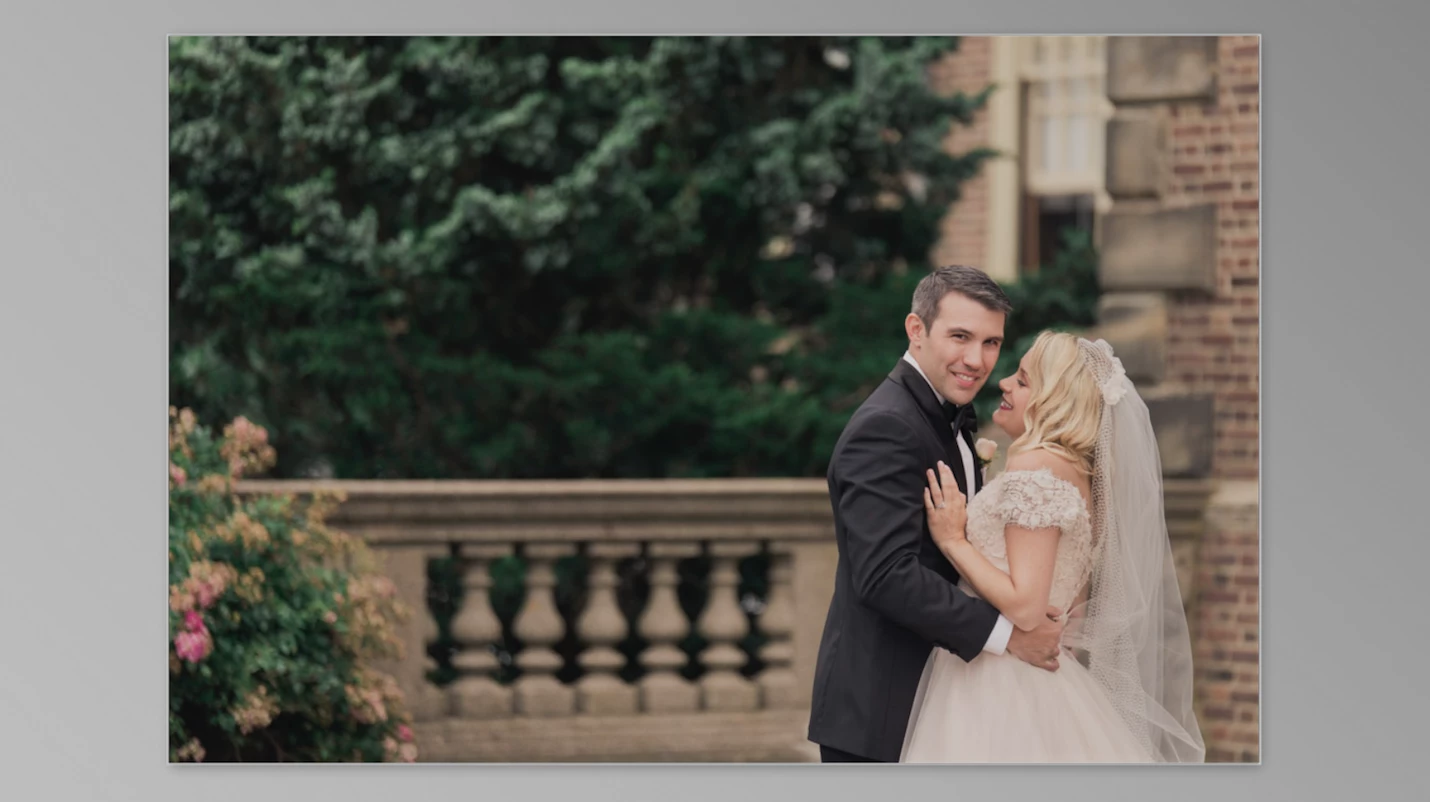
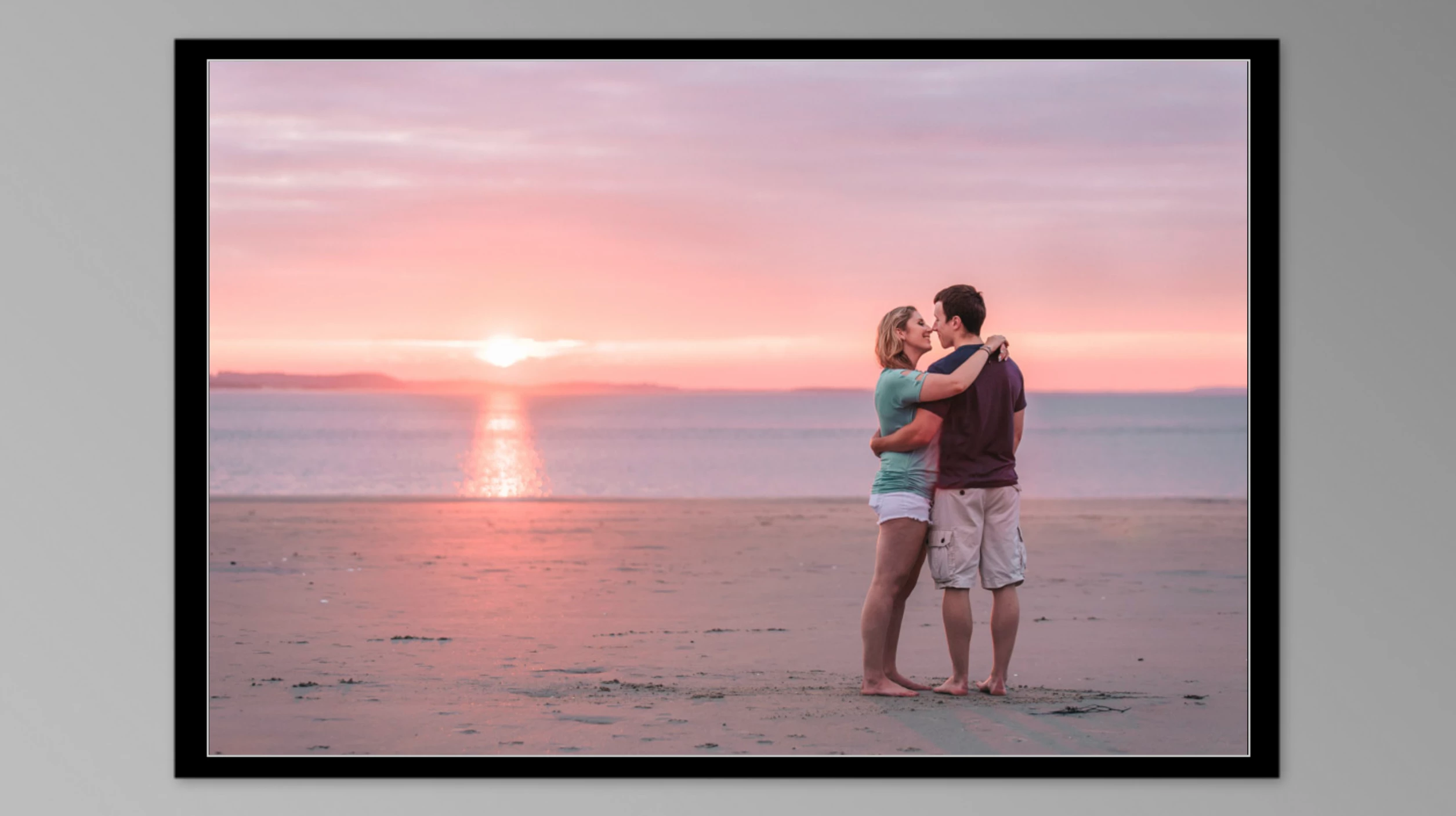
When creating a slideshow in LR CC Classic (fully up to date, 7.1), some images have a black 'frame' around them. It looks to me very much as if it's a space filler. I have the feeling some images are smaller than others and the smaller ones have that black frame around them. And all of this relates only when viewing the slideshow in full screen mode. What's the solution?
This topic has been closed for replies.

3 replies

CHreative
Participant
May 11, 2018

I just solved the same issue by export all slides to 4000px and import again.

My files are ranging from 800px to 4300px and I've seen black frame problems both at editing and after exports.

I thought if I need a full hd slideshow at 1080p, I probably needed image size at 2000px at best?

Well, when the images are sized to 2000px, there were still few black frames and I noticed the image pan-zoom wasn't taking full territory.

Thus I tried 4000px and everything is running normal as it should.

Theresa J
Community Expert
Community Expert
February 7, 2018

It looks to me like the one with the black frame is too small to fill the window. Is it possibly a low resolution image?

Just Shoot Me
Legend
February 7, 2018

https://forums.adobe.com/people/Theresa+J  wrote

It looks to me like the one with the black frame is too small to fill the window. Is it possibly a low resolution image?

Theresa I thought the same thing and tested this on my system. Even with a small image, pixel Width & Height, no black frame was shown.

I thought it might be the OP had set a Background image that was all Black but I never tested that.

Theresa J
Community Expert
Community Expert
February 7, 2018

Just Shoot Me​ a background image would fill the area that is now grey in the OPs screen capture. The black appears to be inside of the frame area of the image. That’s the curious part. I have never seen this before.

Just Shoot Me
Legend
February 6, 2018

It is a setting in the Slideshow module. Stroke Border.

Participant
February 6, 2018

The Stroke Border is actually the thin white line that goes around both images. In addition though there is the black part in the lower image...

Just Shoot Me
Legend
February 6, 2018

Then check the Background Color.