


Answered
How To Stop Lightroom CC Collections From Syncing To Mobile
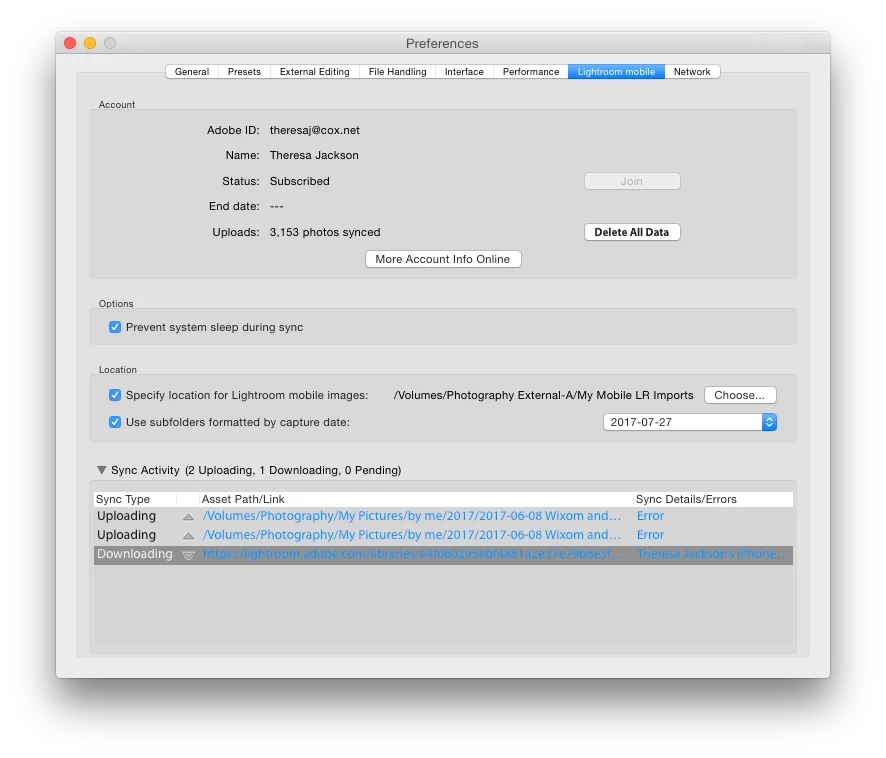
I recently created several collections in Lightroom CC and accidently set them to sync with Lightroom Mobile. Several hundred photos uploaded and more remain. After I realized what was happening, I clicked on the boxes to the left of each Collections in Lightroom CC to discontinue syncing, but that has not stopped the files from syncing. The only way that I can prevent the syncing is to pause "Sync With Lightroom Mobile" at the top of the screen in Lightroom CC.
Why are my photo collections continuing to sync after I unchecked the sync option? How do I fix this issue?

 AdChoices