Participant
October 22, 2022
Question

Lighroom Classic v12 - Green images in library

  • October 22, 2022
  • 1 reply
  • 124 views

Hi,


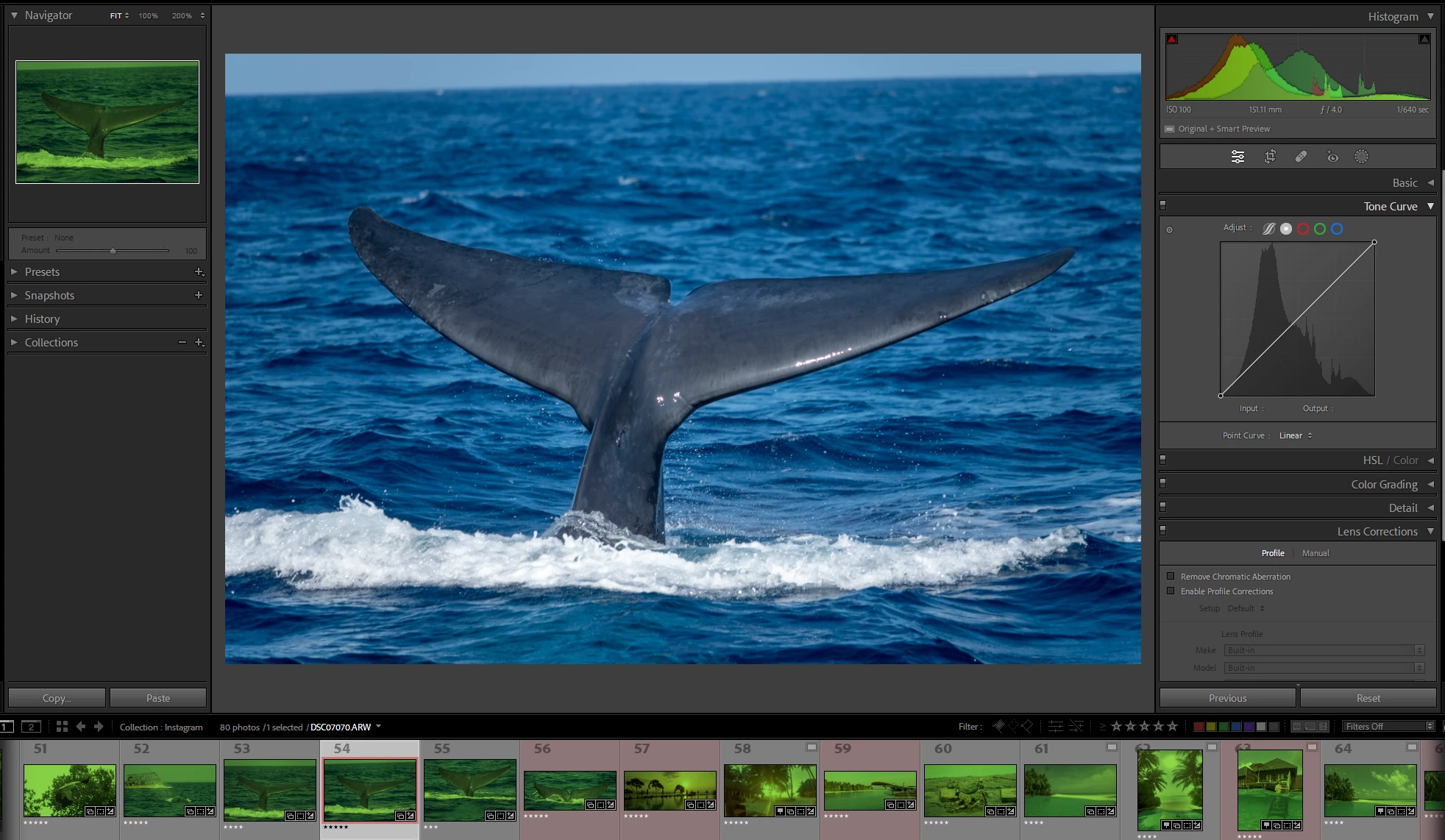
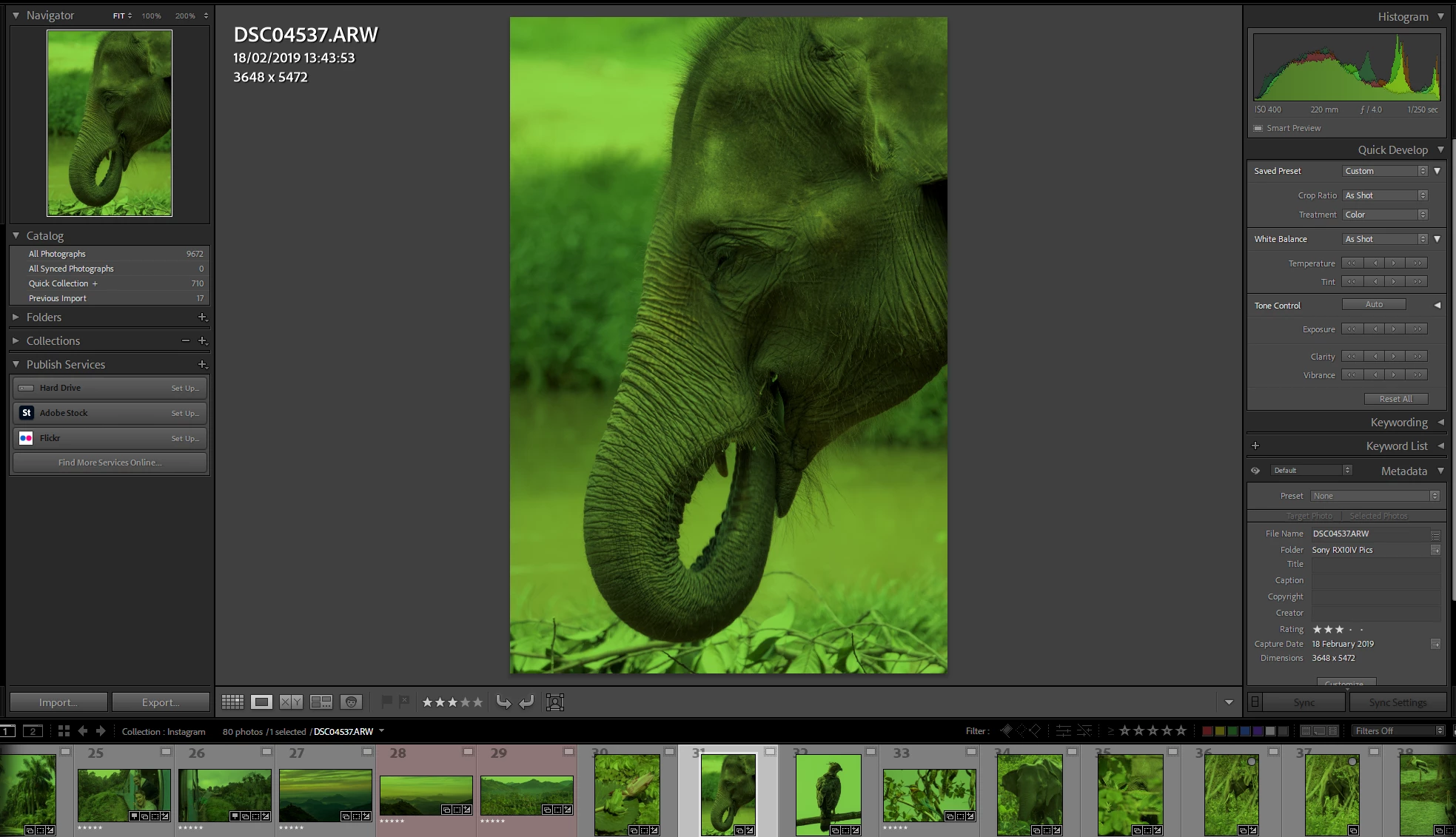
I’m hoping I’m missing something obvious, but I updated to Lightroom Classic v12 today and now all my images appear with an extreme green hue. In the Library tab all the previews and selected images appear green. In the Develop tab the main selected image appears normally but the previews are all green. Even the histogram shows shades of green. I've attahced screenshots of what I'm seeing.


I have no idea what’s going on but hopefully someone can help me!


Thanks


This topic has been closed for replies.

1 reply

Community Expert
October 22, 2022

There are two possibilities here:

1. Your display profile is corrupt. Recalibrate your screen. 

2. There is a GPU driver issue somehow triggered by new code in v12. Try running with the GPU disabled (in preferences->performance). If this fixes it, update your GPU driver.

Participant
October 22, 2022

Thanks for the rapid reply!
Interstingly, when I turned off the graphics processing, the image in the Develop tab also went green.
It's an HDR screen (AW3423DW), if I close Lightroom then turn off HDR and reopen Lightroom - it fixes the issue. Enabling HDR brings the issue back.
In Windows: Settings - System - Display - Colour profile, the profiles created by Windows HDR Calibration tool seem to have the green issue, but if I use an sRGB profile the green issue goes away. Quite frustrating as I liked the results of the HDR Calibration tool!

Community Expert
October 22, 2022

So that indeed indicates it is the display profile that is the issue. You really need to use a real calibration tool such as a colorMunki, or a spyderX pro to calibrate the display. These built-in software tools do not work or are buggy. There are no shortcuts unfortunately and Adobe should make it much more clear - even though that is not their problem as it is caused by the inconsistency in hardware - that to get accurate color you need to calibrate your display. Also be very wary of HDR modes on displays. They are usually mostly gimmicky and also barely any software supports it and there are many competing standards that are incompatible. Adobe only just added experimental support for HDR modes in camera raw/Photoshop (not in Lightroom!) and only for very recent Macs. So if you have a display that can do HDR best to leave it off.