



Lightroom 6 Map Module stopped working - page didn't load Google Maps correctly
Two weeks ago, I began using the map module in Lightroom 6.14.
I was delighted with the drag-and-drop features for placing groups of my photos from the
ribbon across the bottom onto a location on the map.
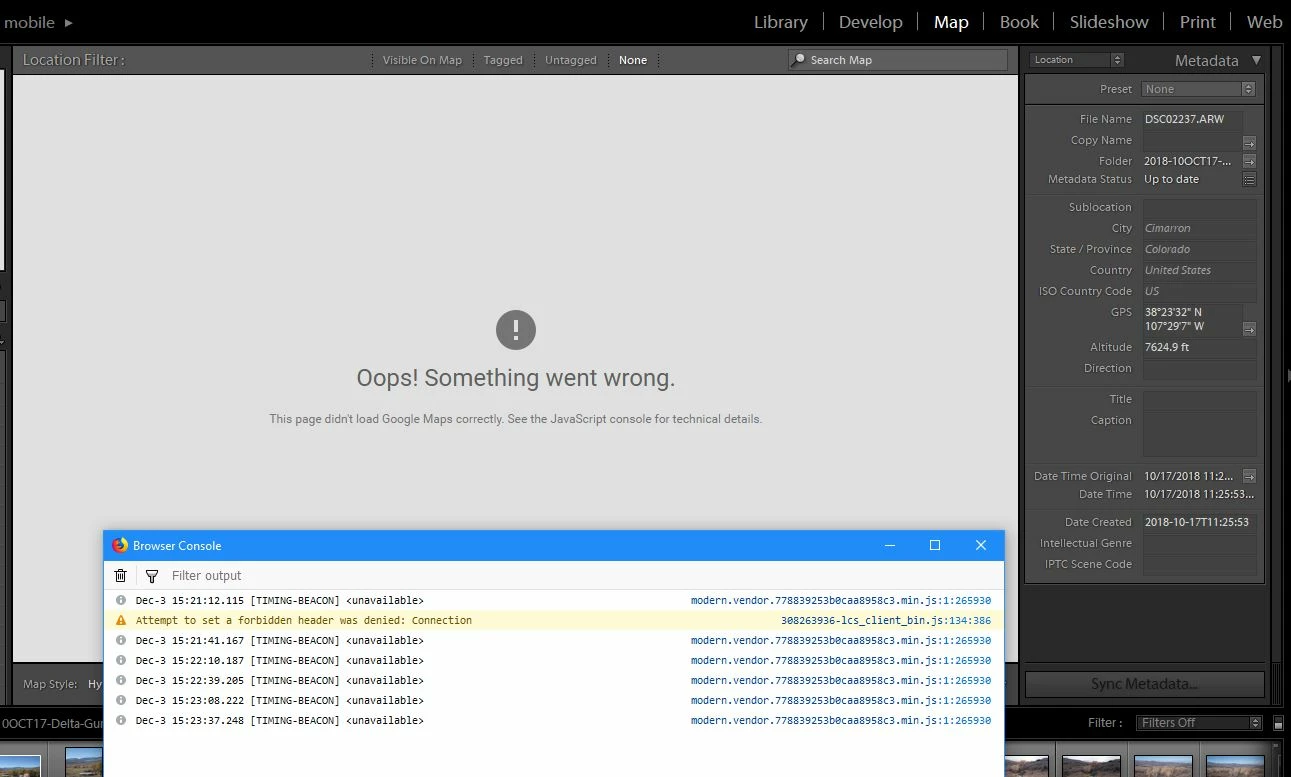
Now, 2 weeks later, I open Lightroom again and get the following error:
"This page didn't load Google Maps correctly. See the JavaScript console for technical details."
After searching for how to even FIND the JavaScript console, I had no idea what I was looking at
or what to do about what I was seeing.
I rebooted (no joy), updated drivers and rebooted (no joy), updated system and application software
and rebooted (STILL no joy)!
Upon starting Lightroom, I sill have the "page didn't load" error message.
I rebooted yet again, opened the JavaScript console, then opened Lightroom.
I've attached a screenshot of the Lightroom error message and javascript console.
(At least the GPS coordinates still seem to be intact for the images I placed!)
Help?
I'm running:
Windows 10 Home, version 1803
Intel Core i7, 4770 CPU @ 3.40GHz
24G Ram, 64-bit OS
NVIDIA GeForce GTX 1080 Ti (driver version 24.21.13.9924 - dated 9/5/2018)
Lightroom 6.14
 AdChoices