Participant
April 7, 2022
Answered

Lightroom Blurb Magazine interior cover

  • April 7, 2022
  • 1 reply
  • 240 views

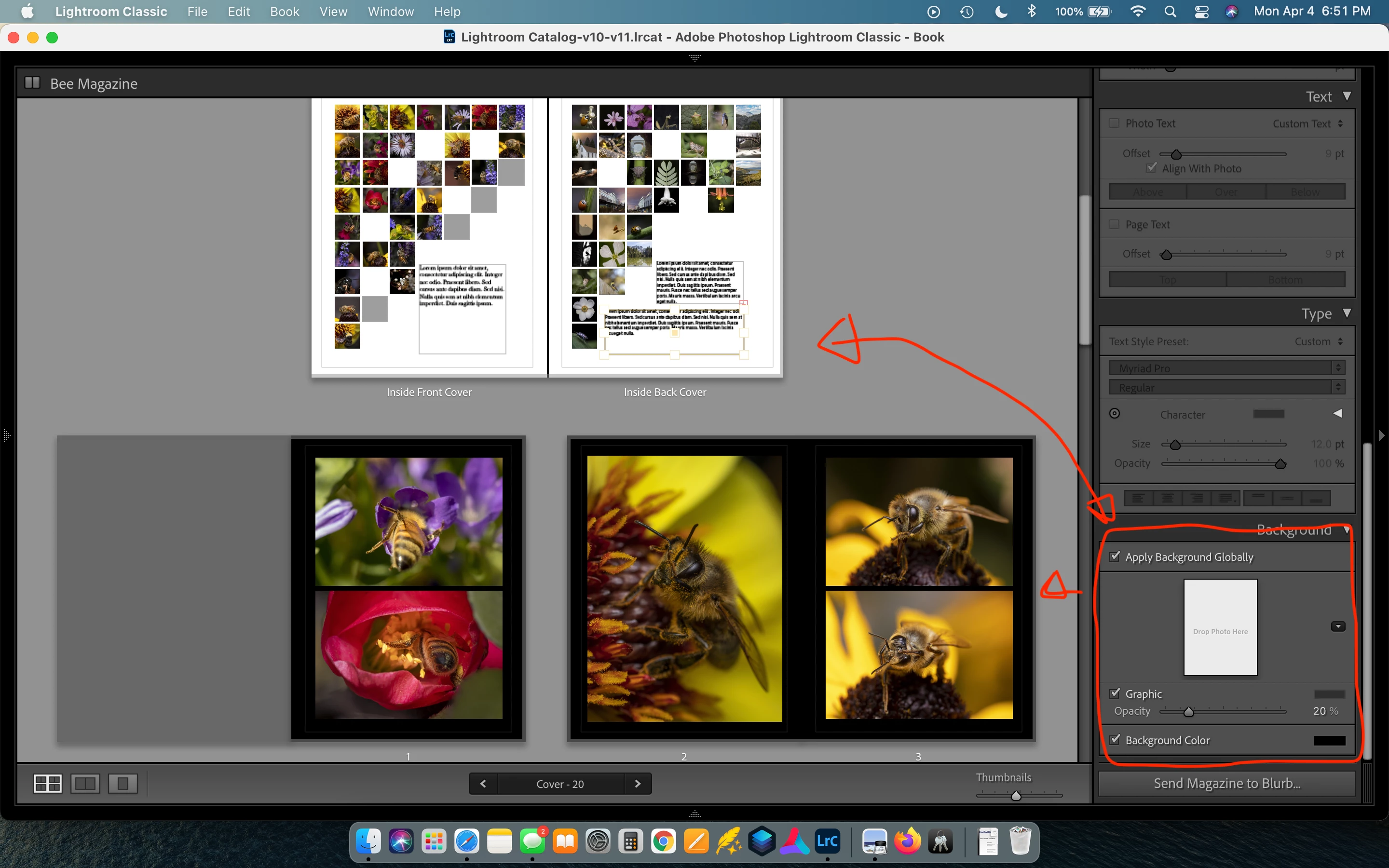
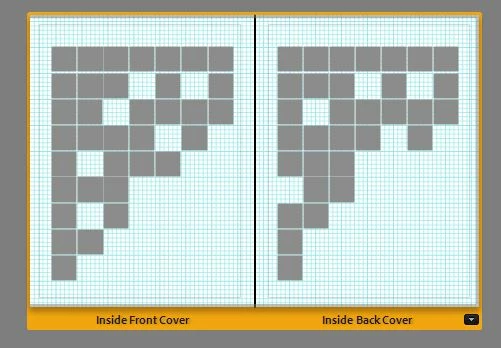
I am trying to make a magazine for a photography project and I am having an issue with background colors and the inside cover. I have the global background set to black and on the all the interior pages it shows the black background. However on the inside of the cover I cant get it to be anything other than white. I really dont want the background pages of the magazine to clash with white interior covers but I am not sure how to get it to work.
This topic has been closed for replies.
Correct answer Rob_Cullen

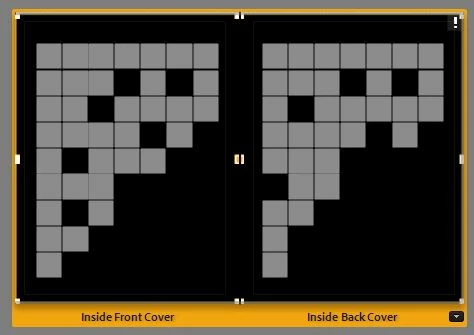
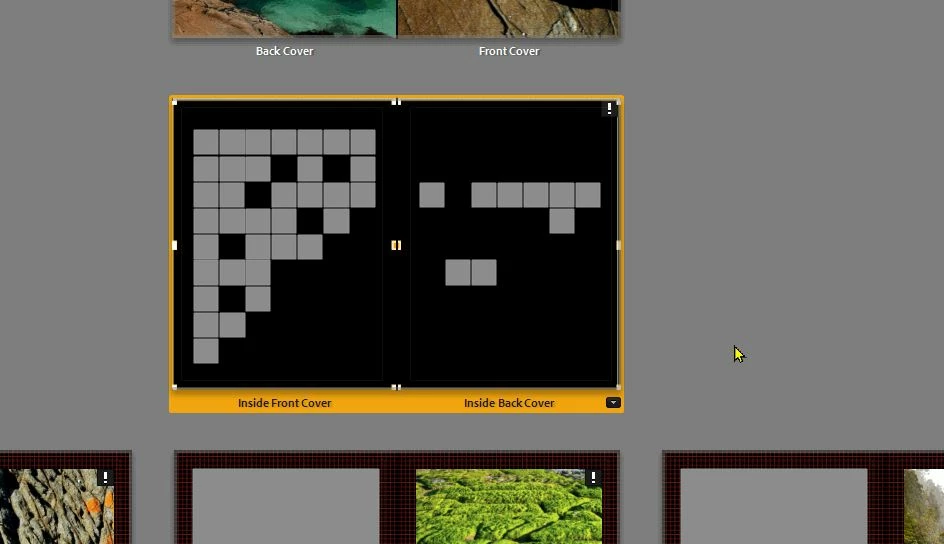
Never made a Magazine, so testing I find the same. Global background color does not apply to inside covers.

Try a workaround-

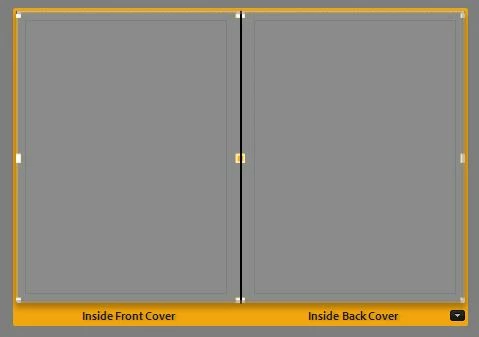
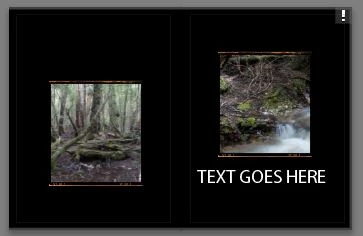
1) Add a PHOTO Cell to the inside covers

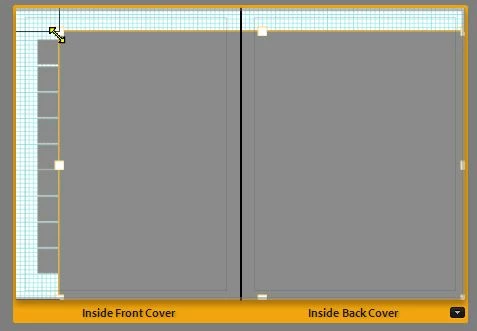
2) Drag the corner handles to Expand it to cover both the entire inside covers.

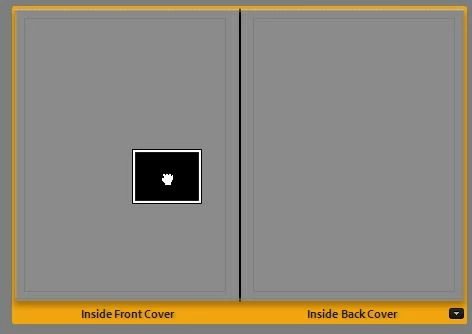
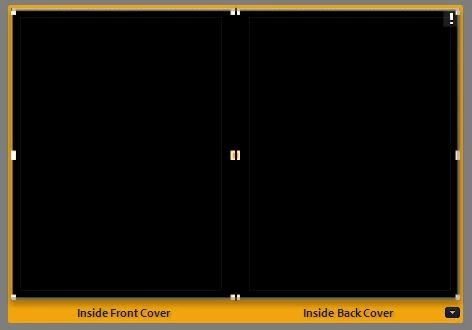
3) Place a BLACK IMAGE into the photo cell. (Now you see totally black inside covers)

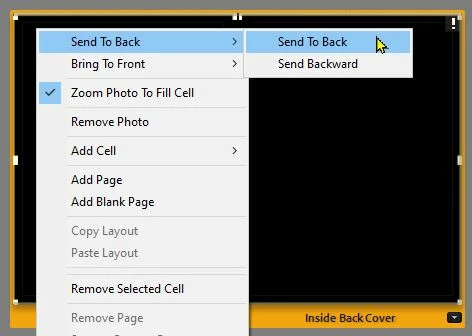
4) [Right-Click] the 'Black' photo cell and [Send to Back]. (Take care not to select other template cells!)


EDIT:  You will need to change the TEXT color!  (eg. White Text to show on Black image 'background')

1 reply

Rob_Cullen
Community Expert
Rob_CullenCommunity ExpertCorrect answer
Community Expert
April 7, 2022

Never made a Magazine, so testing I find the same. Global background color does not apply to inside covers.

Try a workaround-

1) Add a PHOTO Cell to the inside covers

2) Drag the corner handles to Expand it to cover both the entire inside covers.

3) Place a BLACK IMAGE into the photo cell. (Now you see totally black inside covers)

4) [Right-Click] the 'Black' photo cell and [Send to Back]. (Take care not to select other template cells!)


EDIT:  You will need to change the TEXT color!  (eg. White Text to show on Black image 'background')

Regards. My System: Windows-11, Lightroom-Classic 15.0, Photoshop 27.0, ACR 18.0, Lightroom 9.0, Lr-iOS 10.4.0, Bridge 16.0 .
Participant
April 8, 2022

Oh thank you for the wonderful advice and clear instructions!

I'll give this a shot