


Lightroom CC Import Issue: Can't Select Source
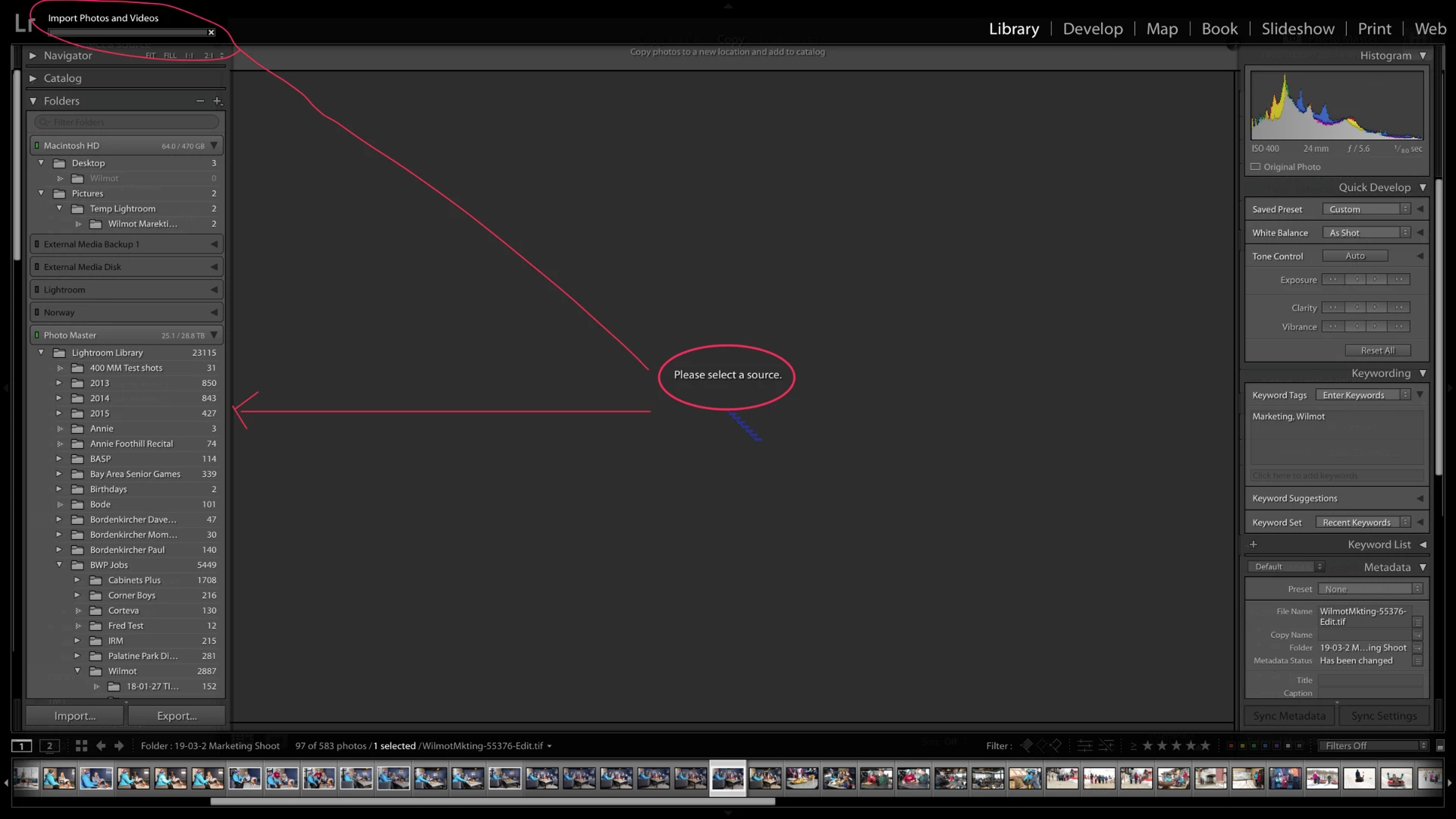
80% of the time I try to import, the "Source" column doesn't appear on the left side. The "import photos & videos" progress bar appears on the upper left corner and the middle pane says "Please select a source". The only way to back out of the import process (cuz you're stuck in this mode) is to quit Lightroom. The first popup box asks if you want to cancel the import, then it continues with the usual shutdown process.
When I restart Lightroom, 90% of the time, the import process will work right away. 10% of the time I have to quit Lightroom again. I've not found rebooting my Mac to have an impact.
My setup:
MacBook Pro
MacOS 10.14.4
Lightroom & Photoshop are current (this issue has been plaguing me for awhile)
Lightroom catalog is stored on my Mac
Photos are stored on a Synology NAS
NAS shared folder is connected to my Mac via AFP, not SMB. (The issue happens regardless of the connection method. I have to connect via AFP because Photoshop has an issue with SMB.)
This is what I see when the import process doesn't work. The left hand column is showing the "Library" view.
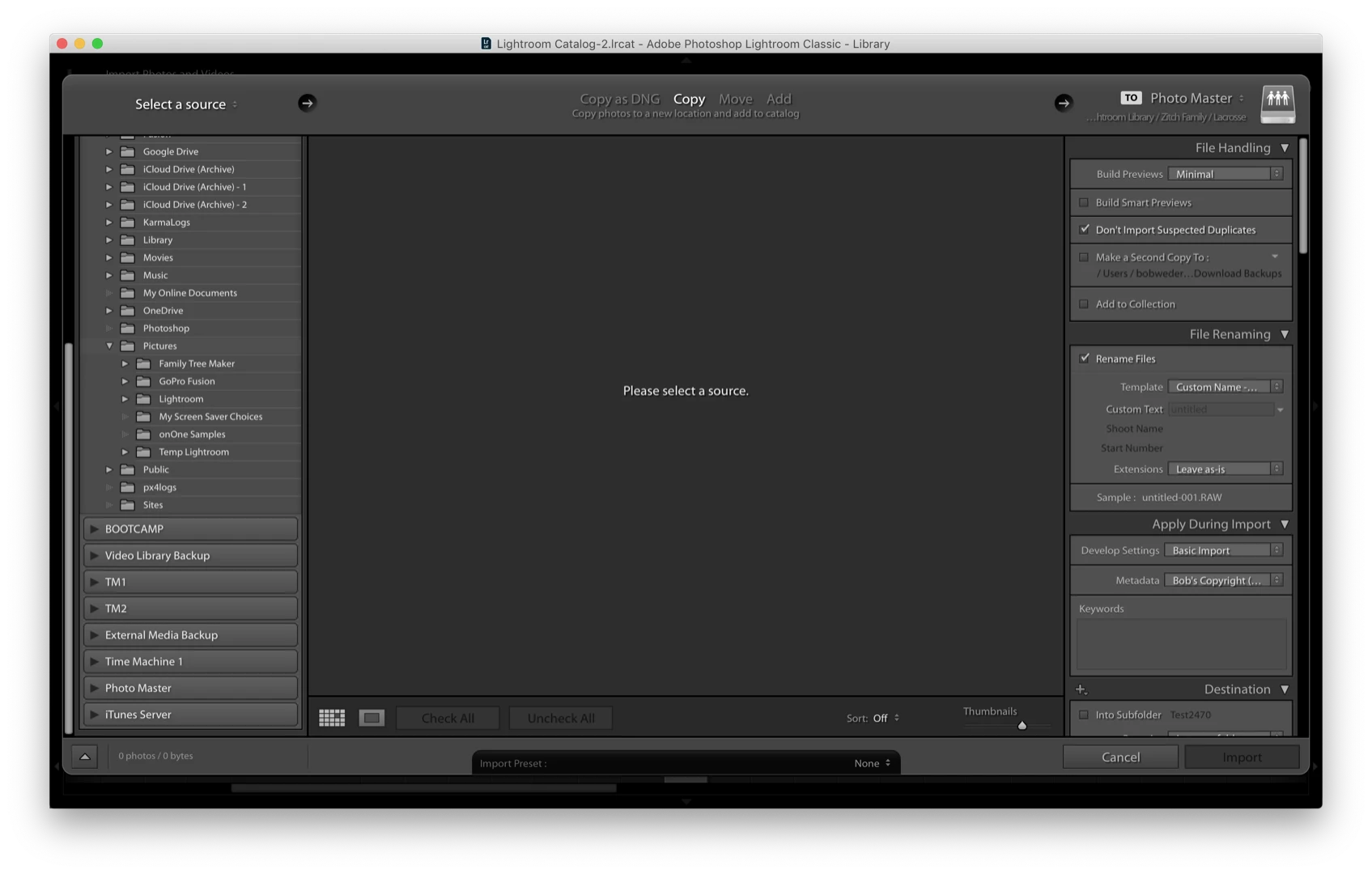
This is what the window SHOULD look like:
 AdChoices