


Lightroom classic changes capture date and time when saving metadata to file
I am using Lightroom Classic 8.4 release under Windows 10.
I have noticed that LR sometimes changes the capture date and time for photographs when it saves metadata to file.
Typically, I may have a photo with no caption information; I add the caption and perhaps copyright data and then save metadata to file. The capture date and time are changed to the current date and time. This happens the first time I save metadata to file; subsequent saves (e.g. with further changes to caption) do not change the capture date and time.
This does not happen always; mainly with older photographs.
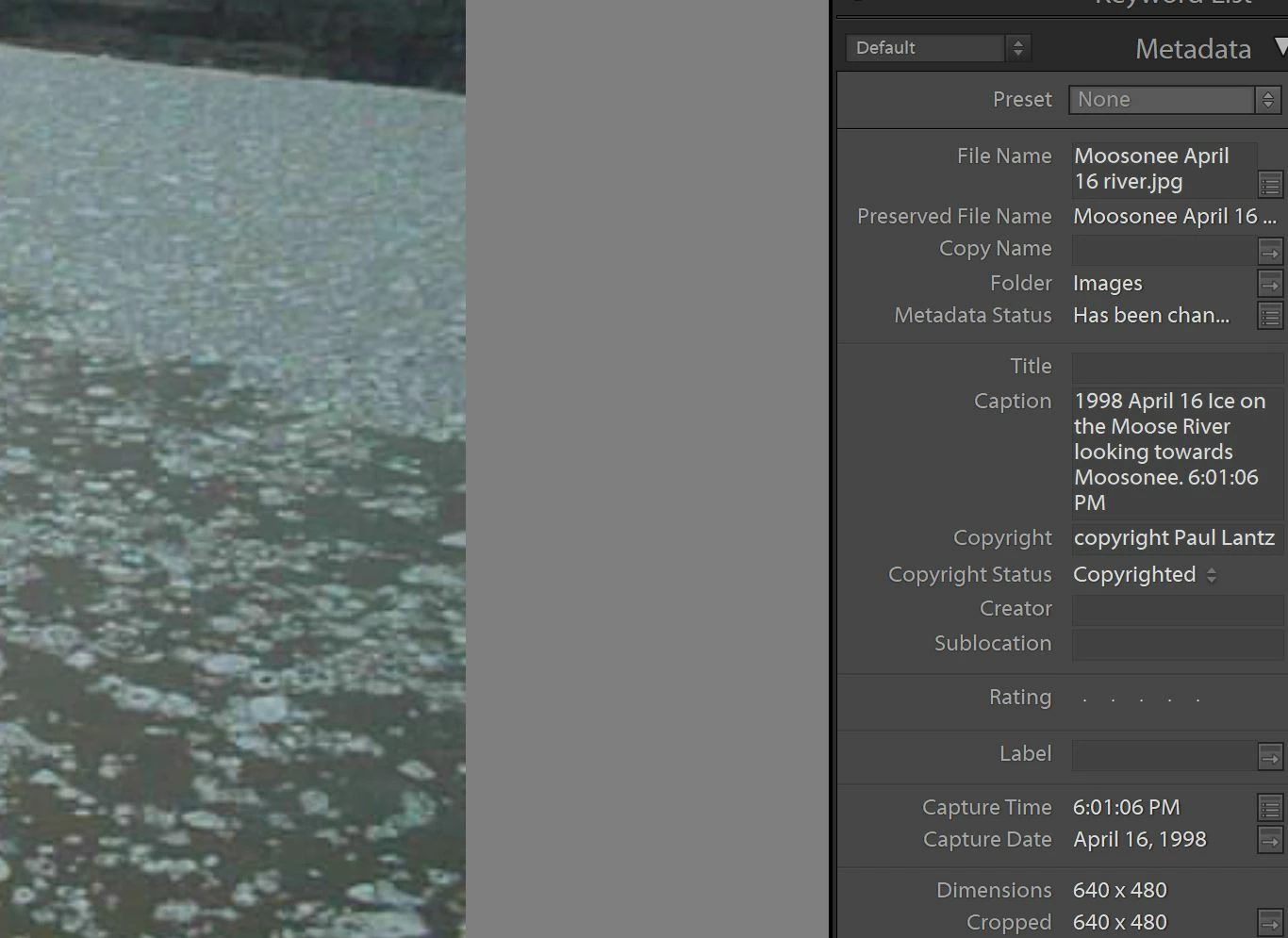
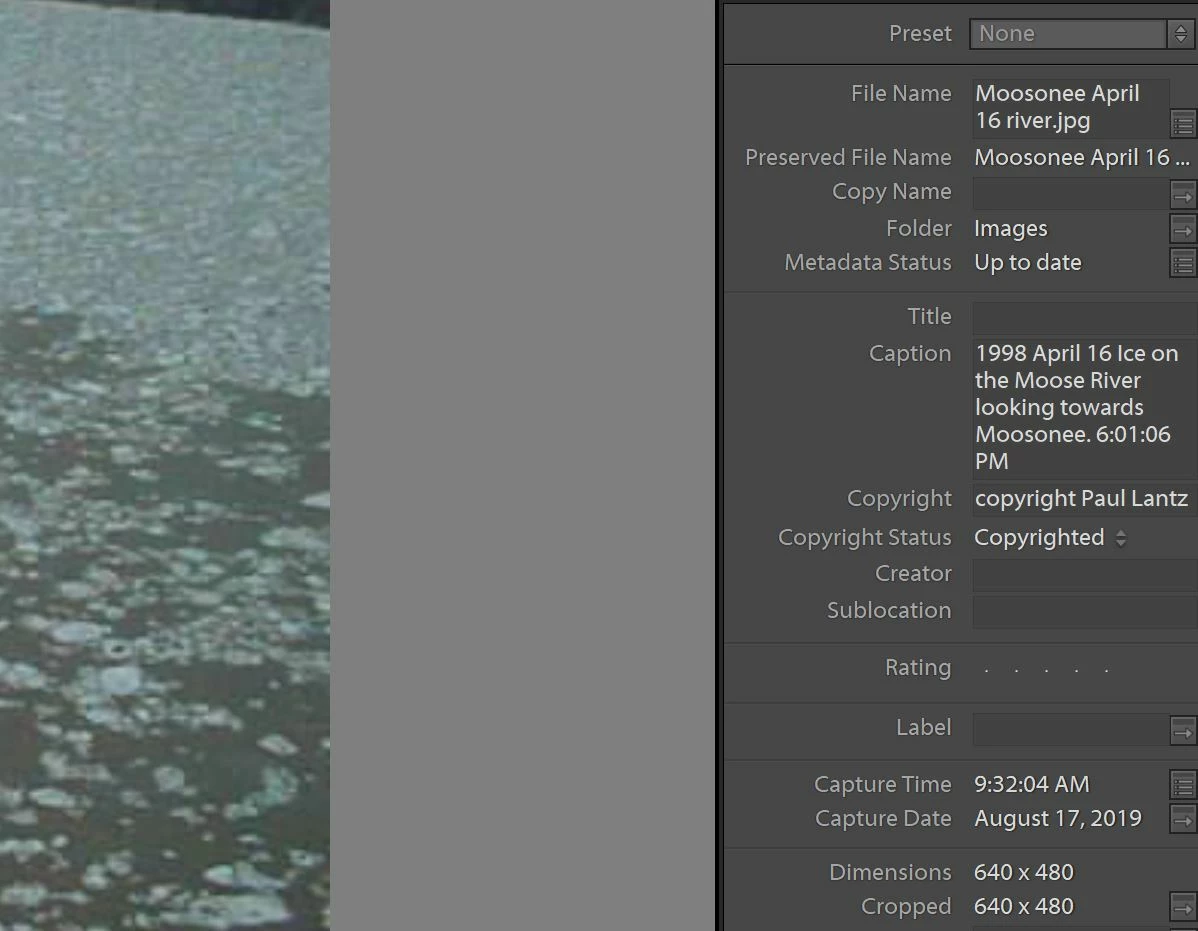
I have attached screenshots of before and after saving metadata for a digital photograph taken in 1998. When I saved metadata to file the capture date and time were changed to the current date and time.
I have seen some older discussions about this but I had never noticed the issue until recently. I often keep the capture date in the file name so I can repair some of the damage but wonder if there is a simpler way to ensure that capture date and time are not changed until done so explicitly by the user.
thanks for your help
Paul
 AdChoices