

New Participant
November 9, 2022
Question

Lightroom Classic - Not Responding

  • November 9, 2022
  • 3 replies
  • 194 views

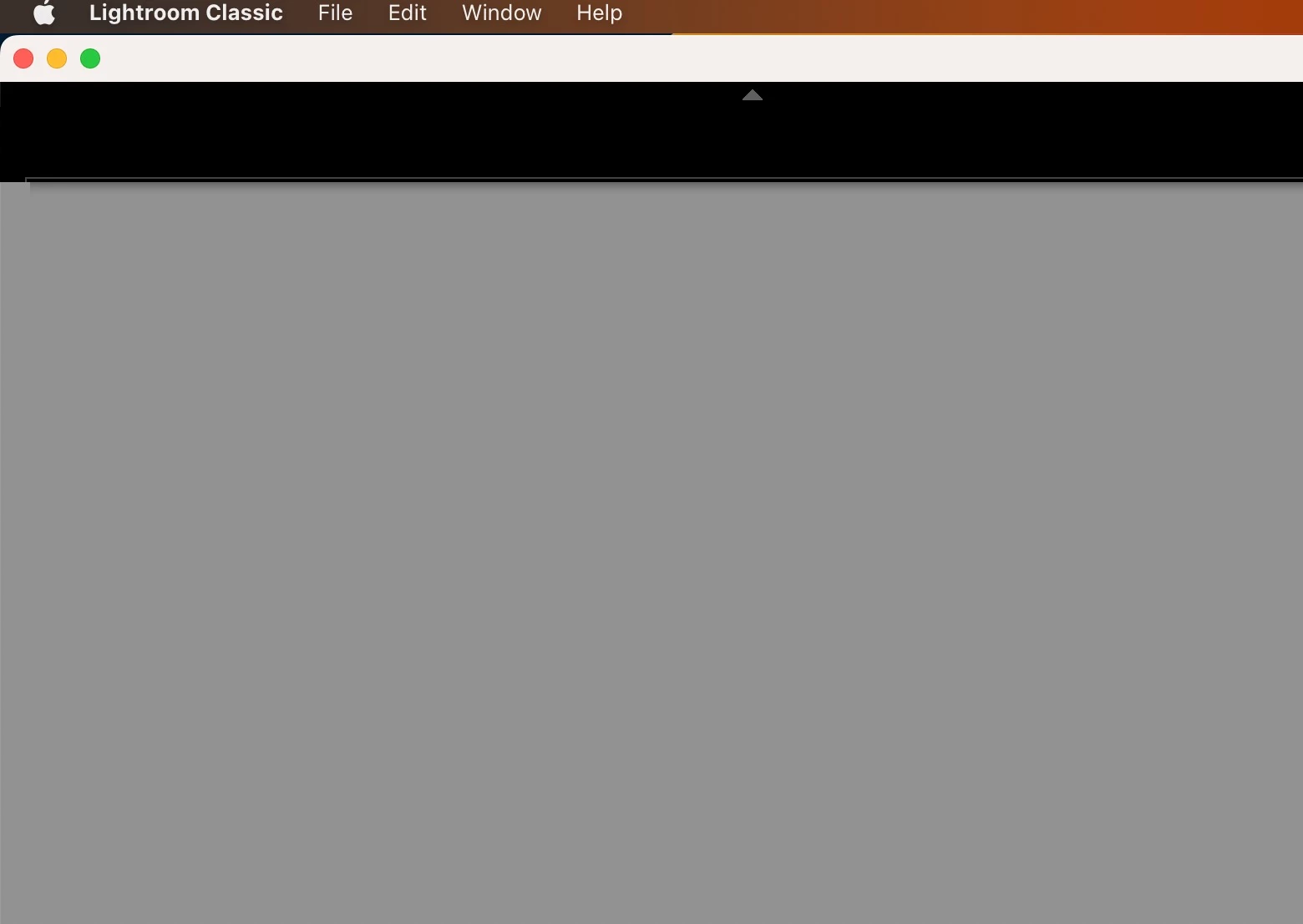
Need help.This is the first time I am using Lightroom Classic. The moment I launch the LrC app on Mac OS, all i see is a grey screen. Any thoughts on troublshooting?



This topic has been closed for replies.

3 replies

DdeGannes
Adobe Expert
November 13, 2022

Getting started, see info at the link below.

https://helpx.adobe.com/lightroom-classic/get-started.html


Regards, Denis: iMac 27” mid-2015, macOS 11.7.10 Big Sur; 2TB SSD, 24 GB Ram, GPU 2 GB; LrC 12.5,; Lr 6.5, PS 24.7,; ACR 15.5,; (also Laptop Win 11, ver 24H2, LrC 15.0.1, PS 27.0; ) Camera Oly OM-D E-M1.
Ian Lyons
Adobe Expert
November 9, 2022

A copy of your 'System Info' would be helpful. This can be found under the LrC Help menu. You can use the 'Copy' button at top right of the System Info panel, then paste into your next post to the forum. I've attached a copy of the panel and content I'm refering to.


New Participant
November 13, 2022

Thank you for the reply. Sad thing is I am not even seeing 'System Info' under LrC help Menu. Below is the screenshot from my device

Ian Lyons
Adobe Expert
November 13, 2022

Try resetting the LrC preference file as described in Method 1 at https://helpx.adobe.com/lightroom-classic/help/setting-preferences-lightroom.html

Rob_Cullen
Adobe Expert
November 9, 2022

It might help if you suggest the Version Number of your OS. and the Version Number of Lightroom-Classic.


Regards. My System: Windows-11, Lightroom-Classic 15.0, Photoshop 27.0, ACR 18.0, Lightroom 9.0, Lr-iOS 10.4.0, Bridge 16.0 .