


Lightroom color are different when exported.
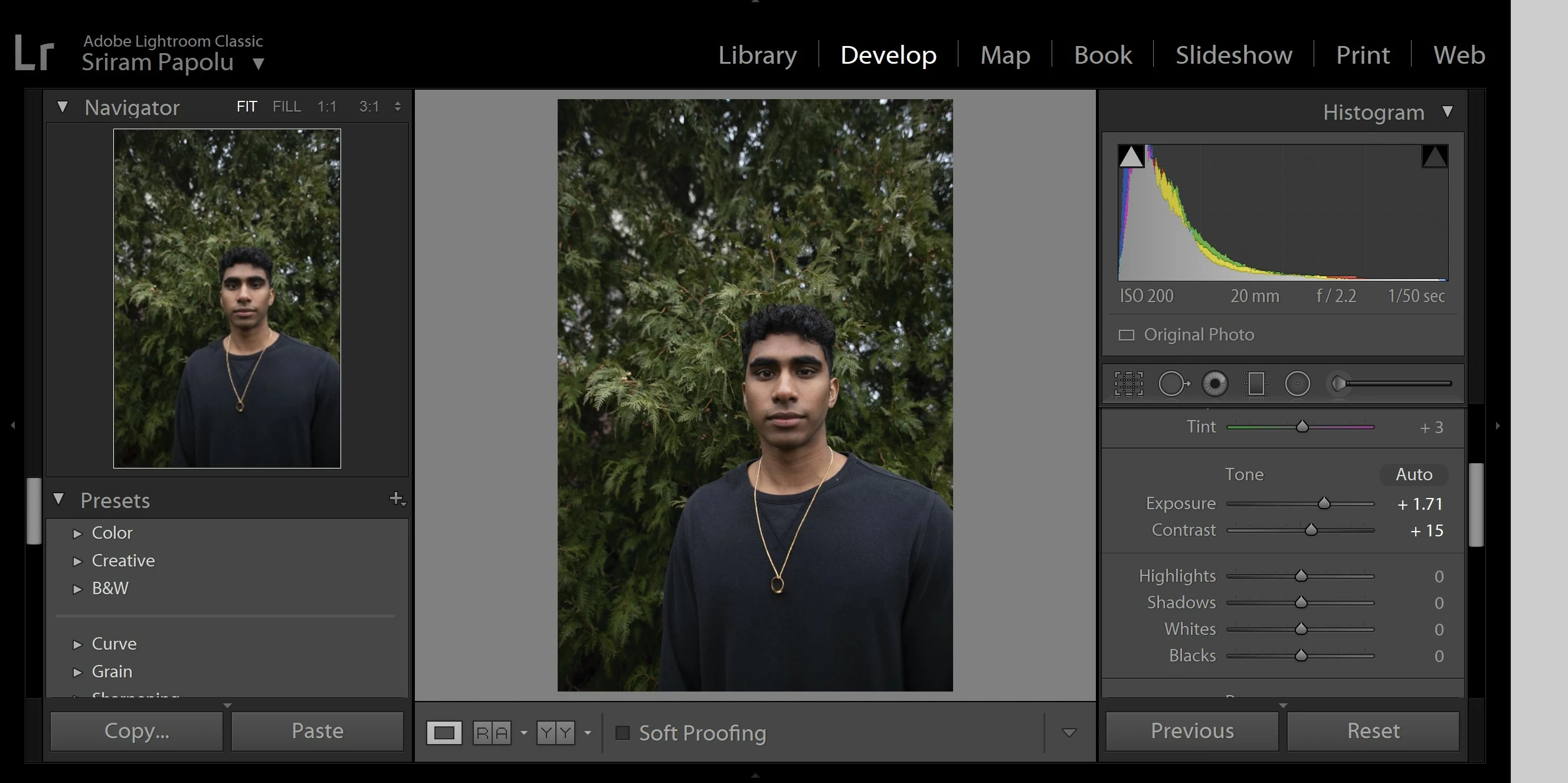
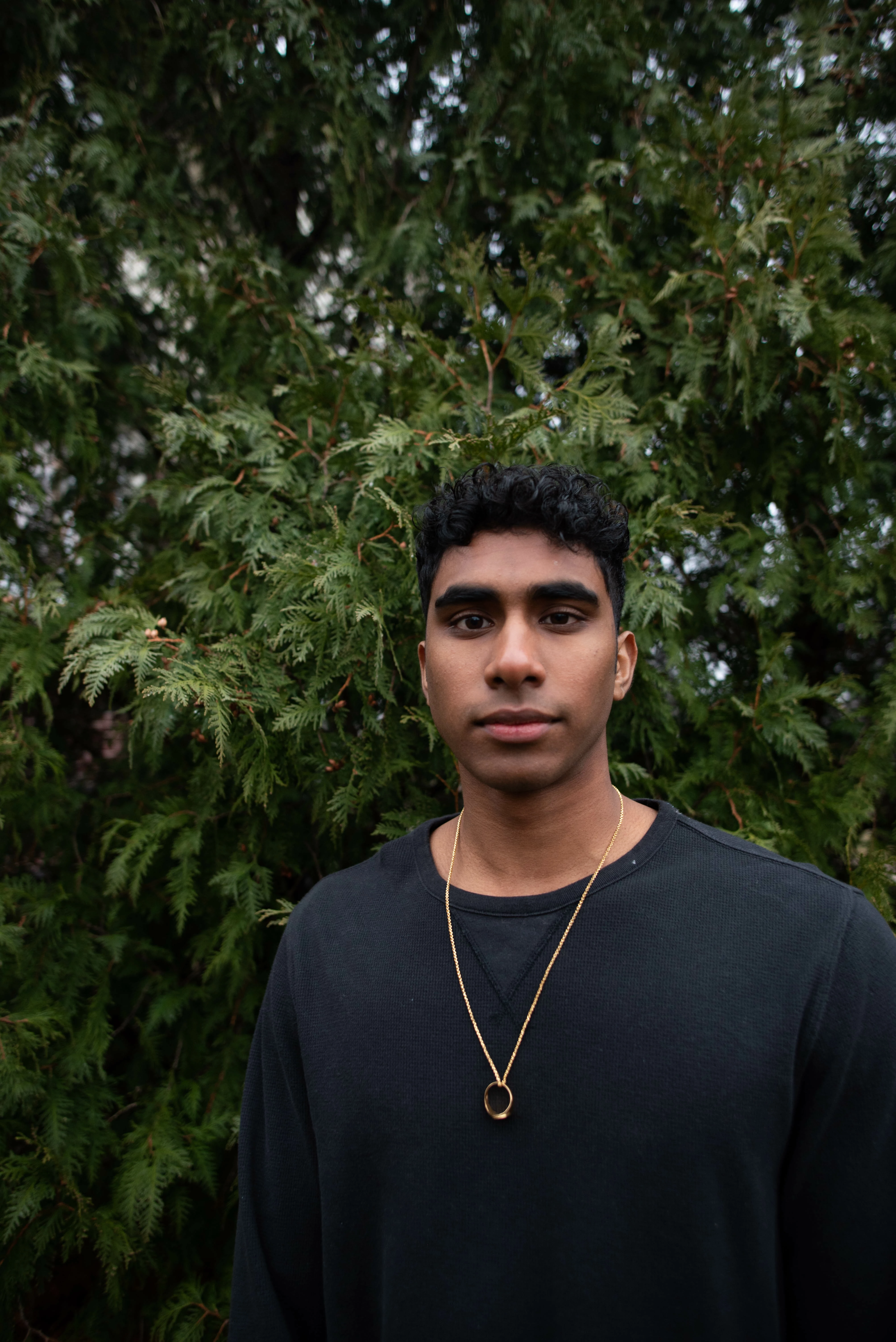
Hey guys so I ran into an odd issue with my LR and PS. When I export a photo it looks completely different but if I take a screen shot of that same photo when editing the screen shot looks perfect and normal. There seems to be something going on with the color management. I tried messing around with a lot of things in preferences but with no luck. I also connected different calibrated displays to my pc and it shows the same result for some reason so it is not to do with a display but rather something within lightroom and photoshop, camera raw, or something color management wise. My maching is a dell xps 15. I am leaving some examples below.
As we can see there is a dramatic color and contrast shift for some reason during the export. The differences are consistant on multiple viewers such as google chrome, my iphone, etc.
There were no changes to the settings at all.
Thank you.
 AdChoices