


Lightroom not automatically finding files stored on an NAS
Hi everyone,
I am using Lightroom Classic on my MacBook Pro M1.
All my RAW files are stored on a Synology NAS.
My problem is, every time I open Lightroom, it can't find the folders and files on the NAS, though I am connected to the NAS on my Mac (I have the warning "This file could not be found" on every photo in the develop panel, and my folder). So every time, in Lightroom, I need to manually search for the folder my photos are stored in on the NAS to be able to work back on it. I'd like Lightroom to find these folders automatically without me having to manually search for them.
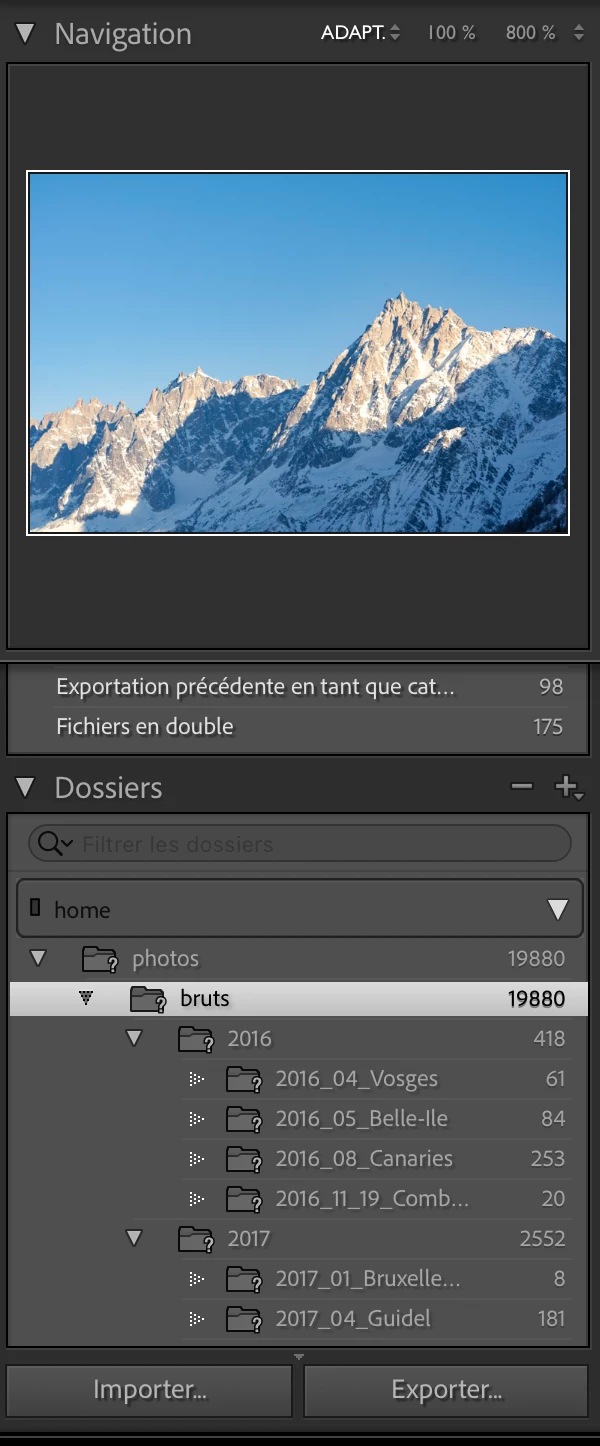
Here we can see that my "photos" folder, which is located on the volume "home" on my NAS, can't be found. I have to right click on the folder and click "Find the missing folder" to find it back.
Do you know how could I solve this issue ?
 AdChoices