

Answered
LRC Warning Message
Whenever I start LR Classic (currently V11 but same behavior with V10), I get the following warning (see attached screenshot). I click OK and everything seems to work.
Any idea why this occurs and can I get rid of it?
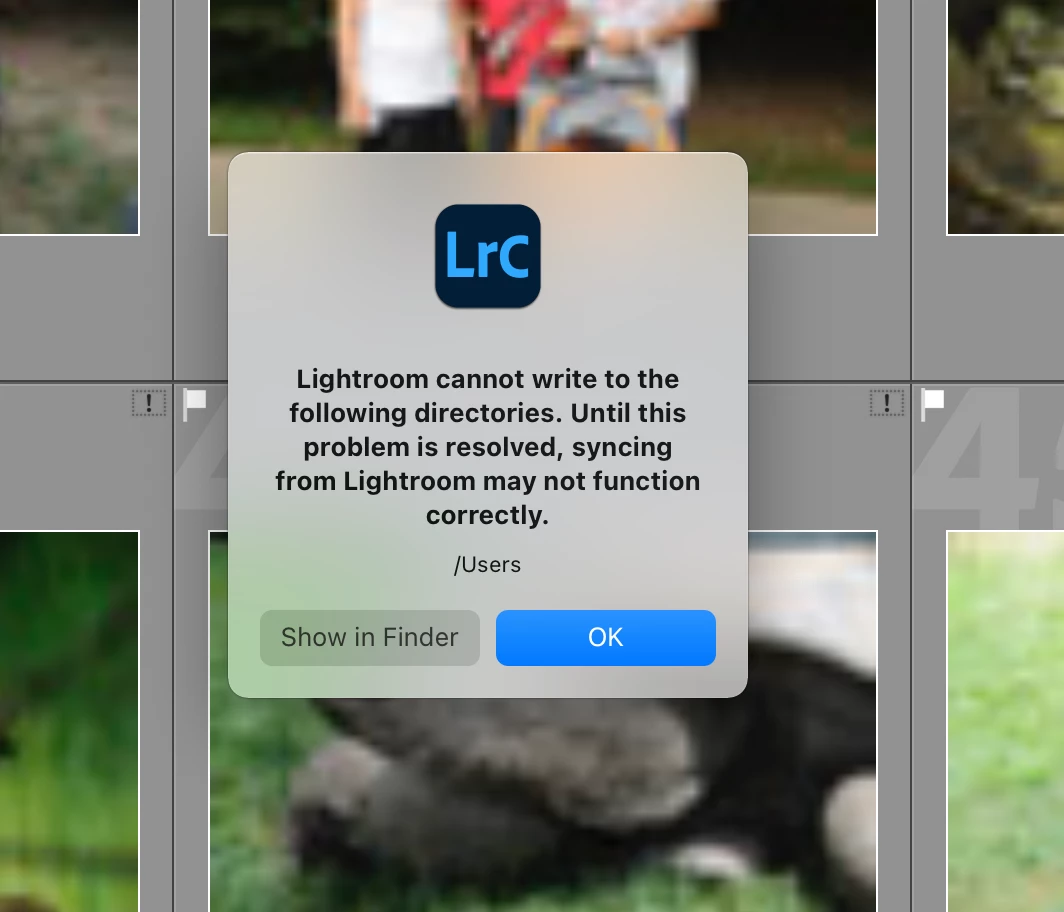

Whenever I start LR Classic (currently V11 but same behavior with V10), I get the following warning (see attached screenshot). I click OK and everything seems to work.
Any idea why this occurs and can I get rid of it?
The suggestions are wrong. This is a different problem. What happened is that the destination folder of images synced down from the cloud was reset to your root user folder. Lightroom does not, and should not, have permissions to write to this folder. Go to Preferences - Lightroom Sync and choose another destination folder location.
Already have an account? Login
Enter your E-mail address. We'll send you an e-mail with instructions to reset your password.
 AdChoices