Participant
February 16, 2023
Answered

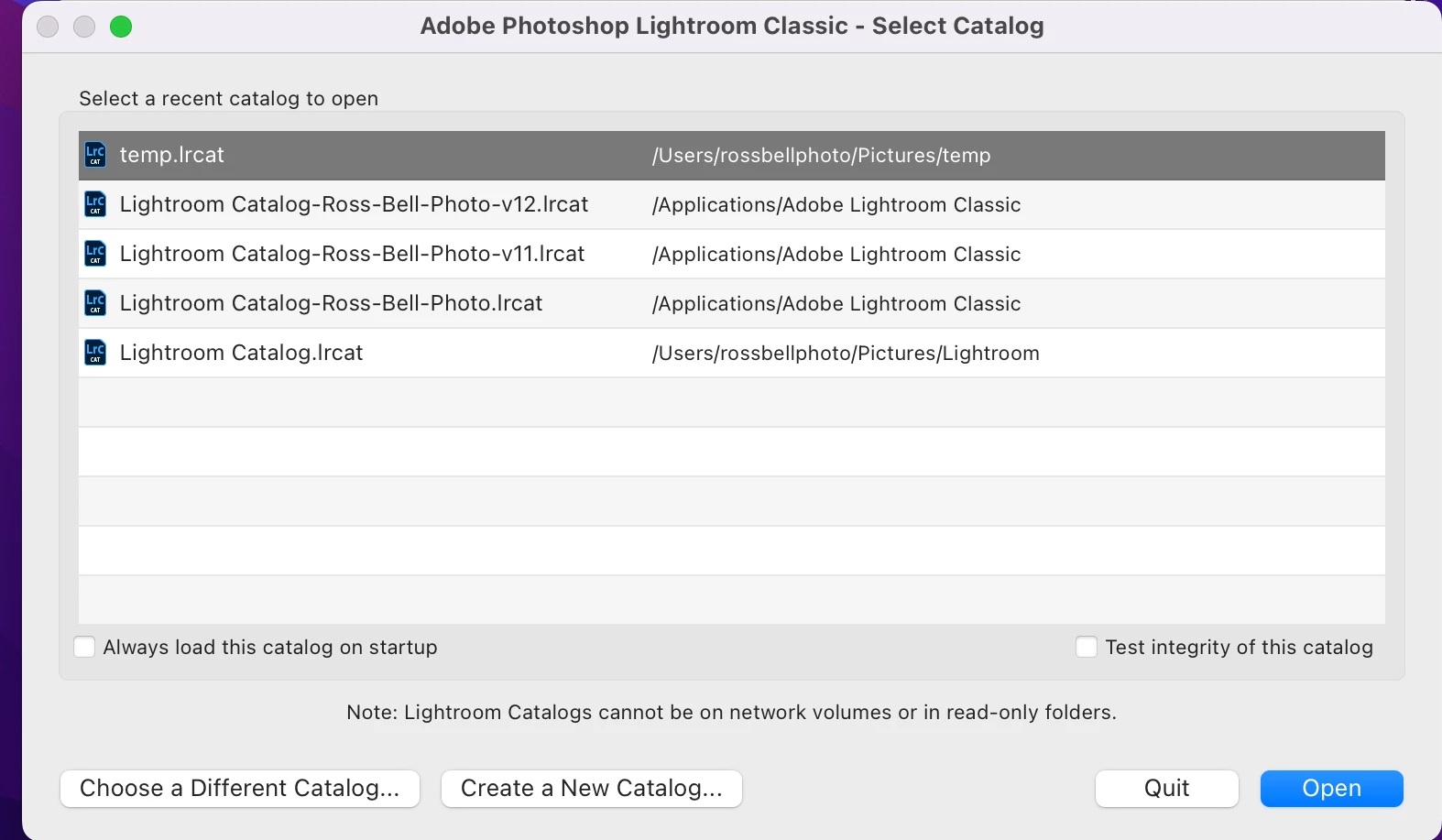
P: Unable to access catalog (Catalog stored in Applications Folder)

  • February 16, 2023
  • 4 replies
  • 2745 views

"The Lightroom catalog cannot be used because the parent folder “/Applications/Adobe Lightroom Classic” does not allow files to be created within it.


Please either fix the folder permissions before continuing or choose a different catalog."


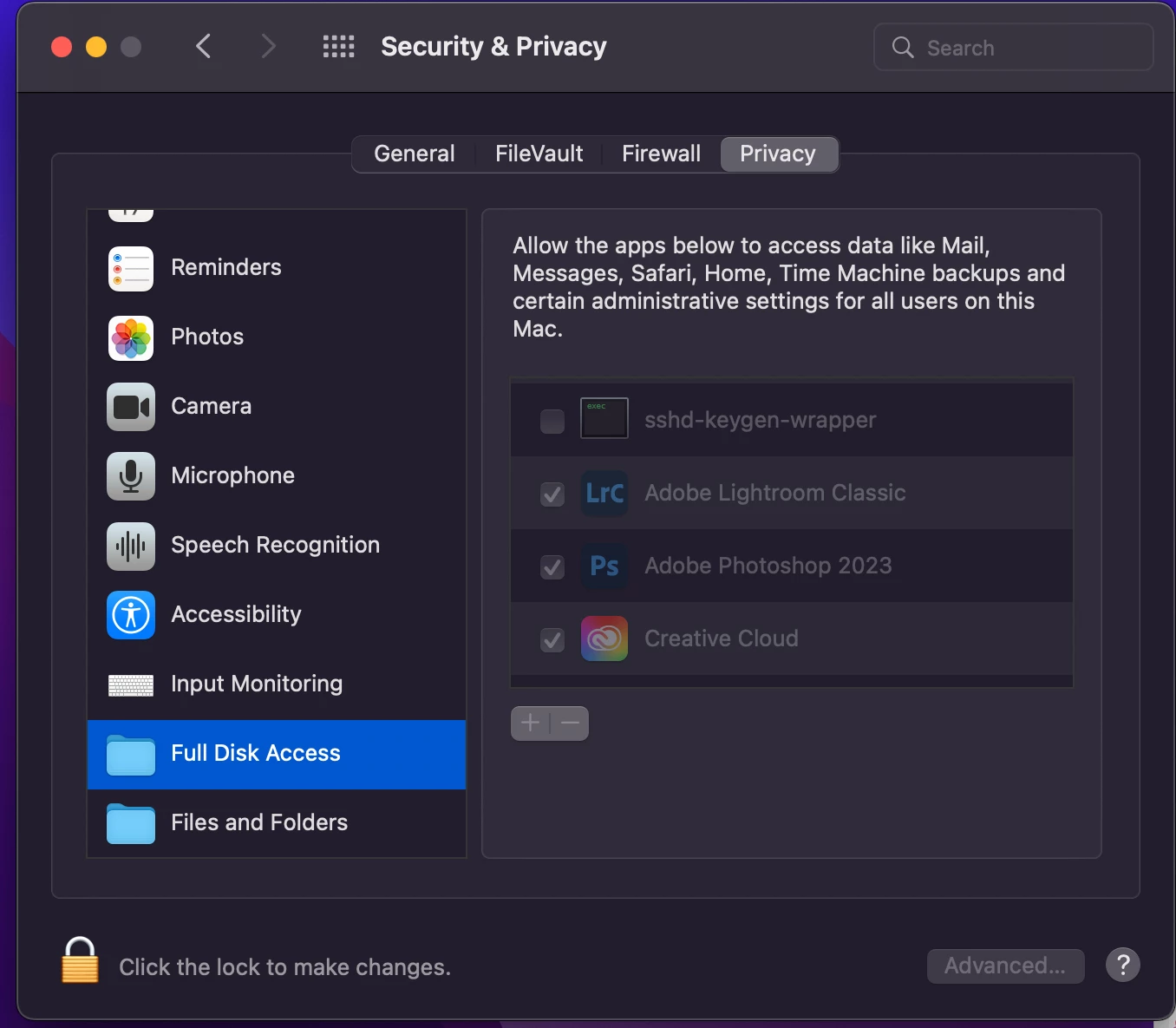
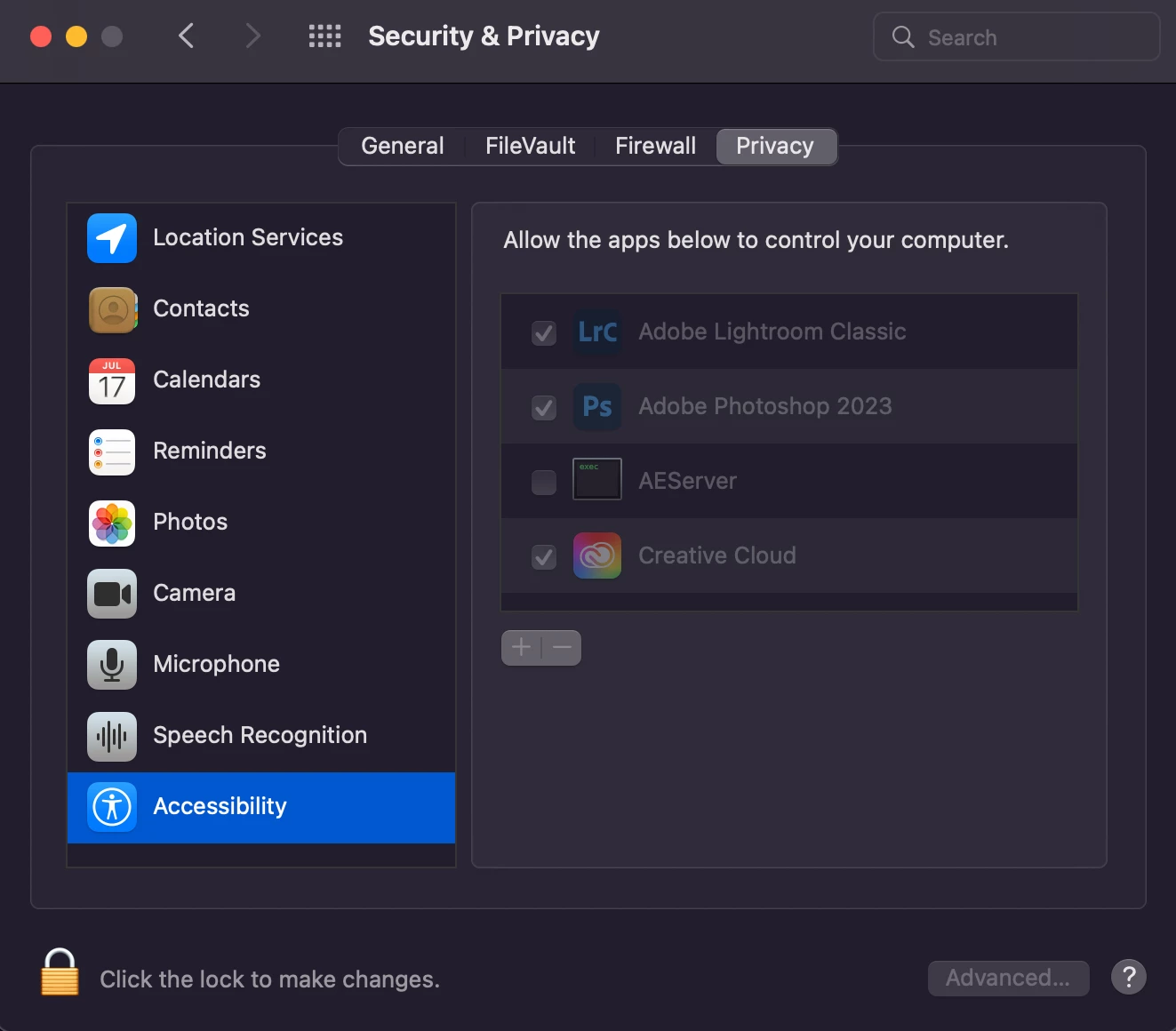
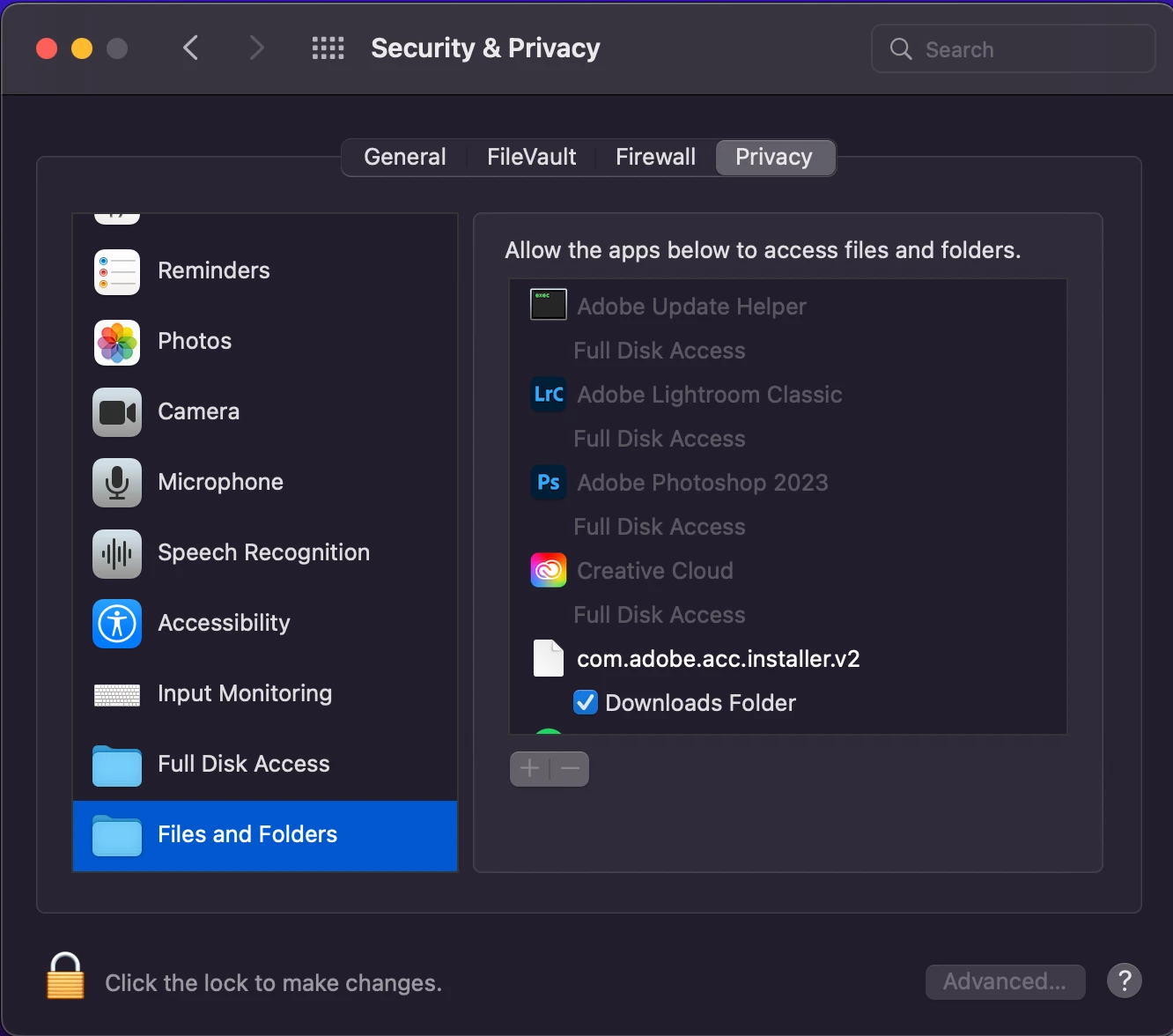
  • I've tried updating "full disk access", restarted etc and nothing helped...
  • Tried changing catalog location
  • Can open lightroom by creating new catlog but hit with the same problem when I try open old catalog from there
  • Went back to an old version of Lightroom, didn't change.


Any help or advice or things to try would be greatly appreciated... Screenshots below


This topic has been closed for replies.
Correct answer Lumigraphics

You can't store your catalog files in the Applications folder. Use your Pictures folder or someplace on a local external hard drive. My catalog is on a USB hard drive and performance is fine under Ventura.

4 replies

Participant
February 16, 2023

I now get the message "The lightroom catalog cannot be used because the parent folder "/Applications/Adobe Lightroom Classic" does not allow files to be created within it".  I have given Adobe Lightroom Classic "full disk access" in settings.  

Ian Lyons
Community Expert
Community Expert
February 16, 2023

Check out the last post in this thread https://community.adobe.com/t5/lightroom-classic-discussions/lightroom-not-able-to-access-catalog-since-12-2-update/td-p/13584669  


Does this match with what you're doing?

Ian Lyons
Community Expert
Community Expert
February 16, 2023

Yes, that's it.  When I moved the catalog to another folder and pointed to it, it now works fine.  Thanks.


Was your catalog in the Applications folder? If yes, why?


LumigraphicsCorrect answer
Legend
February 16, 2023

You can't store your catalog files in the Applications folder. Use your Pictures folder or someplace on a local external hard drive. My catalog is on a USB hard drive and performance is fine under Ventura.

cmgap
Community Expert
Community Expert
February 16, 2023

Did you  move your catalog (.lrcat files) to your applications folder? If yes all of the associated catalog files must be in the same location in order to open your catalog. Move your .lrcat files back into the Lightroom folder in  your pictures folder and try opening the catalog again. By default Lightroom is installed in the Pictures folder. It's okay to move it if you really want to but you must move the .lrcat-data, .lr-previews file and other catalog associated files with it.

kglad
Community Expert
Community Expert
February 16, 2023

in the future, to find the best place to post your message, use the list here, https://community.adobe.com/


p.s. i don't think the adobe website, and forums in particular, are easy to navigate, so don't spend a lot of time searching that forum list. do your best and we'll move the post if it helps you get responses.


<moved from using the community>