


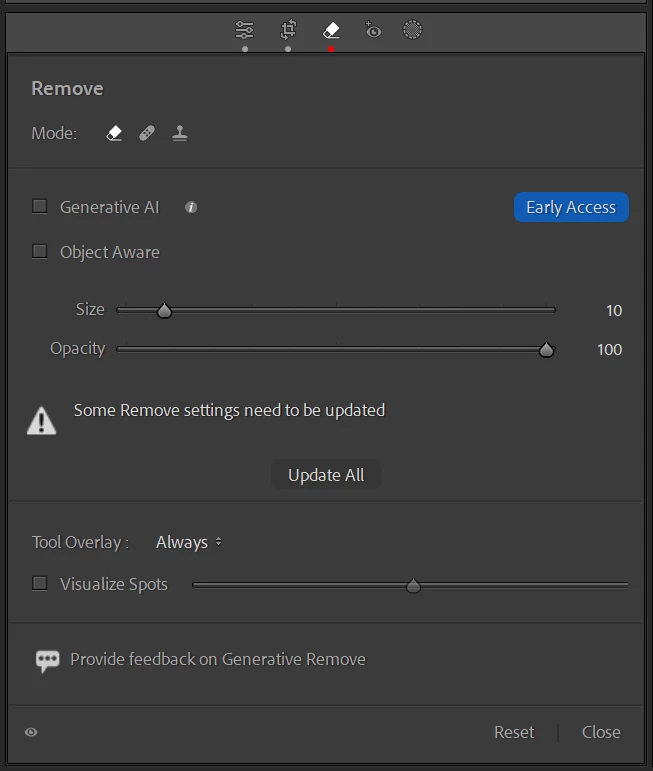
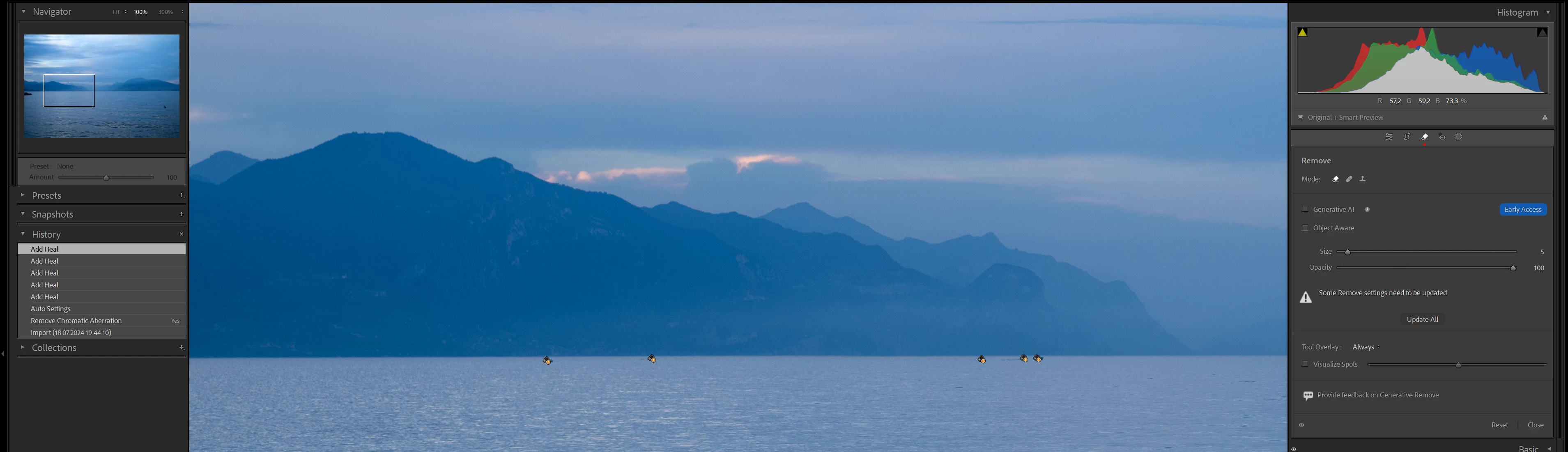
"Some Remove Settings need to be updated" error occurs repeatedly
Hello!
I have the following problem in Lightroom Classic (13.4), that is blocking my workflow. Maybe someone could help me out with this one.
Whenever I use the remove tool in the develop module, soon after there is the warning "Some Remove Settings need to be updated" and the changes that where done are gone. This happens espacially when I go on to a different photo and return to the previous one shortly after. All (new) changes that I had done before with the remove tool are affected. Other edits/changes are not affected.
This also happens sometimes while I use the remove tool in the same moment, in this case only the most recent instance is affected. But the other ones that have been done before that, will be affected afterwards after going to a different photo and then returning to this one.
Using "Update all" is only working for a few moments, the problem keeps on returning.
All remove tool instances that where done before the issue occurs for the first time are not affected. Only new changes that are done with the remove tool are affected. This is equaly for using Generative AI and also when not using Generative AI.
I updated Lightroom to Version 13.4 on 6th of July and could edit my photos without any issues on that day and the following day. One week later I wanted to continue my editing, that´s when this issue occurs. There was no further update of Lightroom Classic in between.
I have checked and tested the following things, that I found before while searching the community discussions, but none of it works:
- GPU is updated with the current driver
- The problem occurs on my desktop PC and on my Microsoft Surface PC
- Turned OFF the use of the GPU
- Deleted the helper.lrdata file
- Reset the Lightroom preferences
- Imported and tested with a new photo
- The most recent History entry is selected and there is no other new entry
My specs:
- Lightroom Classic 13.4
- Windows 11 Pro (all Windows updates done)
Best regards
Jan
 AdChoices