


2Charlie
Inspiring
December 15, 2022
Answered

Second Window question

  • December 15, 2022
  • 2 replies
  • 1034 views

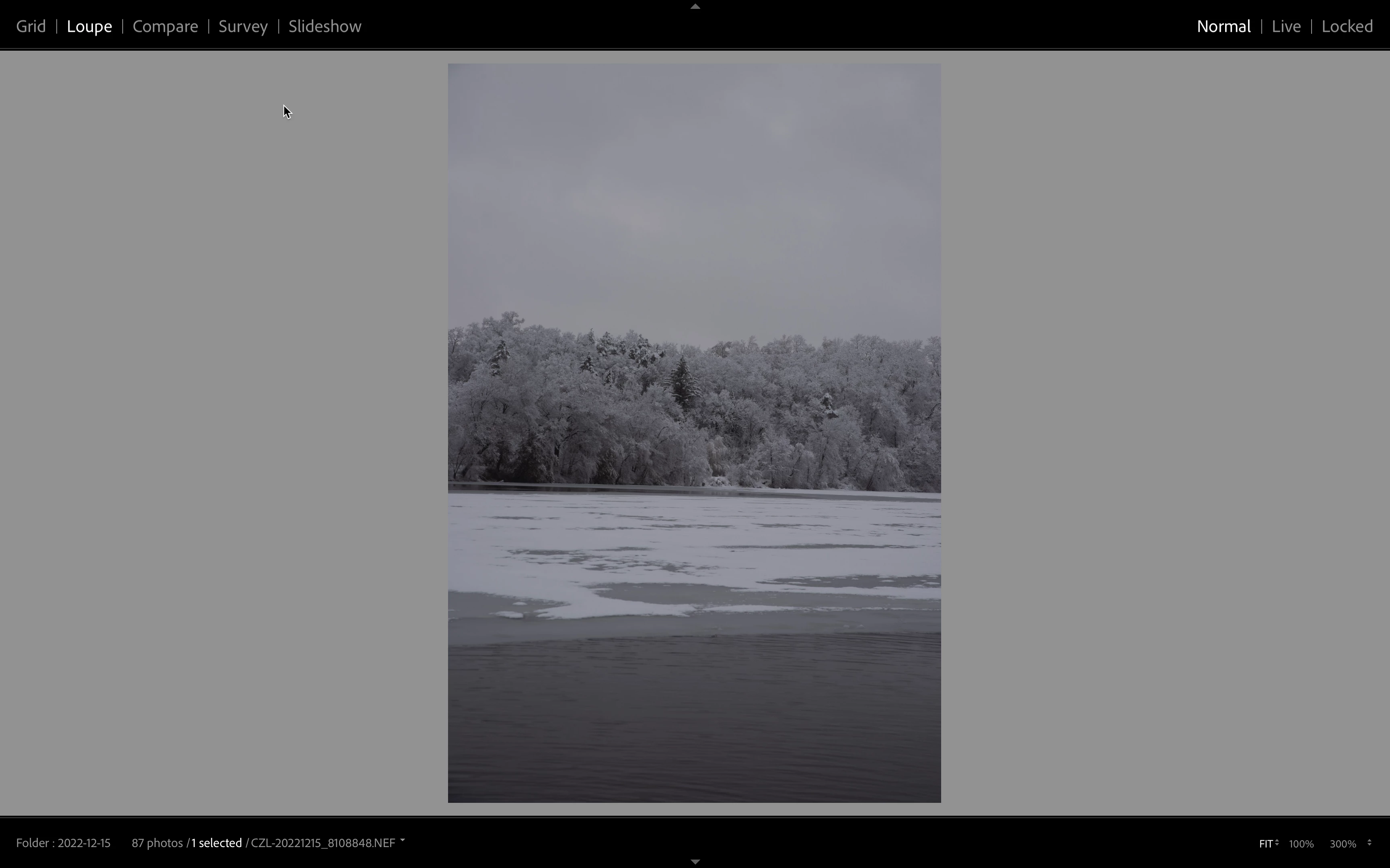
I have dual monitor plus my MacBook Pro's screen. I have Lightroom classic open on my left monitor; however, this window shows up on m MBP's screen. I could not figure out how to close this window. What is this window use for? I don't think I've ever seen/used it before.

 

Correct answer Ian Lyons

It's the LrC secondary display window. You can switch it off using KBSC Cmd+F11 or if easier on your setup using the button with '2' in centre at bottom left corner of LrC primary window as shown in below screenshot.


2 replies

Conrad_C
Inspiring
December 15, 2022

If the problem is that the Lightroom Classic Secondary Display window covered the Lightroom Classic application window instead of appearing on your other display, it means the preferences setting for the Secondary Display window somehow switched to the wrong setting again, which seems to happen to a lot of people, including me at times. It isn’t supposed to cover the application window.


If you’d like to use the Secondary Display window on the other display where it’s supposed to be, change the Display preference in Lightroom Classic so that the white selection border is on the other display. Then you can use the secondary display for things like keeping the Grid view available as you edit in the Develop module.


Participating Frequently
March 31, 2025

I agree this is how it's supposed to work, but it doesn't, everything to get everything set up how you want it using your monitor for the grand display when you turn around look and everything is all jacked up. You can go to preferences all day long make the changes but Adobe just decides that that's not how it's supposed to be bounces around. Continuously drives me nuts. The only good thing is makes me get up and walk around the block and cool down while getting some good exercise obviously this doesn't work on days and it rains but anyway....

Ian Lyons
Ian LyonsCorrect answer
Braniac
December 15, 2022

It's the LrC secondary display window. You can switch it off using KBSC Cmd+F11 or if easier on your setup using the button with '2' in centre at bottom left corner of LrC primary window as shown in below screenshot.


2Charlie
2CharlieAuthor
Inspiring
December 15, 2022

Thanks, much appreciated!